

TP-Link Deco M5

 $96.11 - $126.12
Reviews
Show product page
9 years ago
TP-Link Deco M5 Whole Home Wi-Fi System Review
Like mentioned above, the setup and configuration of the TP-Link Deco M5 is by far the easiest Wi-Fi router that I have ever set up. This is perfect for those who just want to plug it in and go. There is no need to fiddle with obscure settings or constantly tweak things.
Pros:
- Covers up to 4,500 square feet
- Excellent parental controls
- Quick and easy setup from mobile device
- Covers up to 4,500 square feet
- Excellent parental controls
- Quick and easy setup from mobile device
Cons:
- More on expensive side
- No web UI access
- No advanced routing settings
- More on expensive side
- No web UI access
- No advanced routing settings

9 years ago
TP-Link Deco M5 Whole Home WiFi System Review
Final Thoughts For their first entry into the whole-home WiFi market I think TP-Link has a very strong contender in the Deco M5 system. This is our first time taking a look at a system like this so we cannot compare it to others, but comparing it to typical routers we can definitely see some areas...
Pros:
- – Easy setup
- – Better overall WiFi coverage than a normal router
- – Small profile
- – TPLink HomeCare included
- – Great unboxing experience
Cons:
- – Not as many configuration options as a normal router
- – Will need to buy a switch if you need multiple Ethernet ports

9 years ago
Review: TP-Link Deco M5 Whole Home W-Fi System
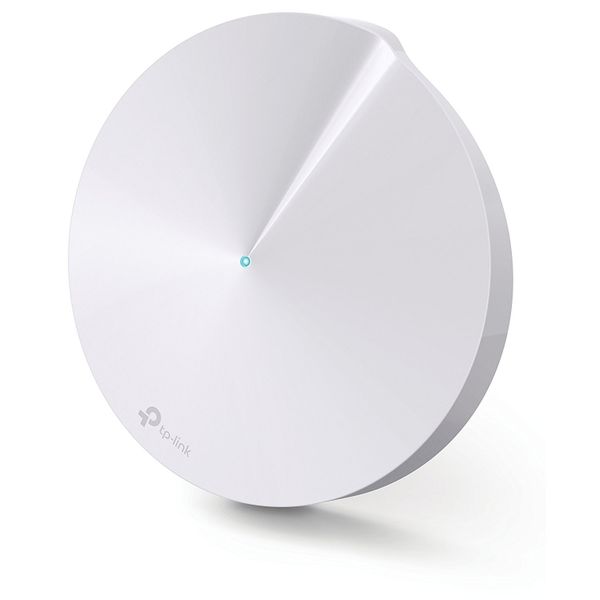
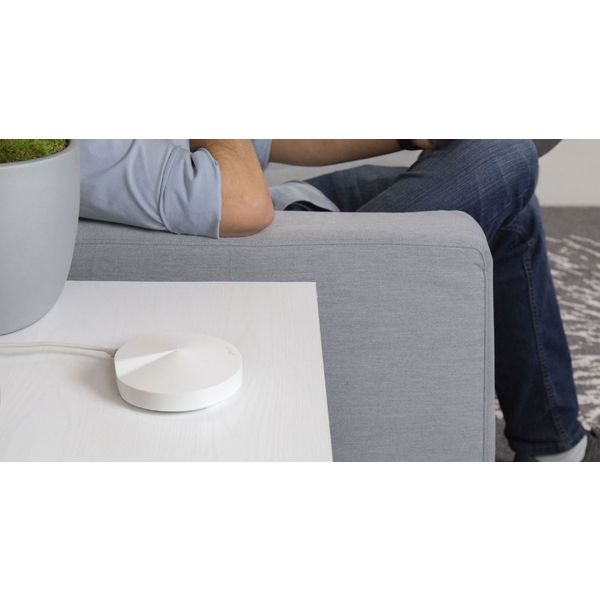
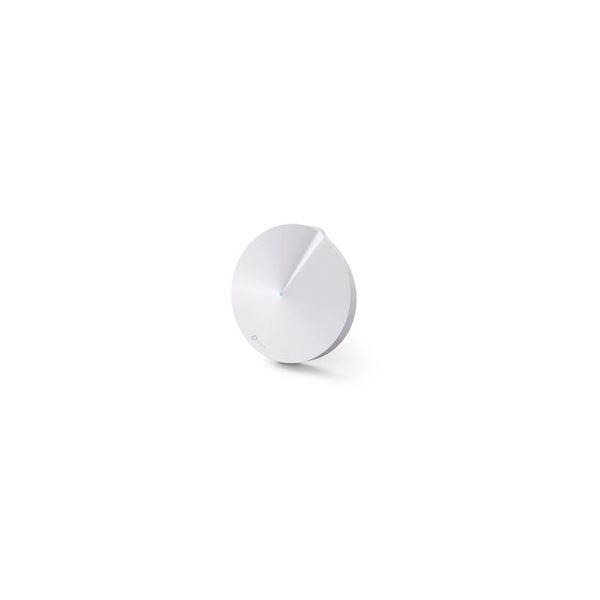
The Deco M5 is TP-Link's take on the increasing popular whole home Wi-Fi (mesh) product category. These little discs contain a total of four radios each, that act as a combination of Wi-Fi backhaul and client access.
9 years ago
TP-Link Deco M5 Mesh WiFi Network Review
While many people are excited about Google WiFi , there's another name out there that is doing the same thing, and it's actually a bit cheaper. And that's the TP-Link Deco M5. Now TP-Link has been producing routers and other networking products for many years, so it arguably has more experience in...
9 years ago
TP-Link Deco M5: A challenger for Google Wifi's crown
TP-Link has regularly topped the list of our favourite wireless routers at Expert Reviews in the past few years, but with mesh networking gaining ground over traditional methods of strengthening your home Wi-Fi coverage, it's having to change tack.
Pros:
- Great parental controls
- Three-year antivirus built in
- Strong wireless coverage
Cons:
- Slightly slow at close range
- Pricier than BT Whole Home Wi-Fi

9 years ago
TP-Link Deco M5 Review
TP-Link's new Deco M5 mesh networking kit targets simplicity, but it's half-baked.
Pros:
- Unique circular design
- Support for Ethernet-based Deco-to-Deco communication
Cons:
- Unstable Bluetooth mobile setup process
- No web-based backend
- Wireless AC devices have a 433Mbps limit
- Shallow "advanced" features

9 years ago
TP-Link Deco M5 Whole-Home Wi-Fi System
The Deco M5 Whole-Home Wi-Fi System is definitely an appealing option for those looking to get setup with a Wi-Fi mesh network. It is easy to setup, provides uniform coverage over the area it claims to, and is rather attractively priced.
Pros:
- » Easy setup
- » Provides reliable and consistent Wi-Fi coverage throughout the home
- » HomeCare anti-virus and other security measures are welcome features
- » Parental controls are very thorough and easy to setup
- » Access point mode now available for those that don't want to replace existing...
Cons:
- » As a router
- the features are rather limited
- » Advanced configuration options are lacking
- » No USB ports and very limited LAN ports
- » In access point mode
- most of the advanced features are disabled
- » Advertised as AC1300
- which isn't all that fast these days
- » Wi-Fi tested slower than...

9 years ago
In short, the TP-Link Deco M5 is a worthy entry to the low end of the mesh networking market, and it includes network-based antivirus and excellent parental controls. We prefer Google Wifi's app and the way it can proactively change channels to improve wireless performance and avoid interference,...

9 years ago
Got rid of my dead spots
I purchased this because it will operate in access point mode (use my router) and is supports Ethernet backhaul. There were some minor setup glitches until the firmware updated. After updates and setup completed it has been bullet proof.
8 years ago
With multi-room mesh-based Wi-Fi solutions becoming more prominent, every networking brand out there has come out with their own trendy lifestyle routers. Routers that aren't conspicuous big grey boxes but devices as elegant and aesthetically appealing as any iPhone or Samsung flagship.
Pros:
- App works well
- Setup is super easy
Cons:
- Settings can be light on detail
- Minimalist design might not be for everyone
4.2
from 46 reviews
5
41.0%
4
41.0%
3
6.0%
2
4.0%
1
4.0%

