

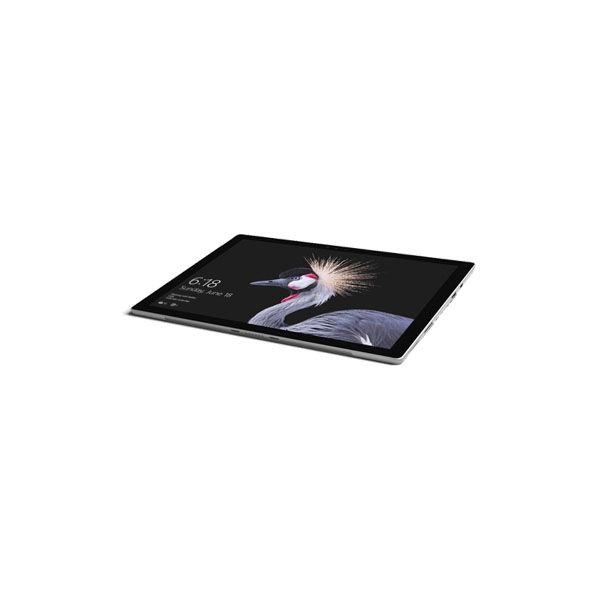
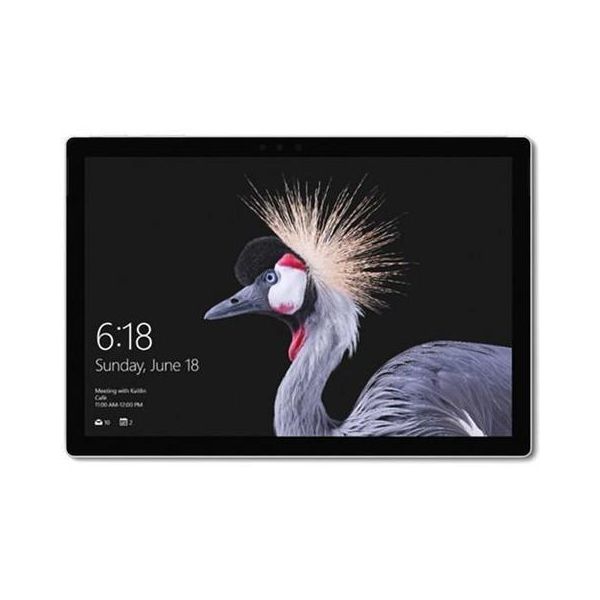
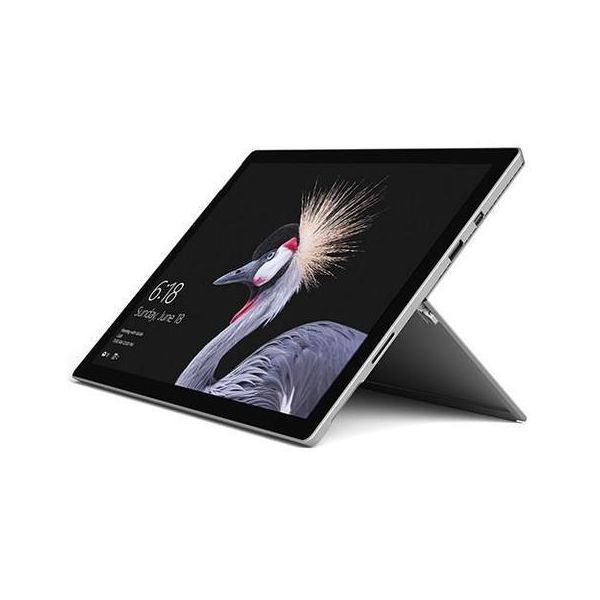
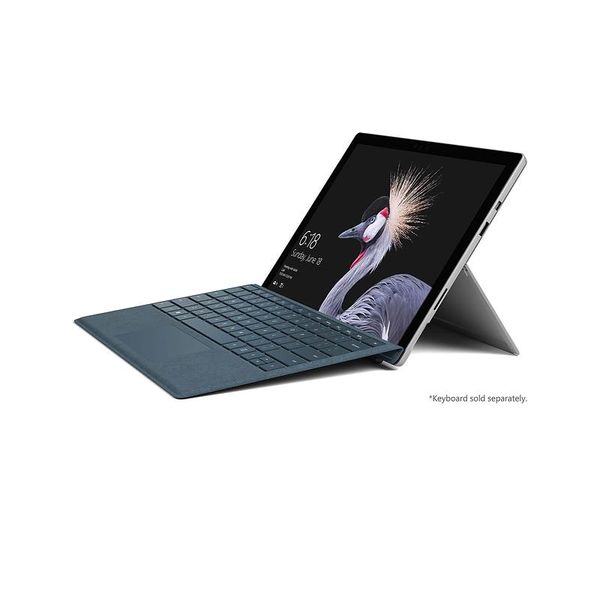
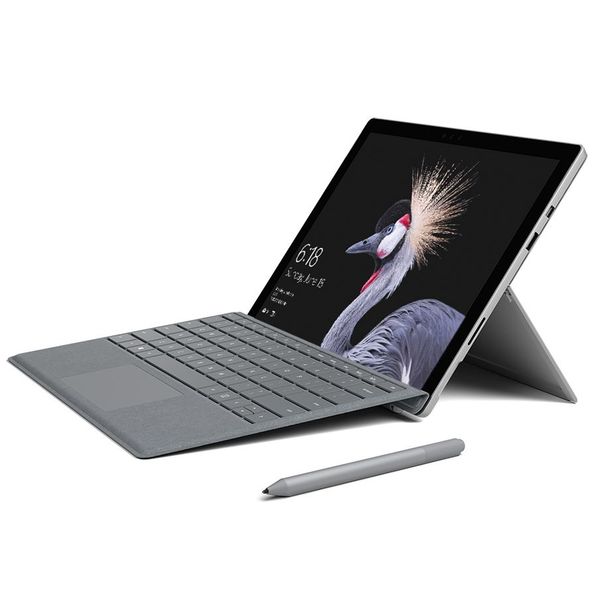
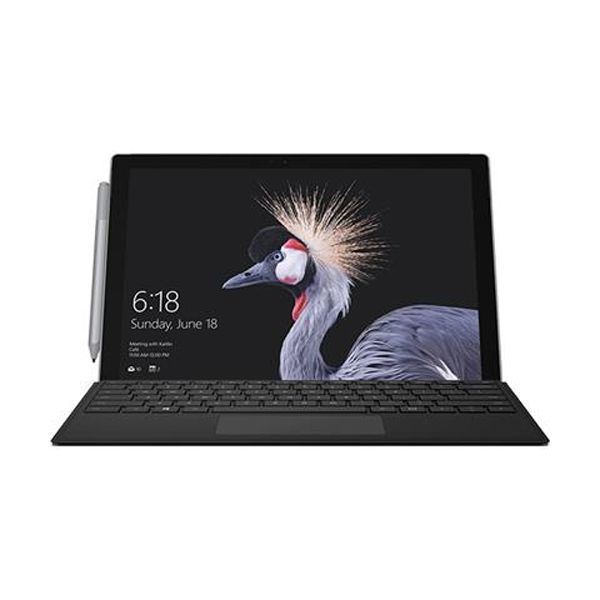
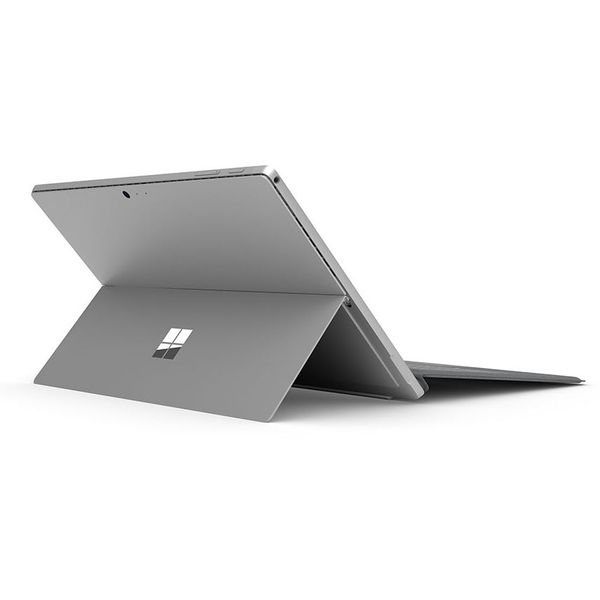
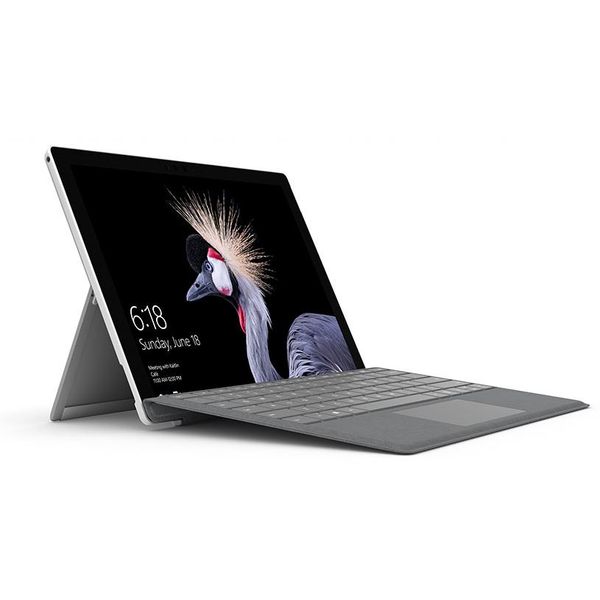
Microsoft Surface Pro 5 12.3in i5 8GB 256GB (2017)

 $349.91
Reviews
Show product page
13 years ago
Microsoft Surface Pro 5 (i5, 8GB RAM, 256GB, SSD, Win 10 Tablet) - Excellent review
The Surface PRO on a fundamental hardware level is fairly sound. It meets the needs of your average user, but may not appeal to people who need a high-performance machine. If you do casual website editing, blogging, small bursts of gaming, or browsing the internet, you should be OK.
Pros:
- HD Display, Stylus, Windows Legacy Support, Audio and Video Codex, CONS

13 years ago
Microsoft Surface Pro 5 (i5, 8GB RAM, 256GB, SSD, Win 10 Tablet) - Excellent review
Summary: The Core i5-based Surface Pro combines ultrabook components with a (chunky) 10.6in. tablet form factor to deliver decent performance and excellent build quality. However, a few design issues, missing features and, above all, disappointing battery life suggest you'd be wise to wait and see...
Pros:
- Solid, elegant hardware design, Runs Windows 8 Pro and legacy software, Ultrabook-level performance, Supports pressure-sensitive pen input
Cons:
- Disappointing battery life, Kickstand isn't adjustable, No desktop or keyboard dock available, Desktop scaling issues when used with a large external monitor, Lacks GPS and NFC, No mobile broadband option, Stylus needs a storage location within the chassis

13 years ago
Microsoft Surface Pro 5 (i5, 8GB RAM, 256GB, SSD, Win 10 Tablet) - Excellent review
The Surface Pro is an interesting hybrid of a tablet and laptop. Unlike its little sibling (Surface RT), which is considered more of a tablet, the Surface Pro has more affinity to the ultrabook.
Pros:
- * Great, solid build and design, * Powerful hardware, * Large storage, * Full-sized USB 3.0 port, * Full HD resolution

12 years ago
Microsoft Surface Pro 5 (i5, 8GB RAM, 256GB, SSD, Win 10 Tablet) - Excellent review
The Surface Pro is very similar to the Surface RT because it is made with the same design and the same surface (called VaporMG), but you just have to study it carefully to become aware of some differences: it is thicker than 4 mm (13.5 mm in total), weighs 227 g in most of his younger brothers (with...
Pros:
- Screen very nice, original design, Windows 8 and 64bit Intel Core i5 enclosed in the form of a tablet, Wacom pen.
Cons:
- Overweight use as a tablet, Battery life is insufficient, Noise and heat sometimes annoying, The absence of a suitable accommodation for the pen.

12 years ago
Microsoft Surface Pro
A tough question. It's neither a straightforward tablet, nor a tablet/laptop hybrid. It's more ambitious. The Surface Pro is nothing less than an attempt to create the perfect PC for the ‘Post PC' era. It's a tablet you can use at home on the sofa.
Pros:
- Outstanding screen
- Innovative design
- Windows 8 at its best
- Comes with Wacom digitser pen
Cons:
- Heat and noise
- No digitiser pen storage
- Woeful battery life
- Shallow app store

12 years ago
Microsoft Surface Pro With LTE Advanced (Review Microsoft Surface Pro With LTE Advanced)
The latest Microsoft Surface Pro takes already-excellent hardware and adds LTE, making it a top choice for those who want a sleek, travel-friendly 2-in-1 hybrid tablet, but need absolute connectivity.
Pros:
- Speedy 4G LTE service from major wireless carriers., SIM and eSIM card support., Sleek, portable design., Top-notch display., Well-designed kickstand and keyboard.
Cons:
- Type Cover and Pen sold separately., Not as many configuration options as the non-LTE version.

12 years ago
Surface Pro 3 review: Is the third time the charm?
The Surface Pro line has always struck me as offering good solutions to the wrong problem. I remain tremendously sympathetic to Microsoft's broader objectives. Microsoft's argument is that it's silly to carry around an iPad and a MacBook Air; you can have one piece of hardware that fills both roles,...
Pros:
- Beautiful design
- Beautiful screen
- Packs so much into so little
- Neat OneNote integration
Cons:
- The dearth of USB ports
- The touchpad remains mediocre
- Some people will find it expensive
- It's still the best laptop replacement that can't actually replace a laptop

12 years ago
Microsoft Surface Pro 3 review
Imagine if you had a time machine that could send you back exactly 13 years. The rules of time travel don't let you change the past, but they do allow you to ask one question of a single person (time travel is, after all, very complicated).
Pros:
- Thin and light
- Greatly improved kickstand
- High-resolution screen
Cons:
- So-so battery life
- Some software bugs
- No full SD card slot

12 years ago
Moreover, as impressively thin and light as the Surface Pro 3 is, it's still relatively heavy to use for long periods as a tablet. And Microsoft's app store still has a long way to go before it even approaches the selection of quality software available from the Apple iOS and Google Android stores.
Pros:
- Thinnest and lightest Surface Pro to date
- Attractive 3:2 screen
- More versatile kickstand
- Premium look and feel
Cons:
- Still heavy as a tablet
- Keyboard adds $130 to the price
- Runs hot under heavy workloads

12 years ago
Microsoft Surface Pro 3
While the new Surface Pro 3 is Microsoft's best PC to date, it's more successful as a tablet than a laptop replacement.
Pros:
- The Surface Pro 3 is thinner and lighter than the previous two versions, despite having a larger 12-inch display and higher screen resolution
- A new kickstand makes it easier to set up and use, and the keyboard cover remains a best-in-class example.
Cons:
- That excellent keyboard cover is not included in the base price, and its improved touchpad still doesn't measure up
- The chassis lacks pen storage, and even with tweaked kickstand and keyboard hinges, the Surface Pro 3 still doesn't fit perfectly on the lap
3.9
from 77 reviews
5
17.0%
4
59.0%
3
14.0%
2
5.0%
1
3.0%

