

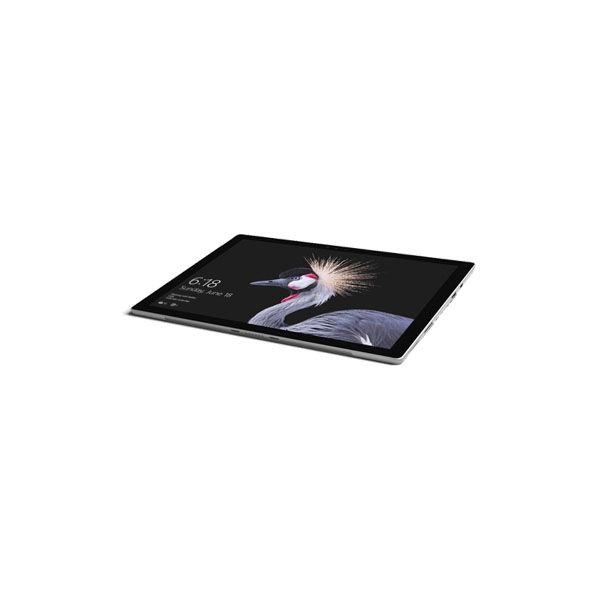
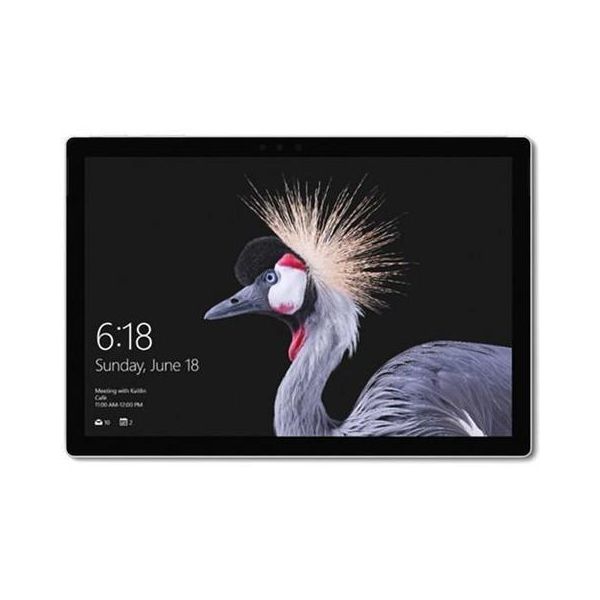
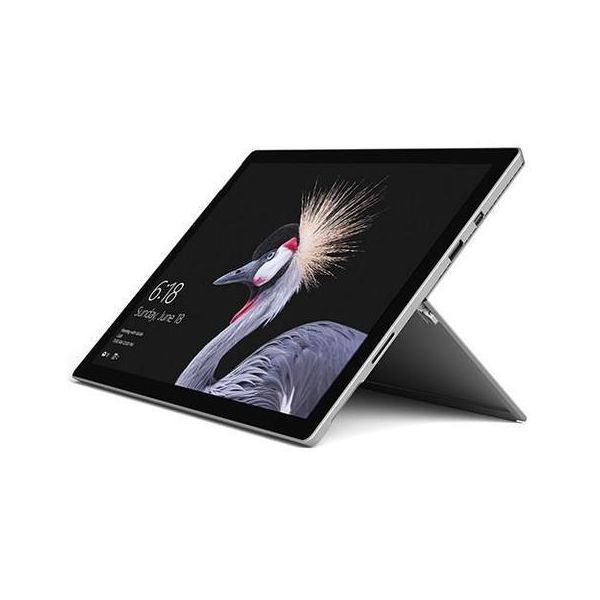
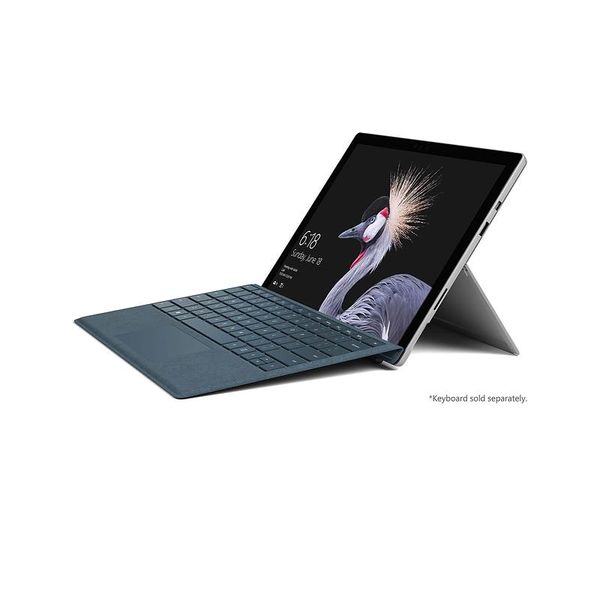
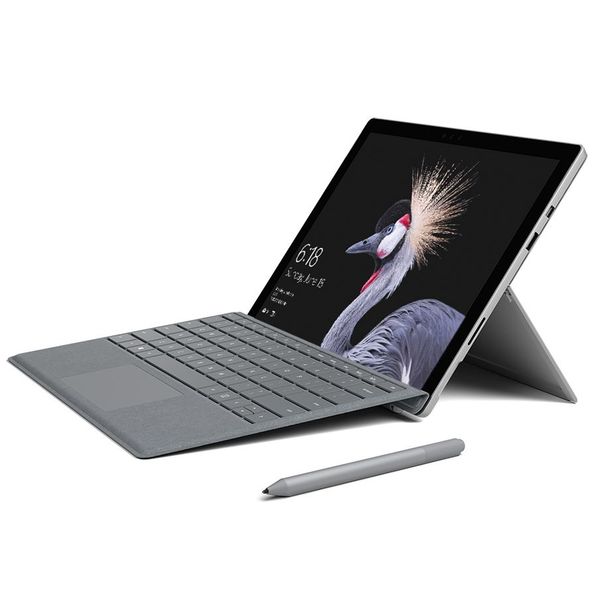
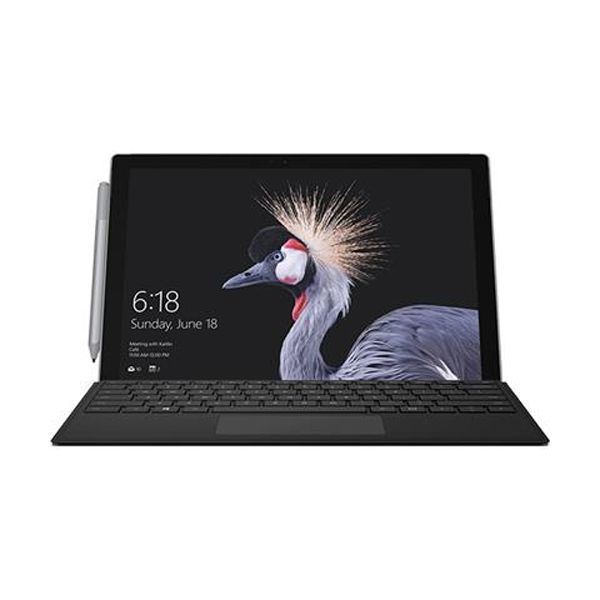
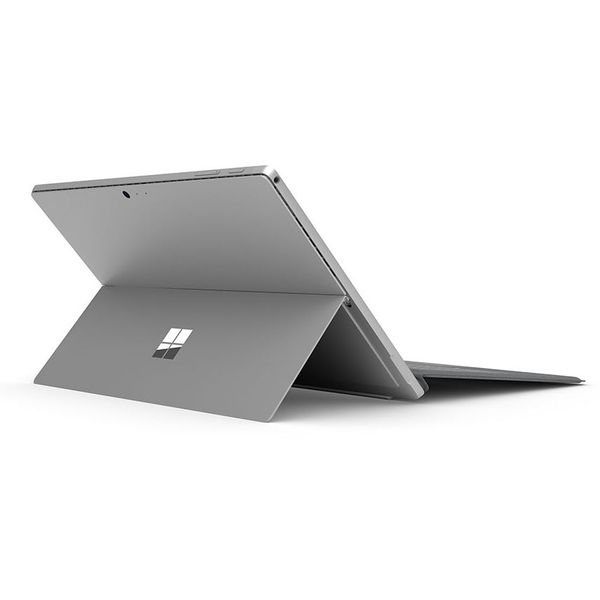
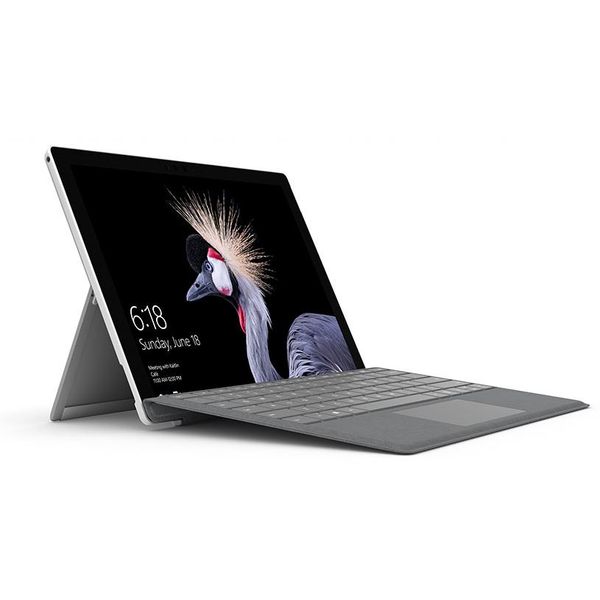
Microsoft Surface Pro 5 12.3in i5 8GB 256GB (2017)

 $349.91
Reviews
Show product page
11 years ago
What tablets should be: Microsoft's Surface Pro 3 reviewed
Microsoft's Surface machines have always been made to highlight the best experience Windows 8 could bring, and in the Surface Pro 3, the company is improving both the design and spec to make a true Ultrabook competitor. Is the third time really the charm?
Pros:
- Stylus included in the box
- Fantastic screen
- Excellent build
- The stand is incredibly tight and very versatile
- Improved power connector
- Louder sound
- New TypeCover keyboard is even better than before
- Power supply still includes an extra USB port for charging that phone of yours
Cons:
- Still very few ports available on the unit
- No keyboard included in the box

11 years ago
Microsoft has made many changes to the Surface Pro, and they're all great. This is an excellent tablet
Saying that the Surface Pro 3 is the best Windows tablet on the market isn't a stretch, and it shouldn't come as a surprise. Microsoft has built on the Surface Pro 2 in a big way, starting with the screen size, and ending with the adjustable kickstand.
Pros:
- Screen quality and resolution
- Light and comfortable to hold
- Kickstand
Cons:
- Capacitive Windows Home key
- Type Cover is an option

11 years ago
Nice interaction
Very good product. Good performance, good battery. For new users, when it updates for the first time, it takes very long. So don't panic. I had time to go out and come back and it was still installing although in my case my surface somehow got stuck and i had to press the button on/off for 10 secs...
11 years ago
Surface Pro 3 review
Since Microsoft unveiled its first Surface Pro in 2012, it has been trying to push the line of devices to business users as the ultimate "all in one" machine. Specifically the firm claims that, when paired with a keyboard cover, the Surface Pro will be able to function equally well as both a tablet...
Pros:
- Clear display
- good performance
- wealth of productivity services
- good battery life
Cons:
- Expensive by tablet standards
- Type Cover costs an extra £110
- stylus can lag

11 years ago
To appreciate Microsoft's latest tablet computer, you need to accept the notion that one device can do it all. The Surface Pro 3 works as a tablet when you want to watch video or read e-books. It works as a laptop when you need to get serious work done.

11 years ago
This is the most productive device out there in terms of creating and consuming content. I see comments all the time about how this is rubbish compared to android and iOS, but the things I can achieve on this device I would never be able to achieve with either iOS or Android.

11 years ago
The best mobile productivity device I've ever used
Performance on the Surface Pro 3 is excellent. For all general productivity, the core i5 used here is very fast, and because the storage is all ssd, the system is snappy and responsive; it's definitely comparable to the better ultrabooks on the market, and never feels sluggish or slow.
11 years ago
Microsoft Surface Pro 3 review
Microsoft has pitched it's new, bigger tablet fairly and squarely at the laptop market. With Windows now touch-friendly, is this the future of laptops?
11 years ago
The basics Microsoft claims the Surface Pro 3 is "the tablet that can replace your laptop". With a 12-inch screen, it's certainly big enough to back up that boast. But what are its other selling points? And it can it succeed where past Microsoft slates have failed? Let's take a look.
Pros:
- Given its size, you might expect the Surface Pro 3 to be a hulking beast of a machine, but it's actually surprisingly light
- The Surface Pro 2 had a 10.6-inch screen and weighed 907g, whereas the 12-inch Pro 3 somehow manages to tip the scales at 800g.
Cons:
- It might be light, but 12 inches is still pretty large, so it's not all that portable
- You're going to notice it in your bag
- The MacBook Air is still slimmer and lighter, especially when you add the Pro 3's cover.

11 years ago
Microsoft Surface Pro 3 Review
When the original Surface Pro launched, no one quite knew how to classify the hybrid. Was it a tablet that was trying to be a laptop? A laptop trying to be a tablet? Well, call us contrarians: We're going to come right out and say the Surface Pro line is neither and doesn't need to be-particularly...
Pros:
- Thin and light
- multi-point kickstand
- runs cool and quiet
Cons:
- Twitchy touchpad on Type Cover
- pen loop accessory is flimsy
3.9
from 77 reviews
5
17.0%
4
59.0%
3
14.0%
2
5.0%
1
3.0%

