

Asus Prime X299-A
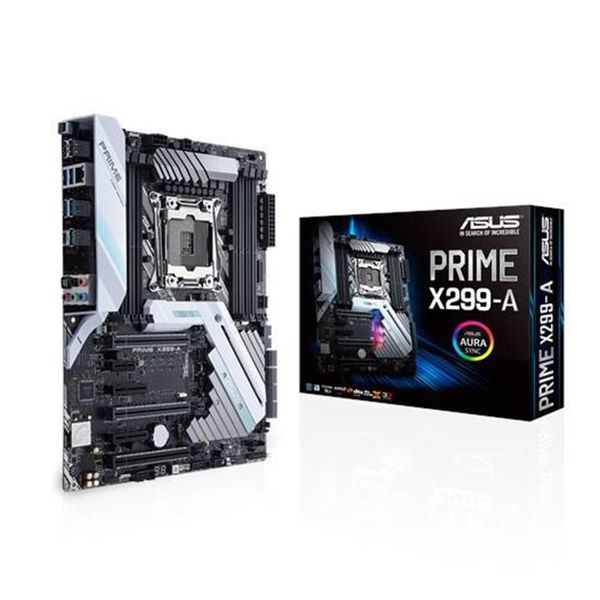
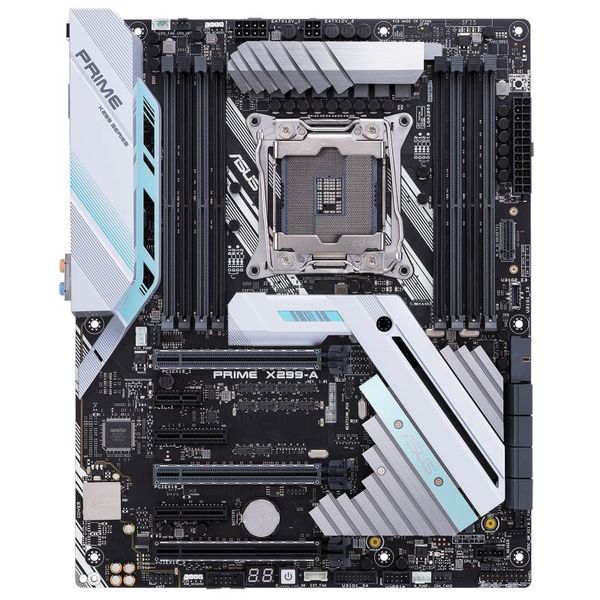
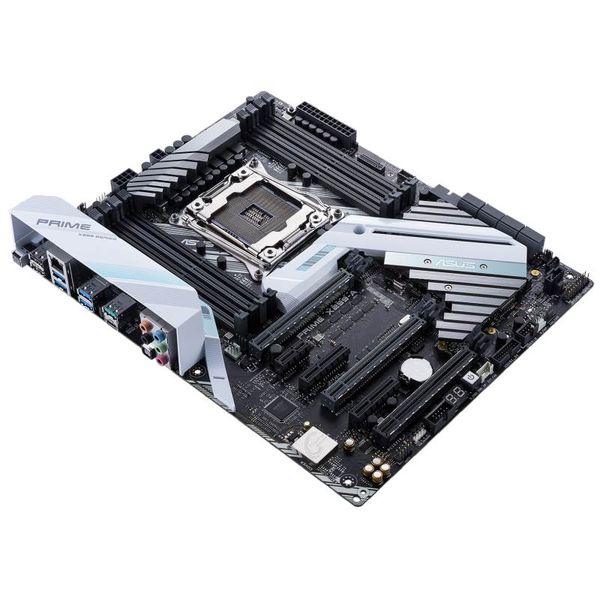
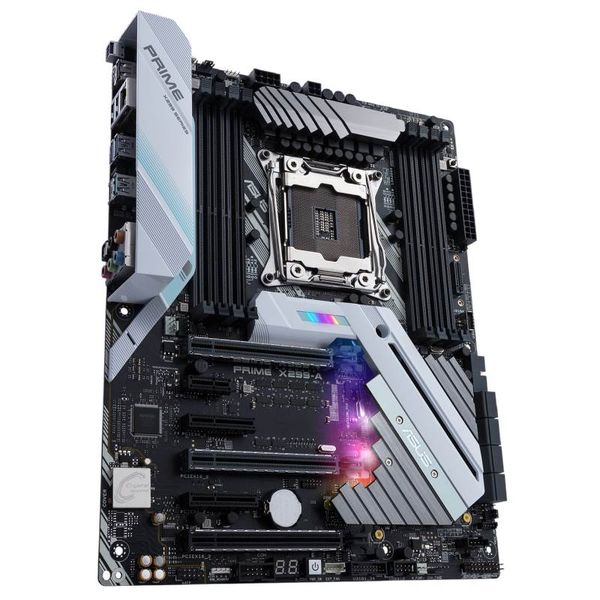
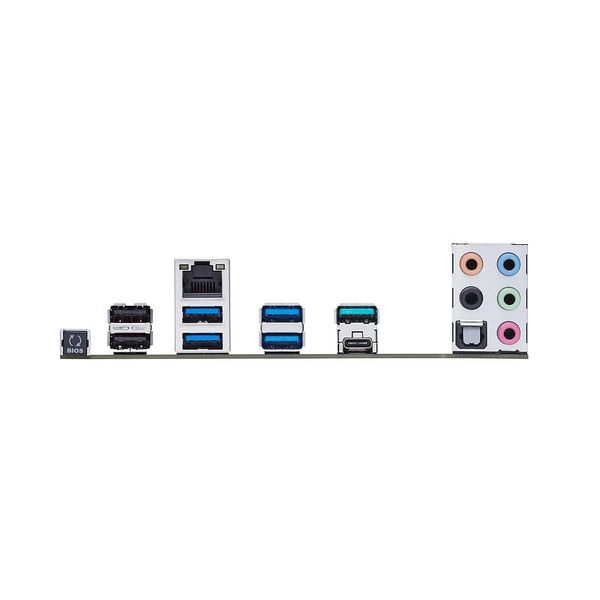
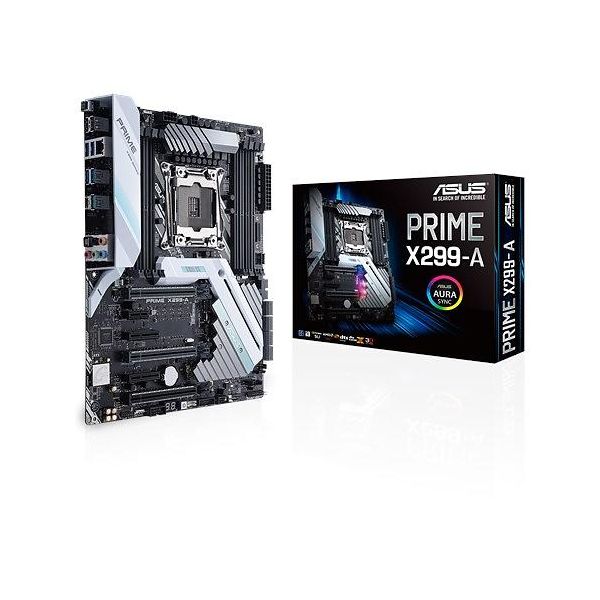

 $530.04
Reviews
Show product page
9 years ago
is a sweet little motherboard not much to say about it but it does what it's supposed to do

9 years ago
ASUS PRIME X299-A Review
Activity in the motherboard and CPU industry has hit an all-time high after the success of AMD's Ryzen 5/7 launches and while reception for Intel's most recent Core X Series may not have been a serious head turner, it's great to see the marketplace alive once again!
Pros:
- + Truly unique appearance
- + RGB customisation & headers
- + Great overall performance
- + Arrives with USB 3.1 front header
- + Advanced features – LED Debug
- MemOK
- + Includes heatsink for M.2
- + Uses strengthened PCI Express slots
- + Decent audio solution

9 years ago
The ASUS PRIME X299 DELUXE is loaded with so many features; it's equipped to tackle pretty much anything.
Pros:
- Wireless AD
- Excellent Quality
- ThunderBolt 3.0
- Tons of Fans and Sensors
Cons:
- No 4-way
- Very Complex Routing

9 years ago
Asus Prime X299-A
Competition in the desktop CPU market may have been lacking in recent years, but if you've been sat on the fence waiting for the AMD vs. Intel rivalry to be renewed, now's the time to pay attention.
Pros:
- Supports up to 18 cores / 36 threads
- More PCIe lanes than you're likely to need
- Quad-channel DDR4 memory
- Compatible with LGA2011v3 coolers
- Ample expansion opportunities
- Sleek
- stylish design with subtle Aura RGB
Cons:
- Some features reserved for premium CPUs
- Pricey compared to X370 rivals
- No onboard reset button
- Software still being optimised

9 years ago
Asus Prime X299 Deluxe
So I mentioned it in my initial Intel coverage but I should probably bring it up again here. Most people are used to Intel's mainstream boards that are, even at the highest end, limited by low PCIe lanes and chipset features.
9 years ago
Asus Prime X299-Deluxe Motherboard
When coupled with the Core i9-7900X, the new motherboards outperform the old X99 platform across 3DMark and PCMark just slightly. Although it's far less expensive, the Core i7-7800X can't stand up to the prowess of a 10-core CPU in 3DMark's Physics test.
Pros:
- Improved efficiency
- Improved CPU Overclocking (clock) Stability
- Advanced 802.11ad Wi-Fi
- in addition to dual Gigabit Ethernet
- Includes Thunderbolt 3 add-in card and four-fan extender card
Cons:
- Not designed for 3-way SLI on 28-lane CPUs
- Mediocre memory overclocking
- Improved efficiency comes at the cost of a minor performance deficit
- Expensive
4.2
from 16 reviews
5
36.0%
4
45.0%
3
9.0%
2
9.0%
1
0.0%

