

TP-Link TL-SG108E
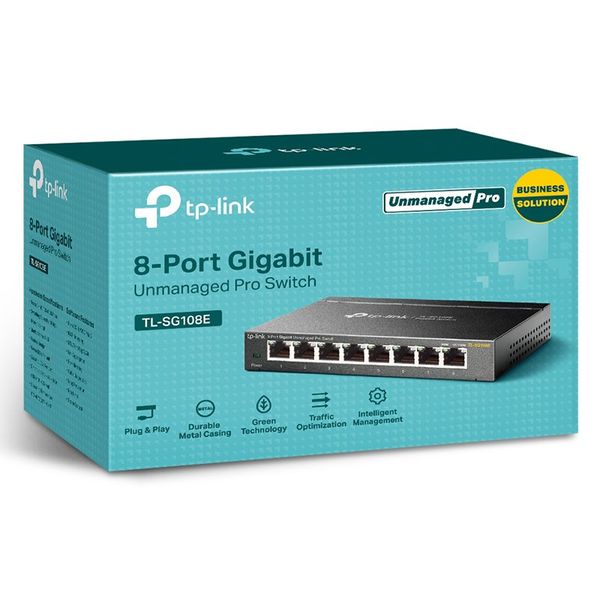
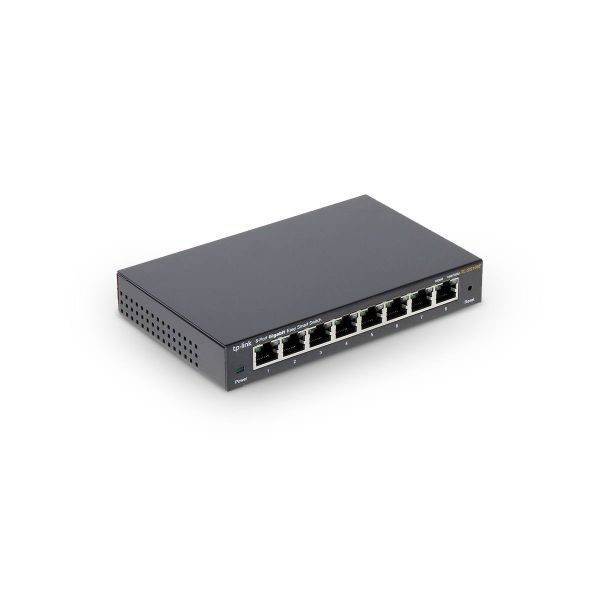
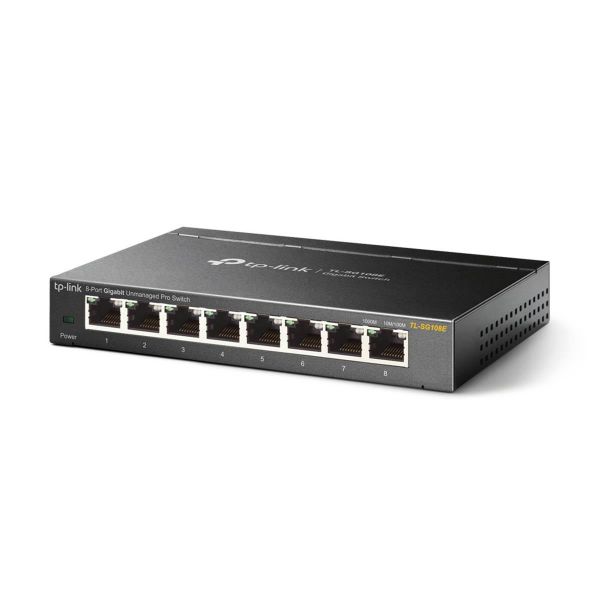
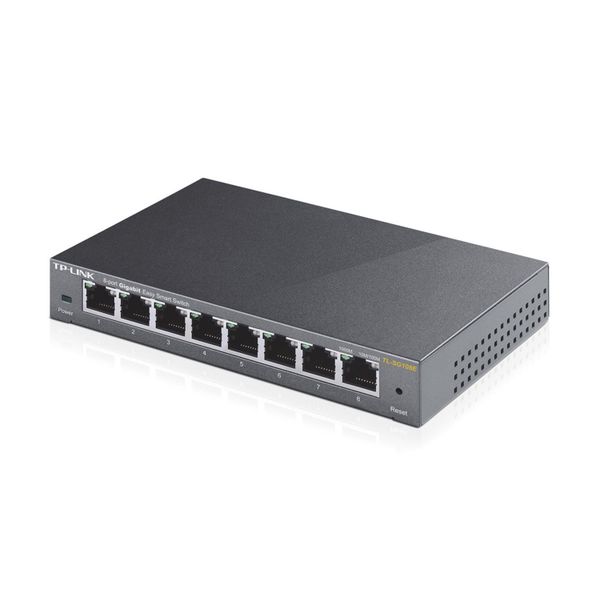

 $68.00 - $113.77
Reviews
Show product page
10 years ago
- Exactly what I expected and more. - Software features in management software are great.
Pros:
- - Metal sturdy construction
- - Easy and intuitive management software
Cons:
- - None that I could find

11 years ago
Good for the price, it is managed, but only via a Windows app (no WWW GUI or CLI)
Needed a VLAN capable switch for a LAN extension project, and at the price (22 quid +VAT for me) it seemed the perfect solution. Upside - it does what is says on the tin, it's an 8 port manageable VLAN capable switch with (limited) trunking capability.
11 years ago
No web manager, only works with windows
This is everything a switch shouldn't be. Why would a switch require software to be installed on a Windows machine in order to manage it? 'Easy' must refer to making it easy for the manufacturers, rather than the user. Want a web interface? Nope. Want to use it on a linux network? Nope.
11 years ago
No web manager, only works with windows
This is everything a switch shouldn't be. Why would a switch require software to be installed on a Windows machine in order to manage it 'Easy' must refer to making it easy for the manufacturers, rather than the user. Want a web interface Nope. Want to use it on a linux network Nope.
11 years ago
Great product.
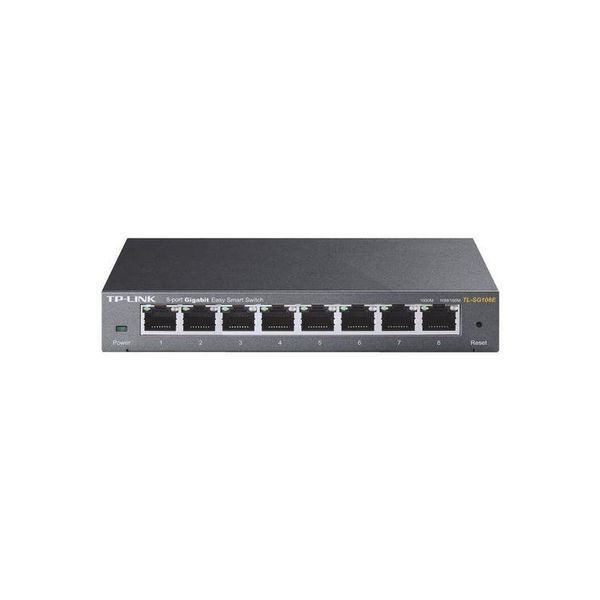
Very reliable and fast smart switch. Works all the time and doesn't get too warm. Easily readable LEDs show if your cable connected 1000m or 100/10m. It is possible to disable unused ports for energy saving through desktop utility. Fast delivery from Staples.
12 years ago
TP-LINK TL-SG108E and TL-SG2008 8 Port Smart Switches Reviewed
TP-Link TL-SG2008 At a Glance Product TP-LINK 8-Port Gigabit Smart Switch [ TL-SG2008 ] Summary 8 port Gigabit smart switch with more advanced L2 features Pros • Multiple security options • CoS and DSCP QoS options • Reporting and statistical displays Cons • Documentation needs configuration...
Pros:
- Supports 16 KB jumbo frames
- Energy saving mode
- Very inexpensive
- Multiple security options
- CoS and DSCP QoS options
- Reporting and statistical displays
Cons:
- Requires Windows utility to configure
- No port access controls
- Documentation needs configuration examples
4.1
from 16 reviews
5
60.0%
4
20.0%
3
0.0%
2
6.0%
1
13.0%

