

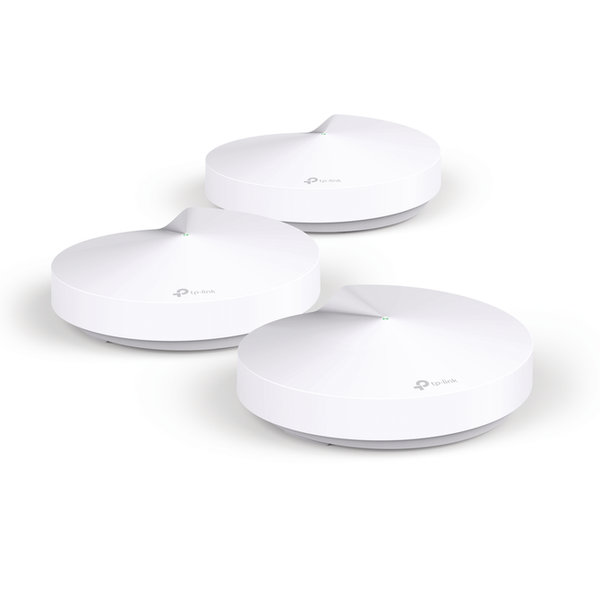
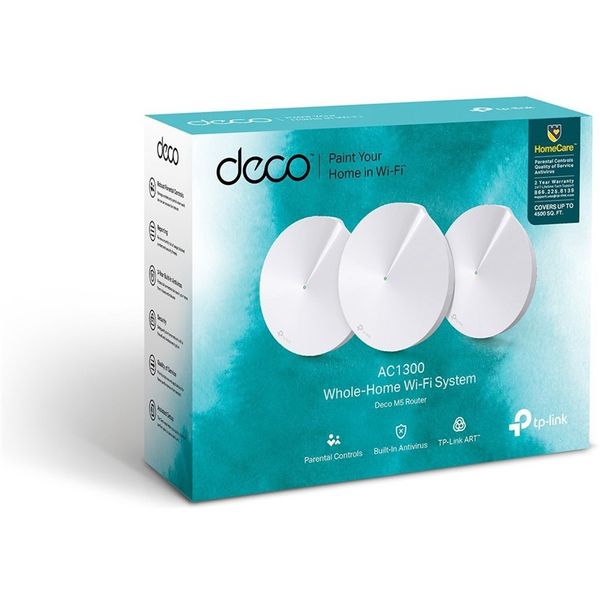
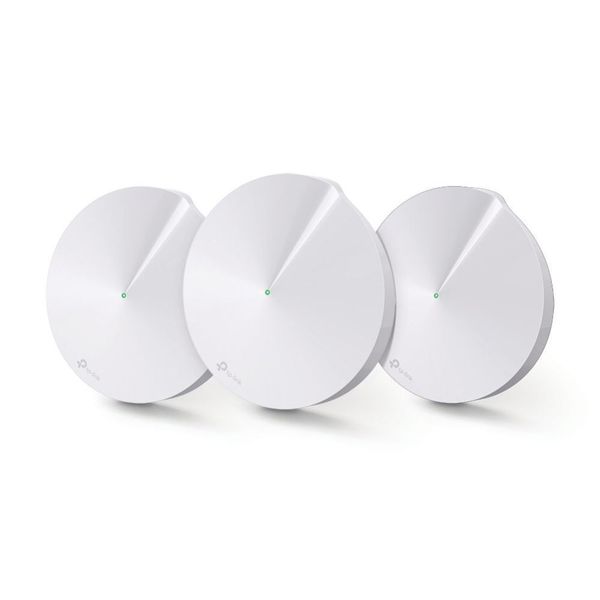
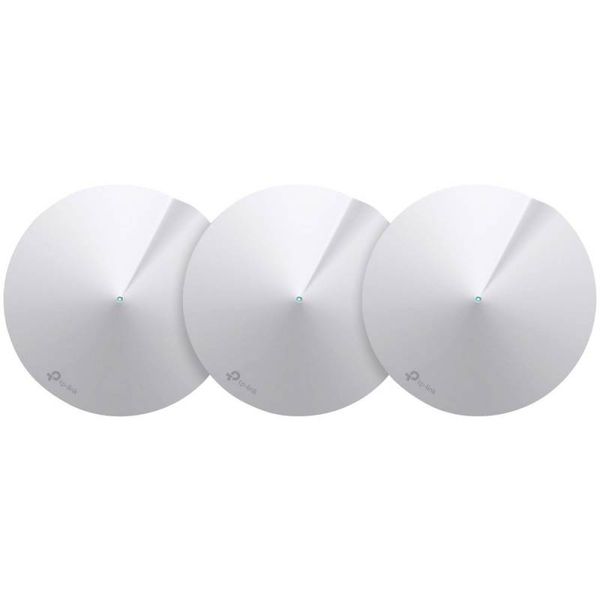
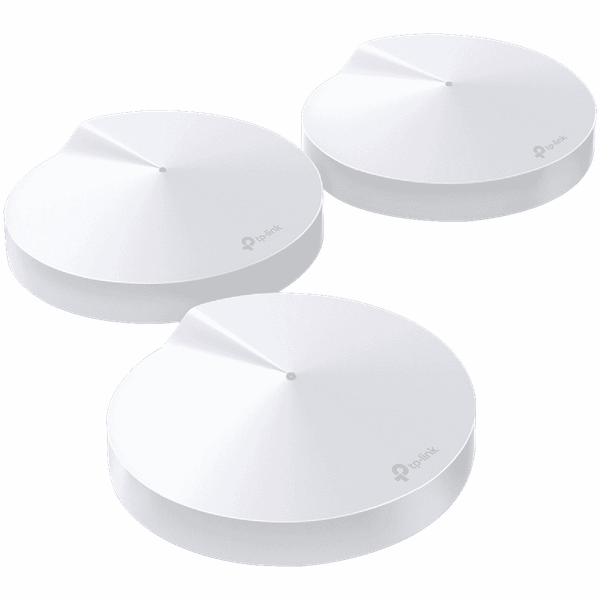
TP-Link Deco M5 AC1300 3pack

 $247.33 - $316.95
Reviews
Show product page
7 years ago
Tired of patchy wifi using conventional extender system, so I wanted to try a mesh system. This one came recommended by "Which" as a Best Buy and was on sale at a discount so I took the plunge. Setting up the wired connection to the broadband modem was very straightforward.

7 years ago
Has now had my Deco M5 for over 3 months and it works perfectly in our single-storey house of 180 sqm. Covering the entire house without any problems. Especially like the possibility of being able to control the children's possibility of WiFi both in number of possible hours / day and set specific...

8 years ago
TP-Link Deco M5 Mesh Wireless Router
The TP-Link Deco M5 system is an unobtrusive mesh router that is easy to setup and offers good performance.
9 years ago
TP-Link Deco M5 Whole-Home Wi-Fi System
At $299 for a set of three units, TP-Link's Deco M5 has more to offer than other similarly priced systems, like the Google Wifi , or the Luma . The most noticeable is the ability to keep the entire home network, including IoT devices, from online threats.
Pros:
- The Deco M5 Whole-Home Wi-Fi System is easy to use and delivers reliable Wi-Fi over a large area
- The system has more features than most other systems, including the ability to protect the entire network against online threats
Cons:
- The M5 doesn't have a dedicated backhaul band, so it suffers from signal loss when its units are linked together wirelessly
- It connects to TP-Link at all times and there's no access point mode for it to work well with an existing router

9 years ago
TP-Link Deco M5 AC1300 Whole Home Mesh WiFi System (3 Pack) DECO M5(3-PACK) review
The M5 is reliable and packs more useful features than most Wi-Fi systems in its price range.
Pros:
- The Deco M5 Whole-Home Wi-Fi System is easy to use and delivers reliable Wi-Fi over a large area
- The system has more features than most other systems, including the ability to protect the entire network against online threats.
Cons:
- The M5 doesn't have a dedicated backhaul band, so it suffers from signal loss when its units are linked together wirelessly
- It connects to TP-Link at all times and there's no access point mode for it to work well with an existing router.

9 years ago
TP-Link Deco M5 router review: This mesh network comes with a side of antivirus
TP-Link's Deco M5 isn't the absolute fastest whole-home Wi-Fi system on the market, but it delivers very good performance and a strong set of...
Pros:
- Very good overall performance
- Built-in antivirus and anti-malware protection for the entire network
- Unobtrusive industrial design
Cons:
- No dedicated channel for data backhaul
- Must use a smartphone or tablet for setup and configuration
- Available in three-packs only

9 years ago
TP-LINK Deco M5 Whole Home WiFi System Review
TP-Link Deco M5 is definitely an interesting WiFi system which takes advantage of the mesh technology, supports MU-MIMO data streaming, has a really good wireless performance (even if it's just dual-band) and it has an incredibly simple installation process.
Pros:
- Good Wireless Performance
- Fast and Simple Installation Process
- Really Well Done and Thorough Parental Controls
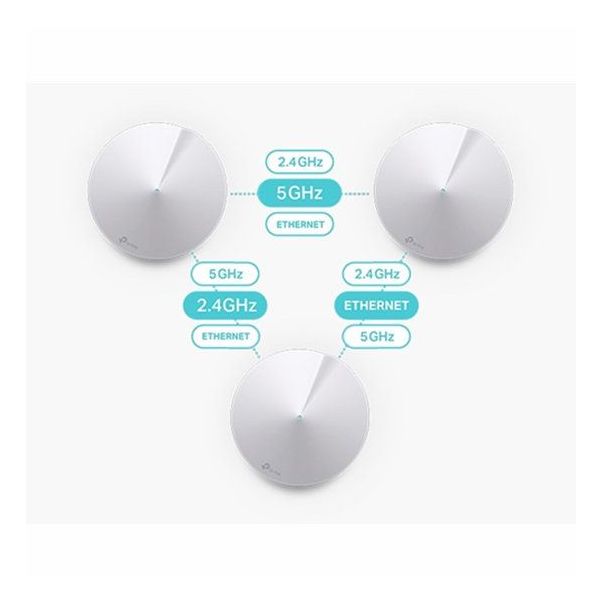
- Ethernet + Wireless Backhaul
- It Has A Competitive Price
Cons:
- The Antivirus as a Separate Paid Service After Three Years
- Has Some Advanced Features
- but the List is Short
- App-Only Interface

9 years ago
TP-Link Deco M5 Wi-Fi System
If you're looking to ditch your traditional router-extender setup for a whole-home Wi-Fi system, put the TP-Link Deco M5 Wi-Fi System on your short list. It's a cinch to install and provides automatic malware and virus protection to every client connected to the network.
Pros:
- Solid throughput performance
- Robust parental controls
- Built-in virus and malware protection
- Easy to install
- Well-designed mobile app
Cons:
- No web interface
- Does not support dedicated band control

9 years ago
Review: TP-Link Deco M5 Whole Home W-Fi System
The Deco M5 is TP-Link's take on the increasing popular whole home Wi-Fi (mesh) product category. These little discs contain a total of four radios each, that act as a combination of Wi-Fi backhaul and client access.
8 years ago
TP-Link Deco Review
Pros:
- Reliable Wi-Fi coverage
- Competitive pricing
- Optional wired backhaul
Cons:
- Slower than some rivals
- No wireless backhaul
- Sometimes unclear setup instructions
4.1
from 51 reviews
5
39.0%
4
43.0%
3
6.0%
2
4.0%
1
6.0%

