

Samsung Galaxy Tab S4 SM-T835 10.5in 4G 64GB
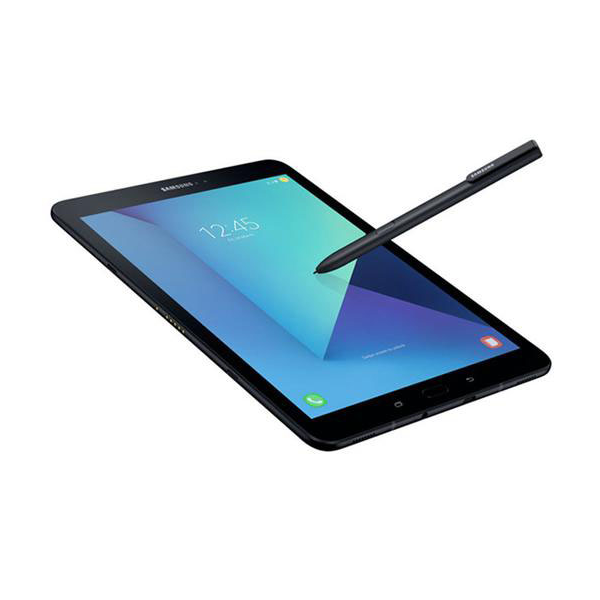
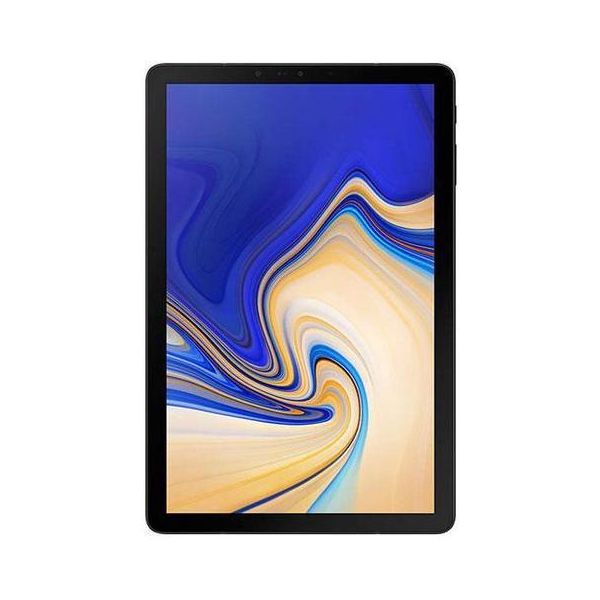
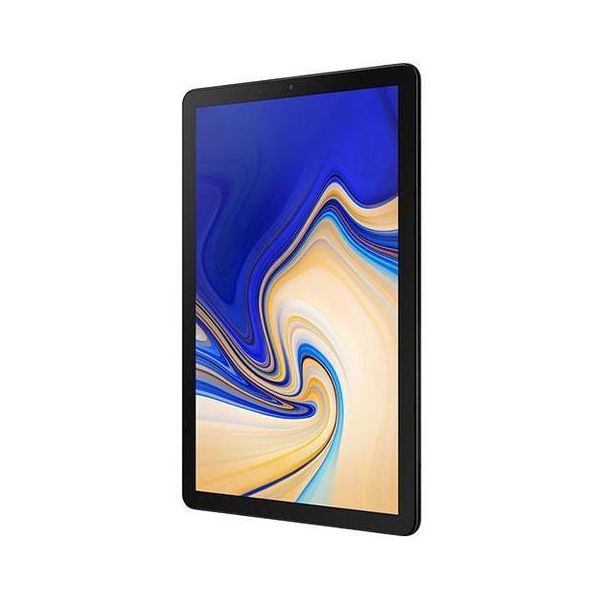
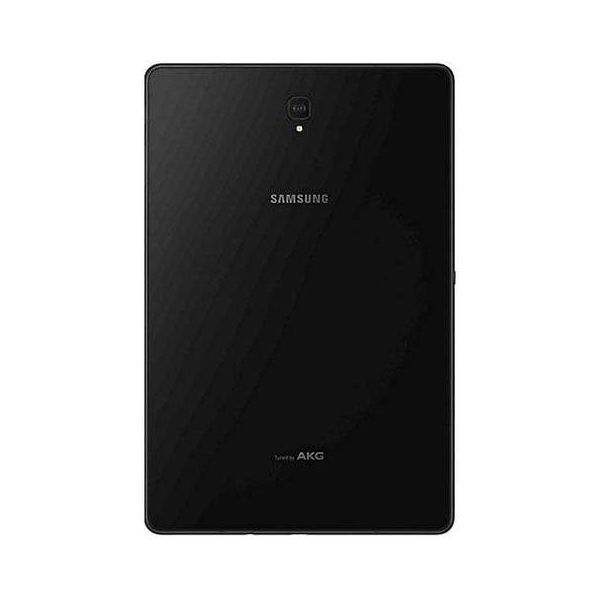
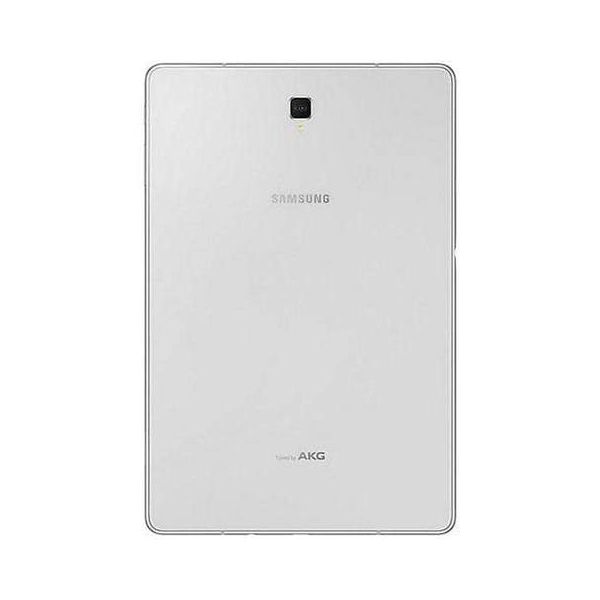
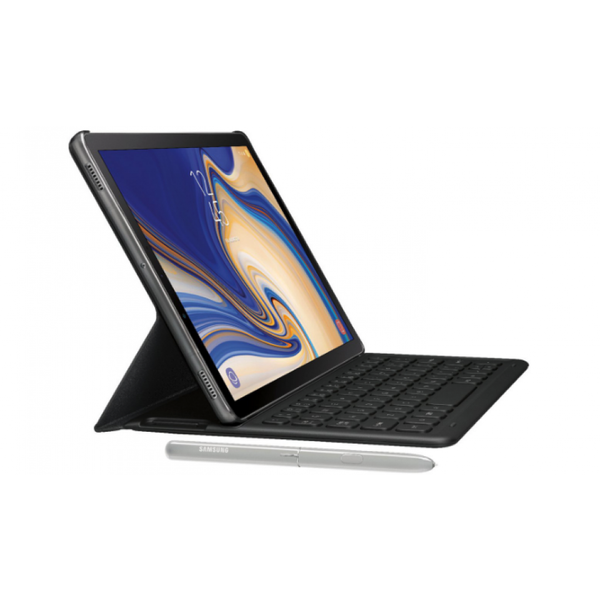

For the first time, Samsung DeX is available on a Samsung tablet...which just happens to be the Galaxy Tab S4. As you'll see, this adds wonderful functionality to the device, with Samsung suggesting you "get the productivity of a PC with the mobility of a tablet."
Made for business
Although this tablet is versatile enough for any situation, DeX has made the S4 a business favourite. For a PC-style work experience, just launch Samsung DeX via the on-screen Quick Panel and add an Android-compatible keyboard and mouse. Productivity is further enhanced when you use Samsung DeX with an external monitor. Use the Android user interface on the tablet, and Samsung DeX on a larger screen. Or watch the monitor and use the tablet as a touch pad, digitizer, or touch keyboard.
One smart pen
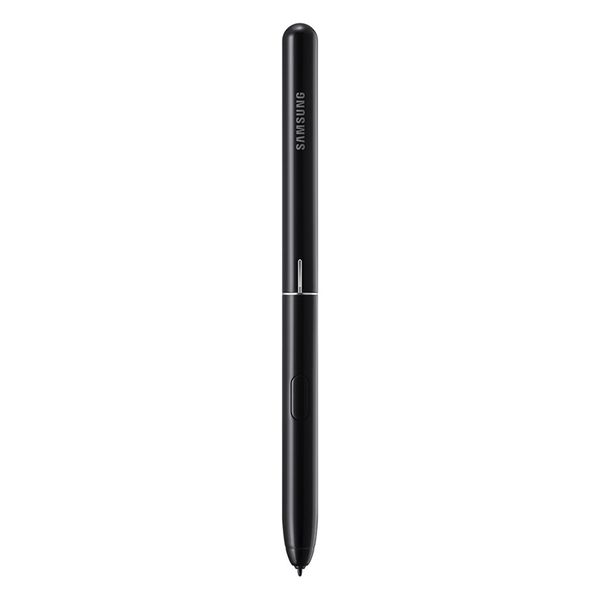
The S Pen is another super smart feature. Jot down notes and ideas with Screen off memo. Live Message can create animated handwritten notes in your conversations. Or, translate words with the pen's Translate function.
Speed is of the essence
LTE speeds of up to 1 Gbps are very impressive and perfect for time-poor users. Couple that with 64GB and 256GB internal storage, and the option of even more through the MicroSD card slot.
Big sound
You'll hear a big sound coming from a relatively small tablet. That's thanks to the quad speakers tuned by AKG, while Dolby Atmos enables 3D surround sound, making your tablet sound like a very portable cinema!
Galaxy Tab S4 has a battery capacity of 7,300mAh lasting for up to 16 hours of video playback. When it's time to charge, you can bring it to full power in just 200 minutes.
Reviews
Show product page
Samsung Galaxy Tab S4 Review
While other Android tablet makers are starting to embrace Chrome OS, the 10.5-inch Samsung Galaxy Tab S4 (starting at $649) is going in a different direction. With Samsung's DeX- mode software, this slate places an emphasis on productivity, which gives the Tab S4 a desktop-like user interface, and...
After checking it out briefly when it first announced , I was prepared to hate the Samsung Galaxy Tab S4. Sporting outdated specs similar to last year's Galaxy Note 8 (except with 2GB less of RAM and worse cameras), no fingerprint reader, and a price tag of $650 (and that's not including its $150...
- Gorgeous screen
- solid build
- big battery Dated specs
- no fingerprint reader
- optional keyboard cover isn't really optional and lacks a touch pad
- and it's too expensive
- Dated specs
- no fingerprint reader
- optional keyboard cover isn't really optional and lacks a touch pad
- and it's too expensive

How Two Big Things Stopped the Samsung Galaxy Tab S4 From Winning Me Over
A 10.5-inch tablet with a focus on mobile productivity- Gorgeous screen
- solid build
- big battery

Last week Samsung showed me the Galaxy Tab S4 . I was apprehensive at first because I wasn't a fan of the previous Tab S3 , but Samsung assured me the new S4 added some new functionality that would change my mind on the whole system. I wanted to like this tablet.

Samsung Galaxy Tab S4 Review
Want a tablet that can also be productive The Galaxy Tab S4 delivers a decent experience, but it'll leave your wallet empty.- Fantastic
- high-resolution screen
- Day-long battery life
- Great
- portable size
- Good performance
- Decent 2-in-1 solution
- DeX is still a work in progress
- Not enough tablet-optimized apps
- Expensive

Samsung Galaxy Tab S4 Review: Productivity at its near-best
Tablets aren't usually considered the best productivity devices but Samsung has done a good job with its newest tablet.- Long battery life
- Loud sound
- I felt very productive using it
- Small keyboard
- Multi-tasking on Windows is better
- Expensive

Samsung's Galaxy Tab S4 successfully juggles play and productivity with its special DeX mode, but the cost for the convenience is steep.
- DeX mode is actually usable for doing real work
- Top-notch display
- Long battery life
- Comes with S Pen
- Book Cover Keyboard costs extra
- Not many DeX-optimized apps
- Fragile glass back

Samsung Galaxy Tab S4
In some ways, the Samsung Galaxy Tab S4 feels like it has a bit of an identity problem. It offers a fantastic multimedia experience with its sharp screen and great audio, but if you want a tablet just for entertainment, the $329 iPad has similar features and even more apps for half the price.- Sleek build
- Gorgeous display
- Loud speakers
- Great stylus for drawing and note-taking
- Excellent Wi-Fi connectivity
- Dex brings desktop-like experience
- Expensive
- Keyboard accessory costs extra
- Mediocre camera
- Android-powered tablets still can't do everything Windows tablets can

Samsung Galaxy Tab S4 review: A tablet that means business
There was a time when tablets were ten a penny. Pretty much every manufacturer offered a range of tablets looking to entertain you with a bigger screen than that phone in your pocket.- DeX makes productivity work in Android form
- Fantastic display
- Great battery life
- Great keyboard experience (if you buy it
- S Pen stylus included
- Expensive
- Keyboard costs extra
- 4G costs extra
- Android isn't great for tablet apps
- Not all apps work with DeX

Samsung Galaxy Tab S4 10.5 hands-on review
Tablets never killed the PC, but they did change how we look at laptops - between keyboard add-ons and styluses, a modern 2-in-1 is an alleged Swiss knife of productivity. The Samsung Galaxy Tab S4 10.5 is bundled with an S Pen and you can get a Book Cover keyboard if you type more often than you...
