

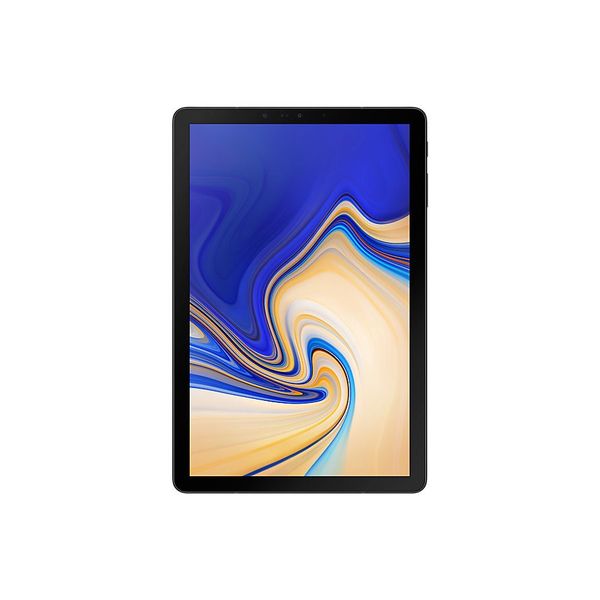
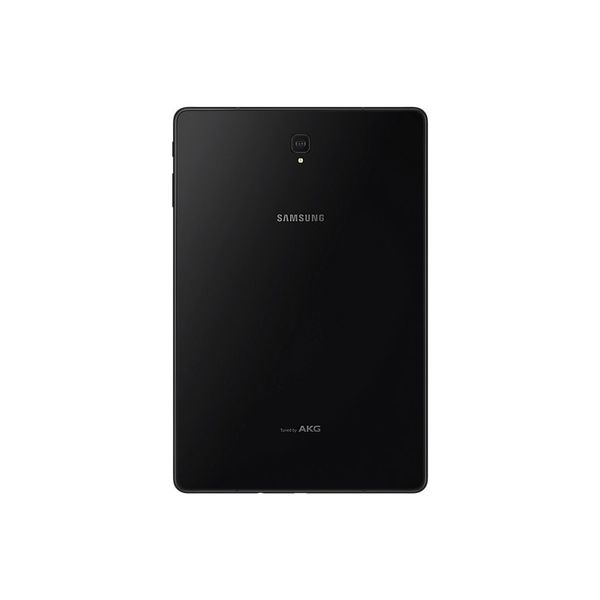
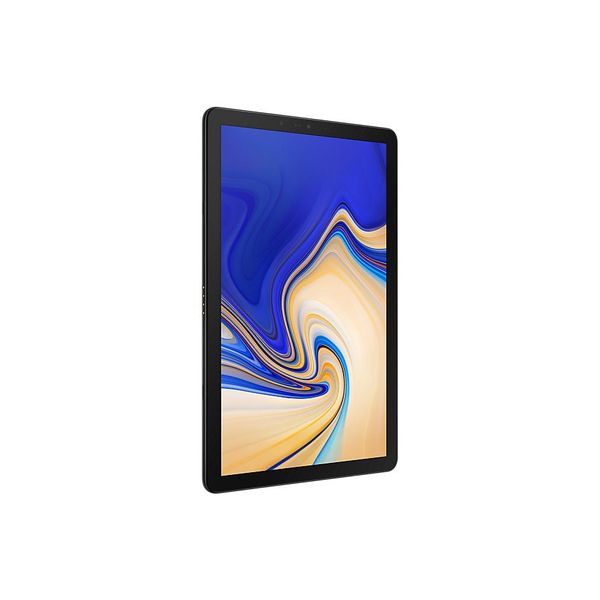
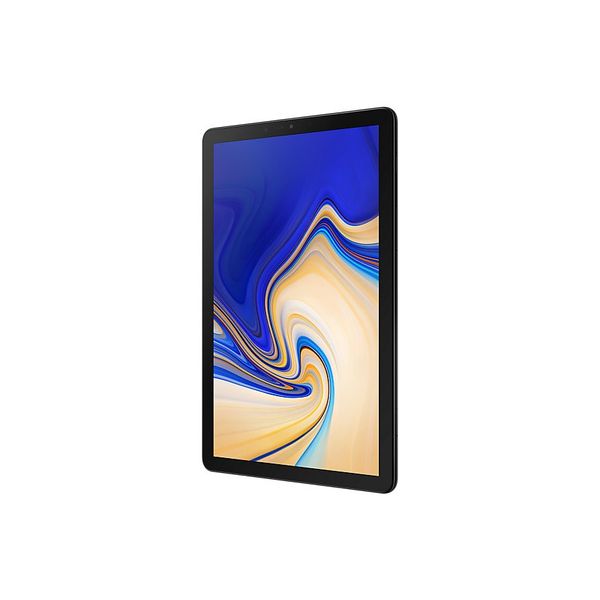
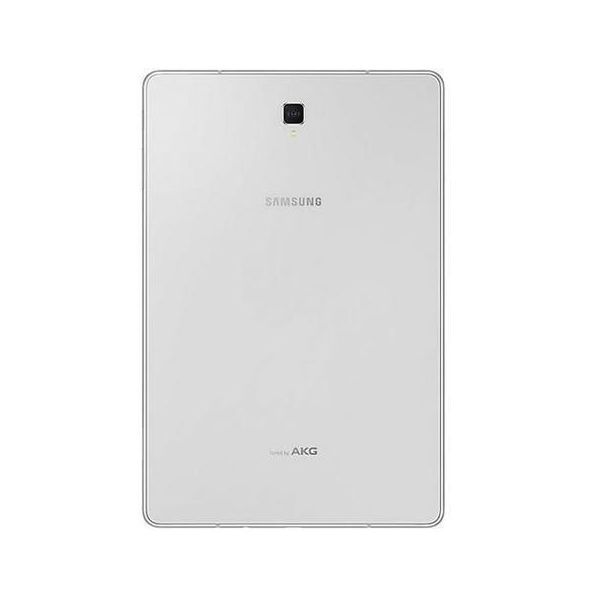
Samsung Galaxy Tab S4 SM-T830 10.5in WiFi 64GB


Reviews
Show product page
8 years ago
Samsung Galaxy Tab S4 review: valiant effort
A new weight class of tablet
Pros:
- Gorgeous screen
- Excellent battery life
- DeX is great for multitasking
Cons:
- Android apps for tablets are still mediocre
- Requires you to buy keyboard / mouse for Dex to be useful
- Face / iris scanning is hit or miss

8 years ago
Galaxy Tab S4
OEMs are trying to make tablets that can replace your laptop, but most of us know that tablets can't really do such a thing for power users. However, these new devices try to balance portability and power, giving users a device that's easier to take along yet can also get things done like a...
Pros:
- MicroSD card slot for more storage
- Face and eye scanner login options
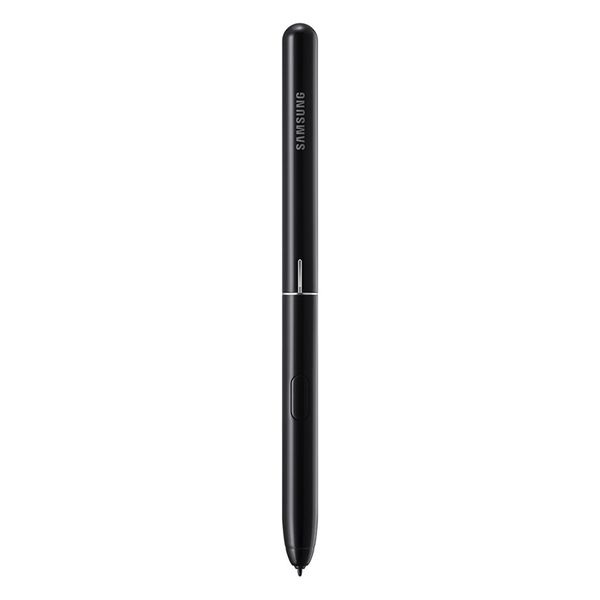
- Improved S Pen design
- Easy to understand Dex UI
Cons:
- Inconsistent pen Translate feature
- No extended screen feature when tablet is connected to an external monitor in Dex mode
- Not all Android apps work well in Dex mode
- Book Cover Keyboard is cramped and uncomfortable to type on for long periods of time
- Performance matches that of a straight tablet,...

8 years ago
Samsung Galaxy Tab S4 Review
While other Android tablet makers are starting to embrace Chrome OS, the 10.5-inch Samsung Galaxy Tab S4 (starting at $649) is going in a different direction. With Samsung's DeX- mode software, this slate places an emphasis on productivity, which gives the Tab S4 a desktop-like user interface, and...
8 years ago
After checking it out briefly when it first announced , I was prepared to hate the Samsung Galaxy Tab S4. Sporting outdated specs similar to last year's Galaxy Note 8 (except with 2GB less of RAM and worse cameras), no fingerprint reader, and a price tag of $650 (and that's not including its $150...
Pros:
- Gorgeous screen
- solid build
- big battery Dated specs
- no fingerprint reader
- optional keyboard cover isn't really optional and lacks a touch pad
- and it's too expensive
Cons:
- Dated specs
- no fingerprint reader
- optional keyboard cover isn't really optional and lacks a touch pad
- and it's too expensive

8 years ago
How Two Big Things Stopped the Samsung Galaxy Tab S4 From Winning Me Over
A 10.5-inch tablet with a focus on mobile productivity
Pros:
- Gorgeous screen
- solid build
- big battery

8 years ago
Last week Samsung showed me the Galaxy Tab S4 . I was apprehensive at first because I wasn't a fan of the previous Tab S3 , but Samsung assured me the new S4 added some new functionality that would change my mind on the whole system. I wanted to like this tablet.

8 years ago
Samsung Galaxy Tab S4 review: A premium tablet great for entertainment, but no PC replacement
The Samsung Galaxy Tab S4 is an excellent premium Android tablet that can also help your productivity in a pinch. Premium tablets are at a crossroads. It's no longer good enough to have great performance, an amazing display and stellar sound. If you're going to charge laptop prices for a tablet, you better make one that can be used for productivity tasks, too.
Pros:
- The Samsung Galaxy Tab S4 raises the bar on its predecessor with a bigger display, better performance and the addition of Samsung DeX, which gives it a PC-like interface
- Samsung includes an excellent S Pen for drawing and writing on the 10.5-inch display.
Cons:
- The keyboard cover is not included
- it's expensive and
- in the end
- hurts the DeX desktop experience.

8 years ago
Samsung Galaxy Tab S4 Review
Want a tablet that can also be productive The Galaxy Tab S4 delivers a decent experience, but it'll leave your wallet empty.
Pros:
- Fantastic
- high-resolution screen
- Day-long battery life
- Great
- portable size
- Good performance
- Decent 2-in-1 solution
Cons:
- DeX is still a work in progress
- Not enough tablet-optimized apps
- Expensive

8 years ago
Samsung Galaxy Tab S4 Review: Productivity at its near-best
Tablets aren't usually considered the best productivity devices but Samsung has done a good job with its newest tablet.
Pros:
- Long battery life
- Loud sound
- I felt very productive using it
Cons:
- Small keyboard
- Multi-tasking on Windows is better
- Expensive

8 years ago
Samsung's Galaxy Tab S4 successfully juggles play and productivity with its special DeX mode, but the cost for the convenience is steep.
Pros:
- DeX mode is actually usable for doing real work
- Top-notch display
- Long battery life
- Comes with S Pen
Cons:
- Book Cover Keyboard costs extra
- Not many DeX-optimized apps
- Fragile glass back
4.3
from 47 reviews
5
38.0%
4
33.0%
3
27.0%
2
0.0%
1
0.0%

