

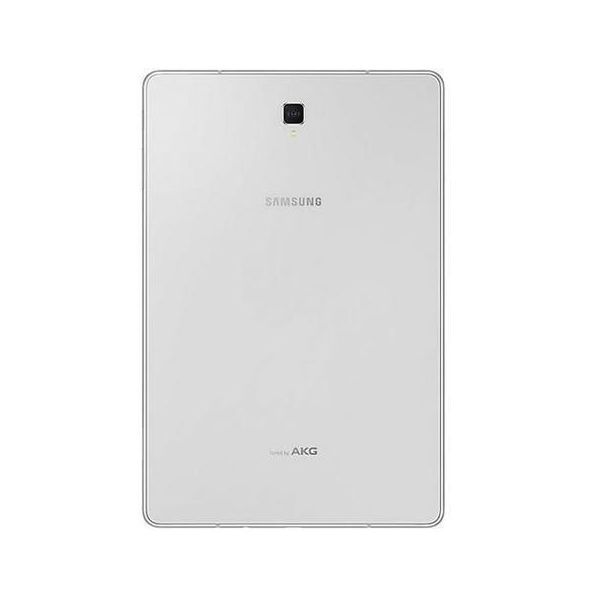
Samsung Galaxy Tab S4 SM-T830 10.5in WiFi 64GB


Reviews
Show product page
7 years ago
Samsung Galaxy Tab S4
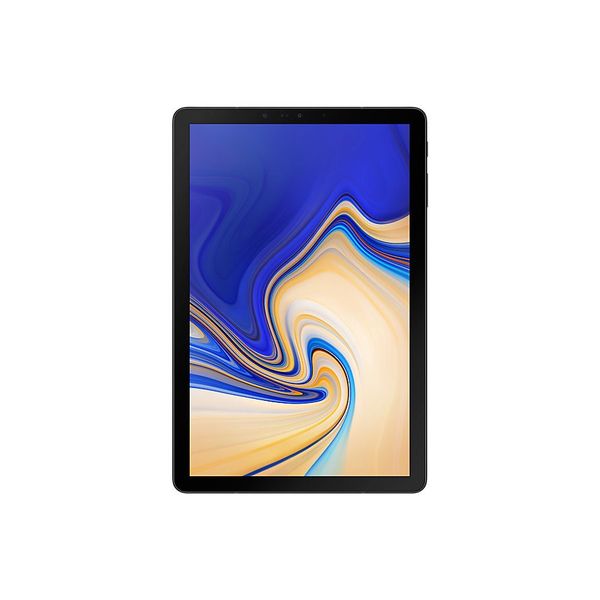
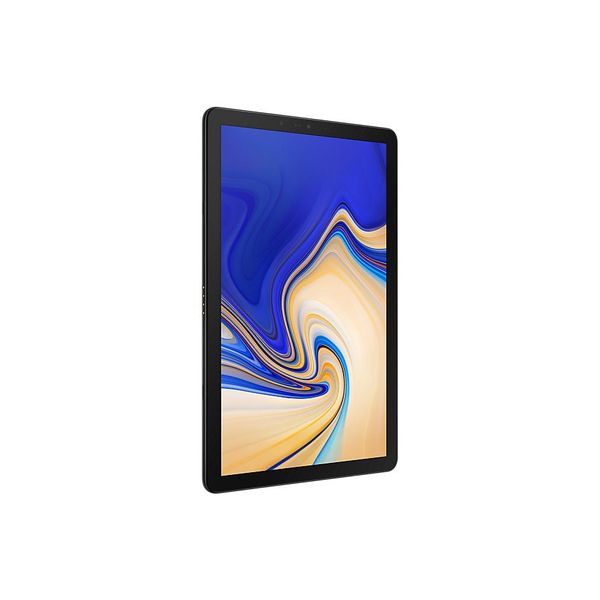
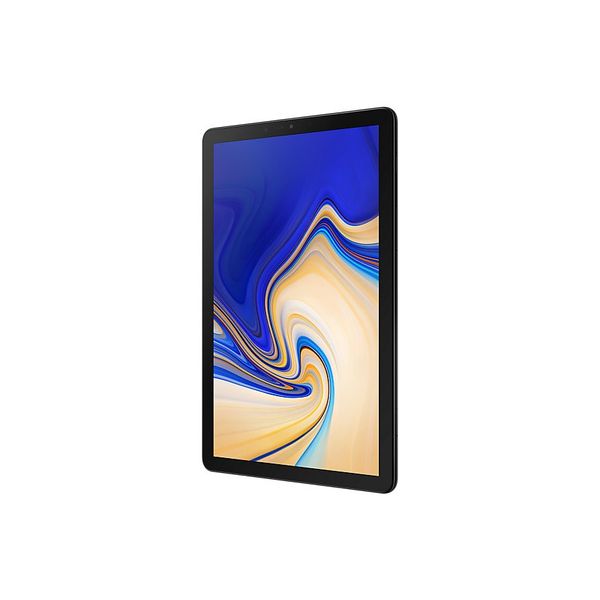
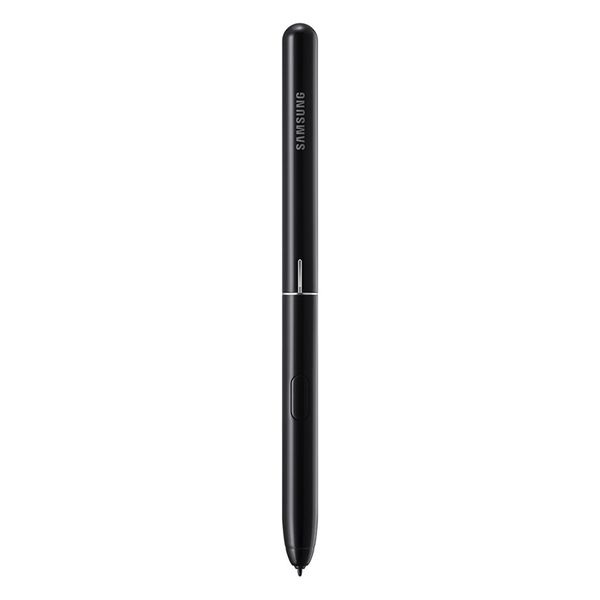
The Samsung Galaxy Tab S4 is an Android tablet and boasts of Samsung's Super AMOLED display and the Snapdragon 835 SoC. The device comes with a stylus and you can purchase an additional keyboard accessory
Pros:
- Beautiful Vibrant display
- Good battery life
- Slim design
- S-Pen functionality is good for those that will use it
Cons:
- Glass construction makes it fragile
- Speakers could have been better
- Samsung DeX needs some work before it can take on Windows hybrids

8 years ago
Samsung Galaxy Tab S4 review: A tablet that means business
There was a time when tablets were ten a penny. Pretty much every manufacturer offered a range of tablets looking to entertain you with a bigger screen than that phone in your pocket.
Pros:
- DeX makes productivity work in Android form
- Fantastic display
- Great battery life
- Great keyboard experience (if you buy it
- S Pen stylus included
Cons:
- Expensive
- Keyboard costs extra
- 4G costs extra
- Android isn't great for tablet apps
- Not all apps work with DeX
8 years ago
Samsung Galaxy Tab S4 review: A tablet that means business
Great for entertainment, the Tab S4 is an expensive Android tablet, but that's offset by the workspace that DeX provides, making this the best Android tablet for working that you'll find.
Pros:
- DeX makes productivity work in Android form
- Fantastic display
- Great battery life
- Great keyboard experience (if you buy it)
- S Pen stylus included
Cons:
- Expensive
- Keyboard costs extra
- 4G costs extra
- Android isn't great for tablet apps
- Not all apps work with DeX

8 years ago
Samsung Galaxy Tab S4
In some ways, the Samsung Galaxy Tab S4 feels like it has a bit of an identity problem. It offers a fantastic multimedia experience with its sharp screen and great audio, but if you want a tablet just for entertainment, the $329 iPad has similar features and even more apps for half the price.
Pros:
- Sleek build
- Gorgeous display
- Loud speakers
- Great stylus for drawing and note-taking
- Excellent Wi-Fi connectivity
- Dex brings desktop-like experience
Cons:
- Expensive
- Keyboard accessory costs extra
- Mediocre camera
- Android-powered tablets still can't do everything Windows tablets can
8 years ago
Samsung Galaxy Tab S4 Review
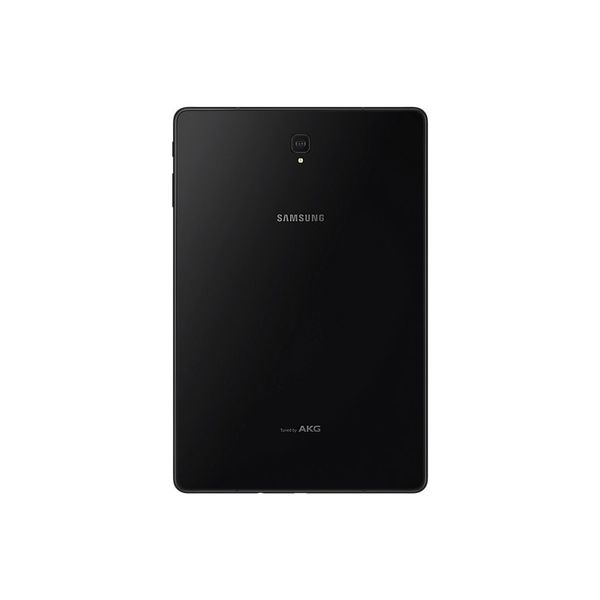
The Samsung Galaxy Tab S4 is the best Android tablet we've seen to date, but it still can't beat Windows-powered 2-in-1s for productivity. Productivity and Android tablets aren't exactly synonymous, but don't tell Samsung. The $649.99 Galaxy Tab S4 aspires to be the ultimate work-minded Android slate. And in many ways, it is, with powerful hardware, a useful S Pen stylus, and a bevy of productivity features. That said, apps like Adobe Photoshop are the same limited versions you get on any Android tablet, and you can forget about easy file management and image editing. DeX integration brings an approximation of the desktop experience, but requires a $150 keyboard accessory for the full experience. So while the Galaxy Tab S4 is the undoubtedly the finest Android tablet you can buy right now, it's still far less productive than a Windows 2-in-1. Design The Galaxy Tab S4 is a refinement on the design of the Tab S3. It's still a big slab of slick glass with metal sides, but the bezels are narrower and the fingerprint sensor has been removed. Instead of unlocking the slate with your thumbprint, you can enable Intelligent F...
Pros:
- Sleek build
- Gorgeous display
- Loud speakers
- Great stylus for drawing and note-taking
- Excellent Wi-Fi connectivity
- Dex brings desktop-like experience
Cons:
- Expensive
- Keyboard accessory costs extra
- Mediocre camera
- Android-powered tablets still can't do everything Windows tablets can

8 years ago
Samsung Galaxy Tab S4 review: the one true iPad alternative
It has been a long time since I got excited about an Android tablet - mostly because there aren't many launched each year - but the Samsung Galaxy Tab S4 has managed to hook me in.
Pros:
- Beautifully sharp and bright display
- Enviable design that grabs the eye
- S Pen stylus is impressive and comes with it
- Top audio quality for a tablet
Cons:
- Average battery life
- Doesn't come with keyboard case
- Outdated chipset inside

8 years ago
Samsung Galaxy Tab S4
If you're on the hunt for an Android tablet with specs to match Apple's then options will have been thin on the ground recently. Huawei's and offer decent specs and features, while range have the mid-range covered. But high-end Android tablets are rare. That's where Samsung and its Tab S4 come in.
Pros:
- Stunning display
- Dex mode is an improvement to the UI
- S-Pen included
Cons:
- Would like more RAM
- Glass back is slippery and delicate
- Lingering issues with Android on tablets
- Dex mode has a few annoying bugs

8 years ago
Samsung Galaxy Tab S4 review
If you’re waiting for a tablet revolution, the Samsung Galaxy Tab S4 isn’t it. This is just another solid high-powered tablet that makes doing some real work in Android a bit easier than its predecessors. Tablets like this are getting rarer, though, and almost nothing else can stand up to the iPad Pro series as well. Sure, the speakers could be bassier, the apparent lack of AR support is a shame and the S-Pen isn’t quite as smart as Apple’s Pencil. However, with keyboard and pen considered, you do pay £150 less than you would for the iPad Pro 10.5 with the rival accessories.
Pros:
- Cheaper all-in than a rival iPad Pro
- DeX makes laptop-like use less of a joke
- Bold screen
Cons:
- The back is fingerprint central
- Doesn’t have the latest-greatest CPU
- Speakers lack real bass
8 years ago
Samsung Galaxy Tab S4 review review
Pros:
- Cheaper all-in than a rival iPad Pro
- DeX makes laptop-like use less of a joke
- Bold screen
Cons:
- The back is fingerprint central
- Doesn’t have the latest-greatest CPU
- Speakers lack real bass

8 years ago
Samsung Galaxy Tab S4 Review
Samsung has recently launched the Galaxy Tab S4, a productivity-oriented tablet which represents the highest performance and quality Android tablet the brand has to offer today. In this review, we'll go over how it fits in the market, how it is to use it, and how it performs.
Pros:
- Excellent OLED display
- Thin and light design
- Well-integrated keyboard case
- Optional desktop-like workflow
Cons:
- Performance could have been better
- Few apps are fully exploiting Dex
4.3
from 47 reviews
5
38.0%
4
33.0%
3
27.0%
2
0.0%
1
0.0%

