

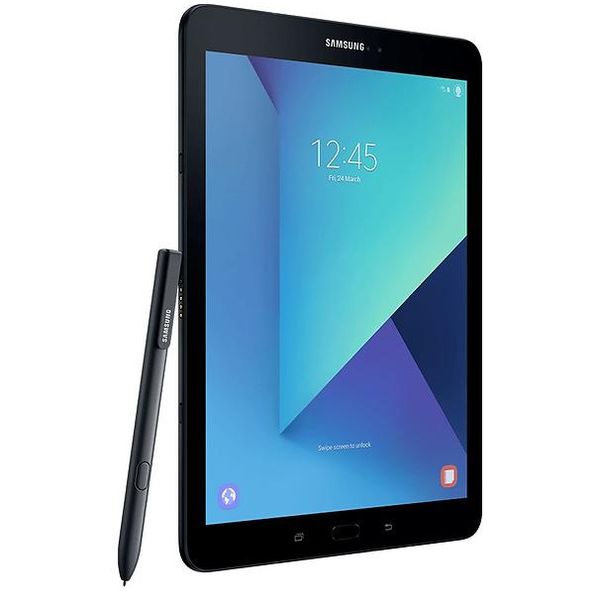
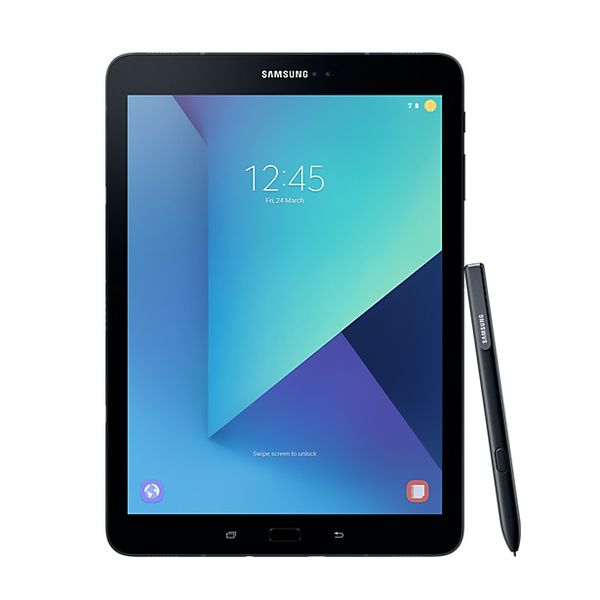
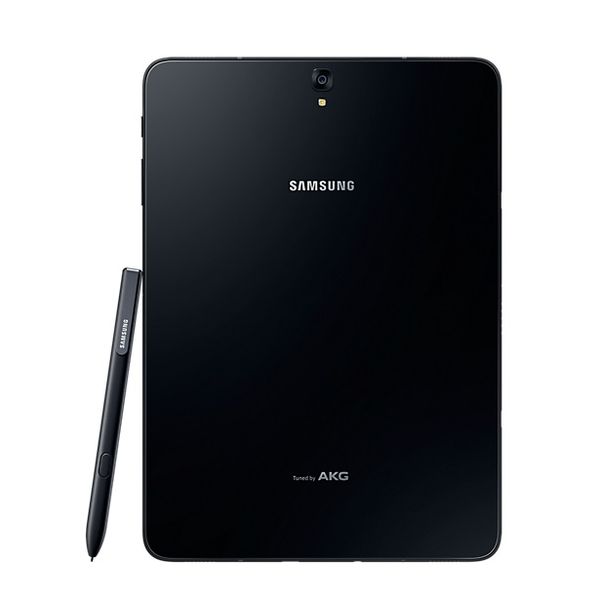
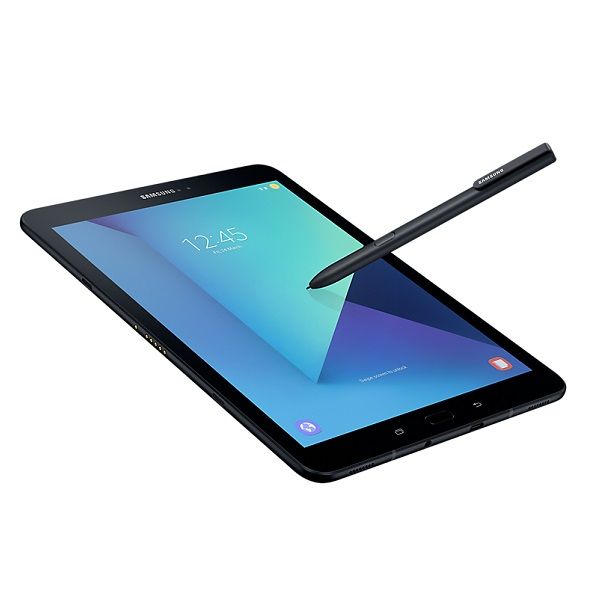
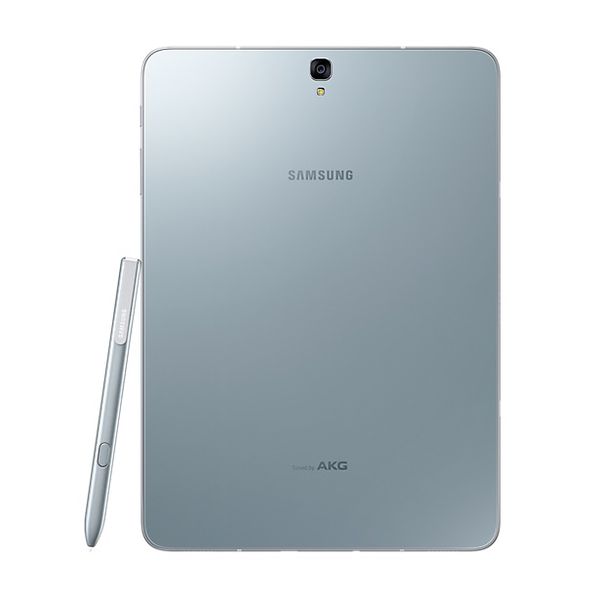
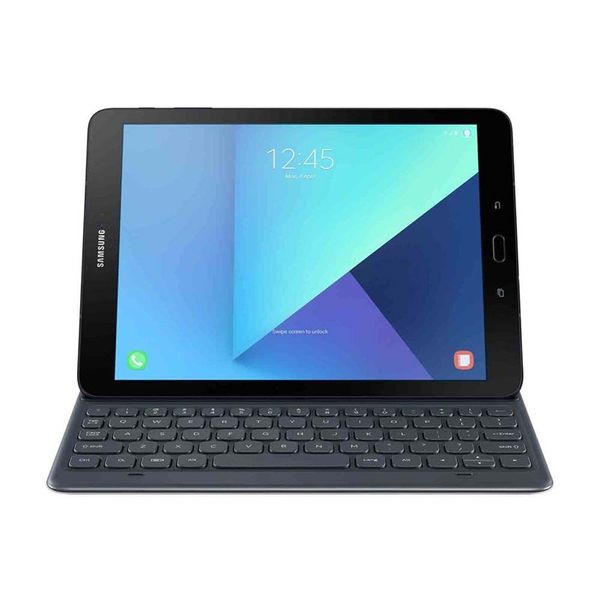
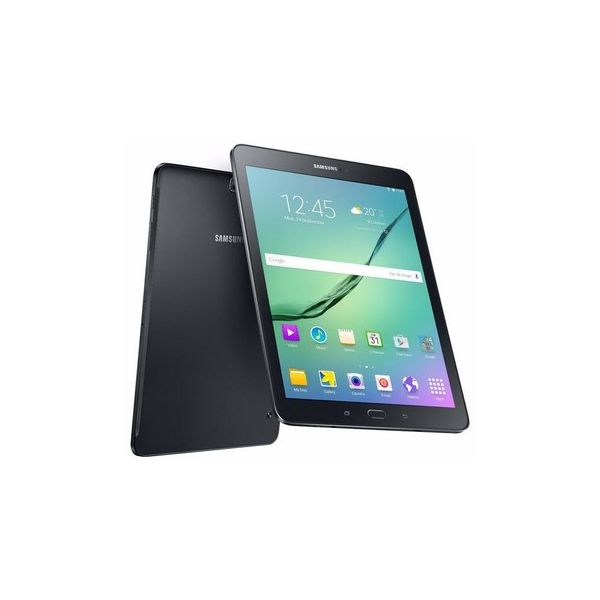
Samsung Galaxy Tab S3 SM-T820 9.7in WiFi 32GB

Reviews
Show product page
9 years ago
Samsung Galaxy Tab S3 Review
The Samsung Galaxy Tab S3 is the Galaxy Note Tablet that never was. In the best way possible, Samsung has created an Android answer for the iPad Pro. The Samsung Galaxy Tab S3 has some of the qualities of the Samsung Galaxy Note series – save a couple of the most important features.
Pros:
- Feels like a high-end device with glass front and back
- MicroSD card slot allows storage expansion
- Display is top-notch
- Sound is great through headphones
- good through speakers
- S Pen makes this a true iPad Pro competitor
Cons:
- Speakers should face forward
- not to the sides
- S Pen should fit inside tablet while not in use
- Keyboard cover should make tablet feel more premium
- not less

9 years ago
Samsung Galaxy Tab S3
No other Android tablet has the Galaxy Tab S3's specs. But no other Android tablet (except for the occasional Sony slate) has the Galaxy Tab S3's price. At $599.99 (or $729.99 with the keyboard), the Tab S3 competes with not only the iPad Pro, but with Windows detachables like the Lenovo Miix 510...
Pros:
- Responsive S Pen
- Gorgeous AMOLED screen
- Very good battery life
- Excellent Wi-Fi performance
Cons:
- Expensive
- Android doesn't match Windows on productivity
- Camera isn't great

9 years ago
Samsung Galaxy Tab S3 review: Samsung's best tablet screen is a sight to behold
Samsung packs buzz-worthy features like S Pen and HDR support into its new premium Galaxy Tab S3, but without a keyboard packed in, it's still more about content consumption than creation. If I had to pick one tablet to watch video on for the rest of my life, I would pick the Samsung Galaxy Tab S3.
Pros:
- The Samsung Galaxy Tab S3 is an elegantly designed tablet that comes with a capable stylus
- It has a stunning AMOLED screen, fingerprint sensor for extra security and satisfyingly loud quad speakers
- It's also the first HDR-ready tablet.
Cons:
- Despite the hype, HDR content is not available on the tablet yet
- Large games take time to load
- The keyboard add-on is an expensive extra.
9 years ago
Samsung Galaxy Tab S3 Review
The Samsung Galaxy Tab S3 is the most powerful Android tablet available, but it's very pricey for the functionality you get. The Samsung Galaxy Tab S3 (32GB), the world's most powerful Android slate, is a perfect example of the "pro tablet" dilemma. Much like Apple's 9.7-inch iPad Pro, this is a tablet that's priced like a laptop, but its mobile operating system holds it back when it comes to productivity. Its saving grace is the S Pen, making the Tab S3 brilliant for sketching and note-taking—but that may not be worth $599.99. We've been down this road before. Android- and iOS-powered tablets make terrific media consumption gadgets, and their respective styli let them dip into productivity. Apps that look and feel like Adobe Photoshop, Microsoft Office, and other high-end creator titles appear on the Apple and Google Play app stores. But they lack the full functionality you get from Windows. That's fine when you're paying less than you would for a similar Windows tablet, but once you get into the $600-$800 range, you don't want to have to make compromises. Physical Design The Galaxy Tab S3 is a big, ...
Pros:
- Responsive S Pen
- Gorgeous AMOLED screen
- Very good battery life
- Excellent Wi-Fi performance
Cons:
- Expensive
- Android doesn't match Windows on productivity
- Camera isn't great

9 years ago
Samsung Galaxy Tab S3 review
Android tablets do not offer a different experience from Android smartphones. It’s part of the reason why the iPad is the most popular tablet, because it provides “tablet-optimized apps” that make use of the screen’s real estate. Google made an attempt to go in this direction years ago with Android 3.0 Honeycomb, but the company has largely backed off since. As such, app developers have found little encouragement to make a tablet version of their app on the OS. Samsung’s trying to bring interest back with the Galaxy Tab S3. It’s a successor to the Galaxy Tab S2 –a product we score at 4.5 out of 5 because it was the only Android tablet that could go toe-to-toe with Apple’s iPad. Now the climate has changed. Windows 2-in-1 tablet/laptops are rising in popularity, and so are Chromebooks, which are more ergonomic and typically affordable. Smartphones are also bigger than ever, so there’s not much of a reason to buy a tablet that offers the same experience. While the Galaxy Tab S3 may be th...
Pros:
- Fantastic 9.7-inch screen
- Good battery life
- S Pen features are useful
- Solid performance
- UI doesn’t feel cluttered
Cons:
- Boring design, odd button placement
- Poor palm rejection capability
- Fingerprint sensor often doesn’t work

9 years ago
Very Nice!
Love this Samsung galaxy tab s3! The screen is amazing. Converting from an iPad to this and have no regrets so far. Have merged several email accounts under the email app. Facebook, Kindel and Vudu working great. Tablets seems fast and responsive. Using chrome for internet.
Pros:
- Intuitive interface and easy setup
- Amazingly light weight and a joy to use in my opinion
- Has a secure and encrypted file folder from Samsung
Cons:
- Needs apps to be updated for use on tab s3
- Still playing around with battery setting to maximize

9 years ago
Samsung Galaxy Tab S3: The Gizmodo Review
Coming a year after the launch of Apple's first 9.7-inch iPad Pro, the new Tab S3 from Samsung feels daring. While it has the same sleek lines, is just as light, and possesses the magnetic connection on one side for easy keyboard cover attachment, Samsung's iPad Pro for 2017 is, inexplicably, called...
9 years ago
Samsung Galaxy Tab S3 Review Video
It's been a while since we've seen a new premium tablet from Samsung, but they're back and looking better than ever with the Samsung Galaxy Tab S3. We've already published our full written review of the tablet, which includes plenty of little details that can't quite be fit in the video, so be sure...
9 years ago
I waited quite a while before doing a review on my new Samsung tab S3 tablet. I wanted to give it at least a week of use in my office and in daily activities. I have had many tablets, including and using Microsoft tablets, the Samsung tab S2 8 and Samsung tab A 10.1 inch tablets.

9 years ago
Samsung Galaxy Tab S3 review
Do you want the best Android tablet around? Well, this is it. The Tab S3 is plenty powerful, has a gorgeous screen, and the bundled stylus is a welcome little extra that you don’t have to be an artist to an appreciate. It doesn’t do half-measures - something that’s still surprisingly rare in an Android tablet. We’re used to seeing corners cut, or build quality not quite living up to expectations, but Samsung has managed to get pretty much everything right. The gorgeous screen really could make it become your go-to device for video, and the S-Pen/keyboard combination make it a viable work machine too - if only for basic tasks, and only if you splash the extra cash on the (sadly optional) keyboard. It’s not quite the best tablet, though - that’s still the iPad Pro, thanks to superior multitasking on iOS and a slightly more comfortably keyboard. It can’t fully replace your laptop, either, especially while it costs twice the price of a Chromebook. If switching to iOS is out of the question, but a big-screen device is a must, then you’ll have to swallow that £599 price - as it doesn’t get much better than this. Buy the Samsung Galaxy Tab S3 here from Currys PC World
Pros:
- Stunning screen with HDR support
- Plenty of power for apps and games
- Keyboard and stylus are great for productivity
Cons:
- Android still isn’t ideally suited to tablets
- Expensive
- Won’t replace your laptop
4.0
from 64 reviews
5
30.0%
4
36.0%
3
25.0%
2
5.0%
1
1.0%

