

Razer Ouroboros

Reviews
Show product page
13 years ago
Razer Ouroboros
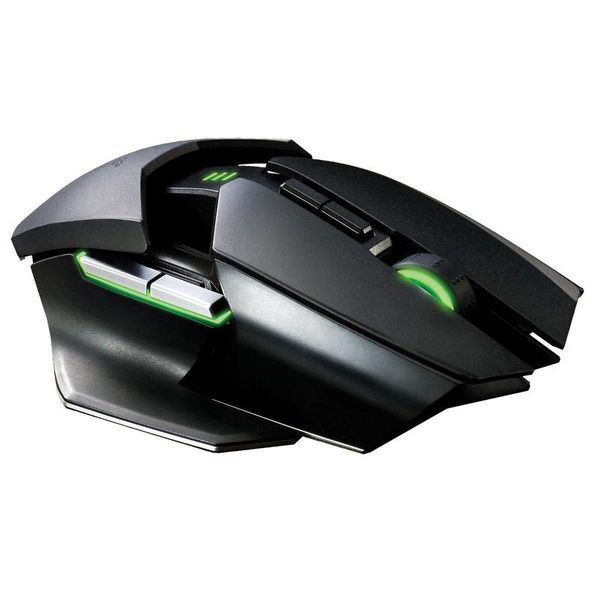
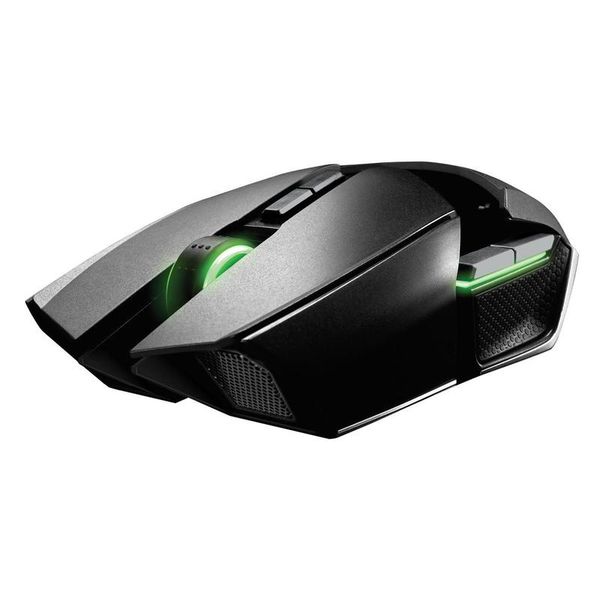
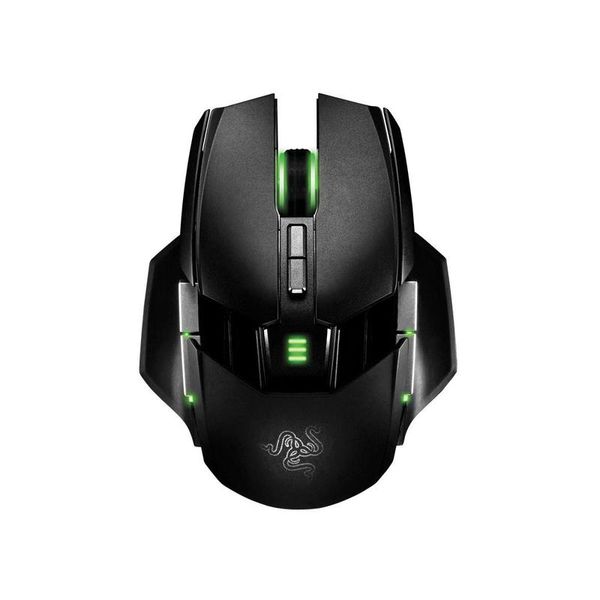
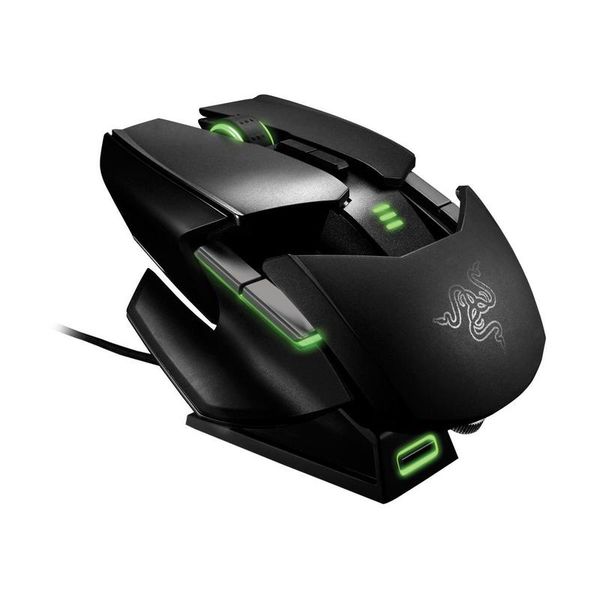
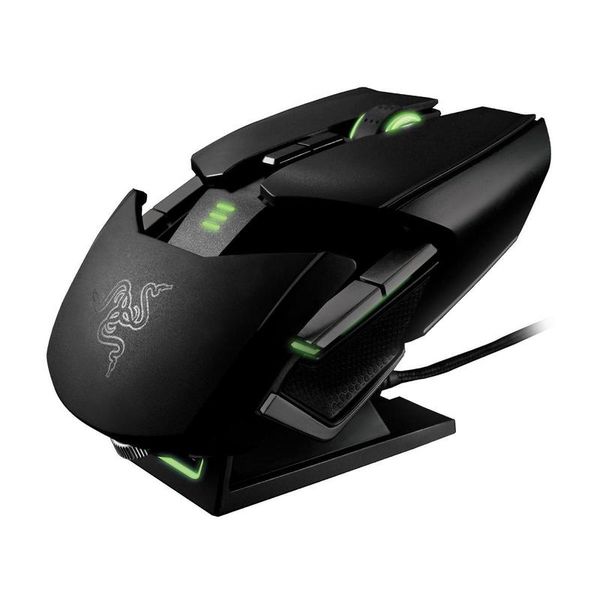
Like the Naga Epic, the Ouroboros (Ancient Greek for "serpent chomping on its own tail") works both wirelessly and via cable. It may not have a hundred buttons under the thumb, but to attract gamers it instead...
Pros:
- Ultra-precise sensor
- Buttons for adjusting sensor resolution on the fly
- Config profiles save to an online account (transferrable to other PCs and OSs
- Unlimited number of profiles
- Extensive driver software
- Customisable body (width
- length
- height to fit the shape of your hand
- Three thumb
Cons:
- Exterior coating a bit hard
- Polling rate drops from 1000 Hz to 750 Hz when wireless
- No smooth scrolling
- Price

13 years ago
Review: Razer Ouroboros
A lot of mice these days come with multiple parts to help adjust the ergonomics of your device. More often than not, it's a gimmick, leading to badly-shaped mice that are fiddly and uncomfortable; and, if that mouse is bad no matter what, it really is a moot point how comfortable it is.
12 years ago
Razor Ouroboros
Ever since I bought this mouse I was in love with it! It's great, smooth, fits the hand like a glove, and probably one of the most comfortable mice I've used
12 years ago
"Great Mouse"
I bought this mouse around half a year ago and I have had no problems with it. It is extremely comfortable and also very fast and responsive. I would recommend this to anyone who is looking for a gaming mouse and have a high budget.
11 years ago
Awesome mouse
Great mouse and charging dock. Love the customisation and sensitivity on this mouse and the clutch is a great addition.
11 years ago
The Best Gaming Mouse Ever
I got the mouse in 2 days of placing the order. The seller was WSReatail. The packaging and all was very good. Now the best part.... This is very extraordinary mouse....i had never felt anything like it. I made all the settings and started playing Dota 2, Counterstrike etc...
12 years ago
Razer Ouroboros Review: An expensive love letter to lefty mice lovers
Gaming mice are a fascinating concept: how do you convince folks to spend over a hundred bucks to replace their $20 pointing-and-clicking device?
11 years ago
Razer Ouroboros Review
Hands Down, this is the nicest mouse i have ever used. Quite a statement for me to open on, but frankly it's true.
13 years ago
Razer Ouroboros Elite Gaming Mouse
In 2009, Razer started working on a mouse with some ambitious goals. It would be a gaming-grade, wireless hybrid mouse. It would be ambidextrous, even adjustable - allowing the user to create that perfect fit.
Pros:
- Lots of customization options
- Hybrid wired/wireless
- Decent battery life
- Two sets of side grips
- Proof of alien engineering on the receiver dock
- Programmable buttons
- "Clutch" button functions that can be locked if necessary
- Polished
- logical interface on software
- Also
- that stuff on the
Cons:
- Only comes in Razer Green
- Intermittent tracking issues
- Vague scroll wheel
- Needs even more adjustments
- If you want one
- you can't get one right now
- soon..

12 years ago
Razer Ouroboros Review
The Razer Ouroboros gaming mouse is highly configurable, with a dizzying array of options and features, but its price will keep many buyers at bay. Razer's snake-centric product names get recursive with the Razer Ouroboros( at Amazon) gaming mouse, a reference to the alchemical symbol of a snake eating its own tail. Despite the funky name, the Ouroboros is the new apex predator in Razer's menagerie of snakes and other creepy crawlies, with all of the best hardware and a modular design that lets you adjust every facet of the mouse for comfort and a competitive edge. Design and Features The Ouroboros is all about the design. The ambidextrous mouse has 11 programmable buttons: Right and Left, a clickable scroll wheel, two thumb trigger buttons on each side, and two DPI adjustment buttons. The thumb buttons can be activated and deactivated, thanks to two sliding on/off switches on the underside of the mouse. The mouse features a dual-sensor system, which pairs a laser sensor with an optical sensor, providing 8200dpi sensitivity and uninterrupted tracking on almost any surface, and even when lifted slightly. Tracking at speeds u...
Pros:
- Ambidextrous, customizable design
- Detachable side panels and adjustable palmrest for fine-tuning grip
- Wired and wireless modes
- Super accurate dual-sensor array
- 11 programmable buttons
- An onboard ARM processor to keep it all straight
Cons:
- Pricey
- Complicated
4.1
from 28 reviews
5
40.0%
4
33.0%
3
20.0%
2
6.0%
1
0.0%

