

Microsoft Wireless Mobile 4000

Reviews
Show product page
7 years ago
Great Quality
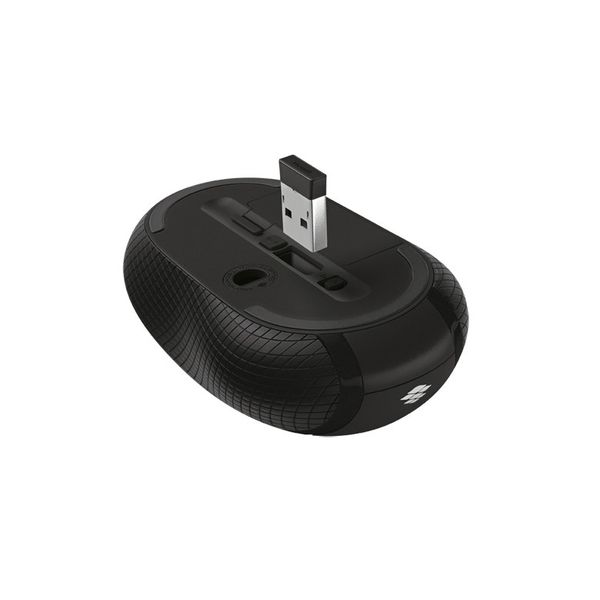
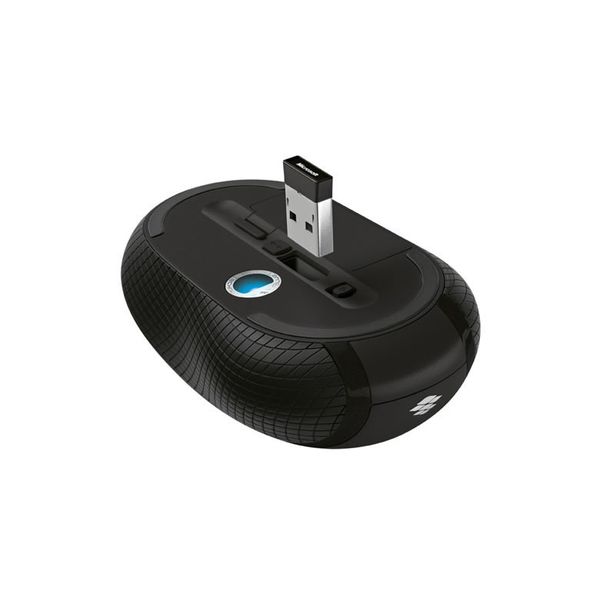
Has been working great ever since I received it. Battery life is long and efficient and it has its own port to place the USB Bluetooth hub for easy storage when not in use. Batteries are included so that is also a plus
7 years ago
good value, better than Logitech
I've tried, butnever been able to ditch the mouse and use the touchpad exclusively. I used to buy expensive Logitech mice, and each time they would fail after a year. The computer support person at work recommended the Microsoft mouse. I had my doubts, but he was right.
17 years ago
Microsoft Wireless Mobile Mouse 4000
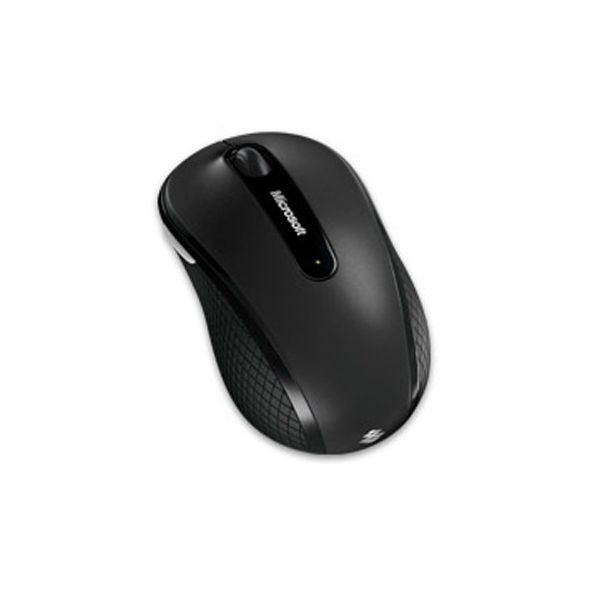
The Wireless Mobile Mouse 4000 is Microsoft's latest travel mouse. It offers many of the same features as the Explorer Mini , but does so for $20 less. This $40 device also uses Bluetrack sensing technology, which lets you use it accurately across a variety of surfaces that a normal laser mouse just...
Pros:
- Bluetrack technology tracks on almost any surface
- "Power" slider conserves battery
- right and left hand compatible
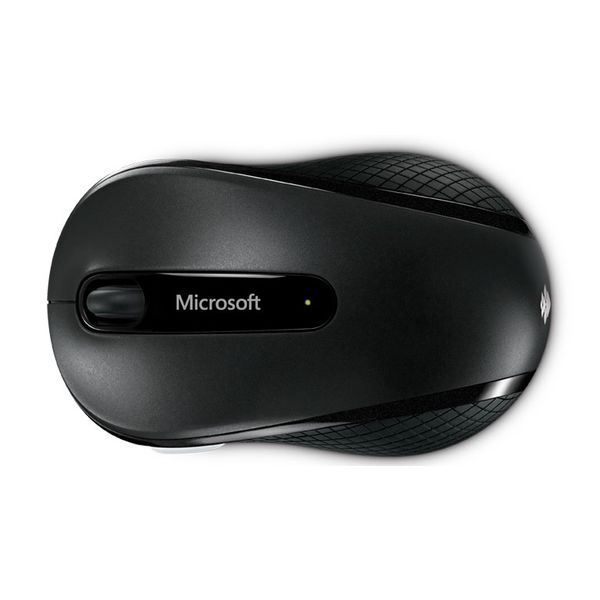
- contoured shape
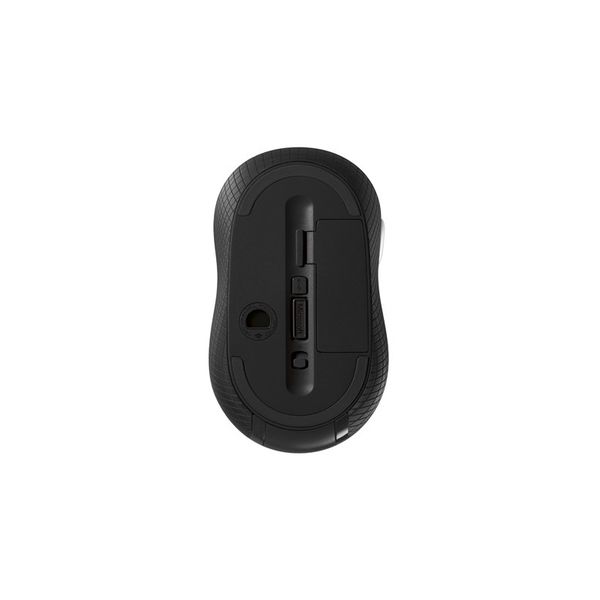
- transceiver attaches to undercarriage
Cons:
- Limited battery life of nonrechargeable AA batteries
- smooth vertical rocker lacks precision
- pricier than other mobile mice

17 years ago
Microsoft Wireless Mobile Mouse 4000
The Microsoft Wireless Mobile Mouse 4000 is a very capable travel mouse that's well worthy of our recommendation. Convenient, versatile and reasonably priced, it doesn't leave much room for complaint.
Pros:
- BlueTrack technology means the mouse works on almost any surface
- Suitable for both right- and left-handed users
- Contoured shape
- Wireless transceiver attaches to undercarriage
Cons:
- Limited battery life of non-rechargeable AA batteries
- Smooth vertical rocker lacks precision

16 years ago
Microsoft Mobile Mouse 4000
While there are plenty of wireless notebook mice around, that hasn't stopped manufacturers attempting to try and innovate. Microsoft's latest attempt is the Wireless Mobile Mouse 4000. It's a wee little nipper - 61mm by 103mm - but despite its size it's relatively comfortable.
Pros:
- Small
- portable
- and full of useful features
Cons:
- Becomes uncomfortable with protracted usage

13 years ago
double thumbs up...( for play / and the product )
The mouse arrived in less than 24 hours from ordering online and was 15 pounds cheaper than the high street...can't go wrong. The mouse itself is nice but i would advise trying it in a shop before you buy online to make sure you feel comfortable using it.
12 years ago
Great little mouse
The size is just right for my small hands. I bot two. the first time I hooked up to a computer USB port about five feet away from the mouse it didn't work well at all. USB was on the side and away from the mouse. I placed it in the back and a foot closer and all is well.
17 years ago
Great Mouse!!!
This mouse is very good. It has multiple programmable buttons and good battery life plus it's wireless. I would recommend it to anyone looking for a reasonably priced mouse.
Pros:
- Very Responsive
- perfect size
- wireless range
Cons:
- nothing so far

16 years ago
Extremely satisfied customer
I like how compact it is. The transciever is small and you don't have to remove it if you pack up the laptop for traveling. I've had it for about 3 weeks now and I wish it would have been available sooner for me to use.
Pros:
- Accurate Tracking
- Comfortable Design
- Fast Response
- Glides Smoothly
- Great Features
- Works On Any Surface

16 years ago
Blue is better
This mouse is a great choice if you plan to mouse on your leg, carpet, bedspread, and other unlikely surfaces. 95% ambidextrous, the position of the thumb button shouldnt be a deal-breaker for left-handers.
Pros:
- As advertised, the mouse tracks better on strange surfaces than an ordinary mouse
- You can see the blue LED on the bottom, and blue has a shorter wavelength than red, so the sensor gets a better sampling of the mousing surface.
Cons:
- The scroll wheel has no tactile feedback, though its very smooth
- This is a matter of taste, but I prefer clicking
- Left-handers could be annoyed at the placement of the thumb button
- The mouse is otherwise symmetrical they might have just put aux buttons on both sides.
4.1
from 55 reviews
5
37.0%
4
37.0%
3
18.0%
2
2.0%
1
4.0%

