

Microsoft Wireless Mobile 4000

Reviews
Show product page
16 years ago
Wireless Mobile Mouse 4000
I have to say that since the introduction of Microsoft's proprietary BlueTrack technology I have been quite fond of any mouse that utilizes it. The ability to use a mouse that on virtually any surface is pretty cool, the only enemy being glass or mirror based surfaces.
16 years ago
Microsoft Wireless Mobile Mouse 4000 review
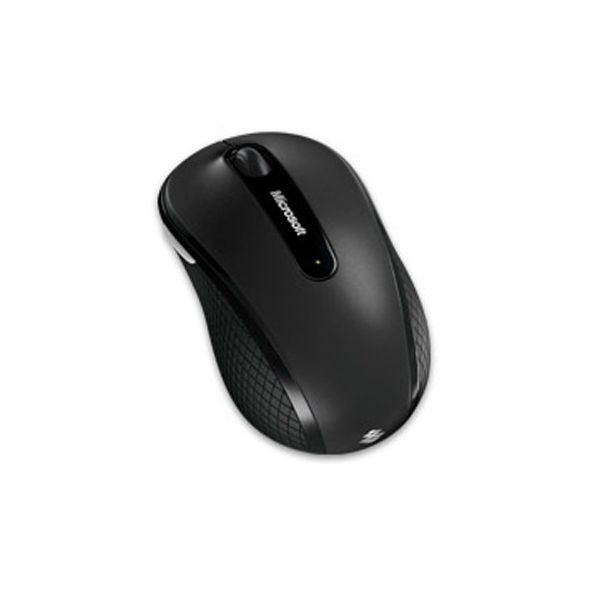
Designed for laptops and computing on the go, Microsoft's Wireless Mobile Mouse 4000 is small and comfortable to use.
16 years ago
Microsoft Mobile Mouse 4000
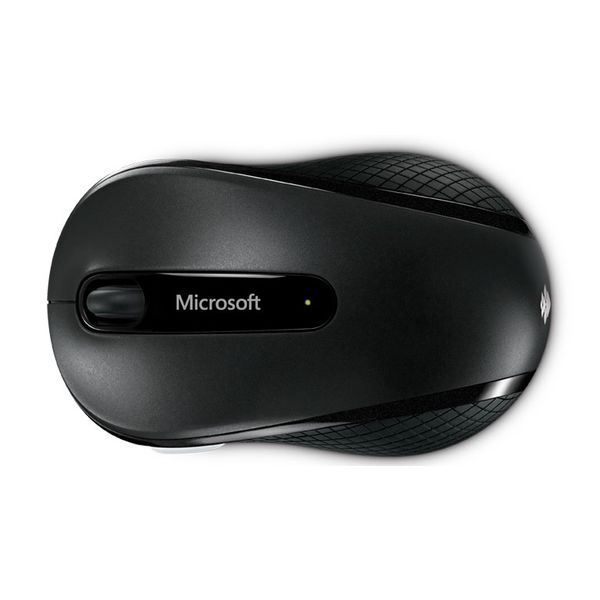
While there are plenty of wireless notebook mice around, that hasn't stopped manufacturers attempting to try and innovate. Microsoft's latest attempt is the Wireless Mobile Mouse 4000. It's a wee little nipper - 61mm by 103mm - but despite its size it's relatively comfortable.
Pros:
- Small
- portable
- and full of useful features
Cons:
- Becomes uncomfortable with protracted usage

16 years ago
A Wireless Mobile Mouse : Microsoft Wireless Mobile Mouse 4000
Priced in the region of £35, the requirement for this mouse is any system capable of running Windows XP and later with 100MB of hard disk space or Mac OS X 10.4 with 30MB of hard disk space.
16 years ago
Great but ...
Great little mouse, just wish that it was bluetooth so that I didn't have to use the dongle on my laptop.
Pros:
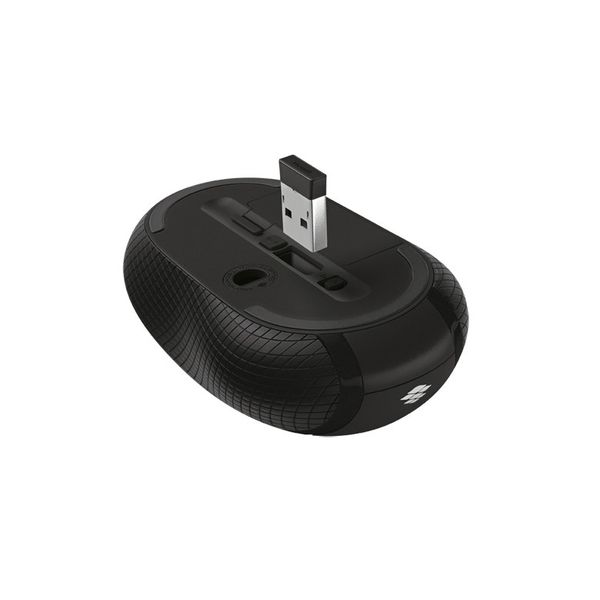
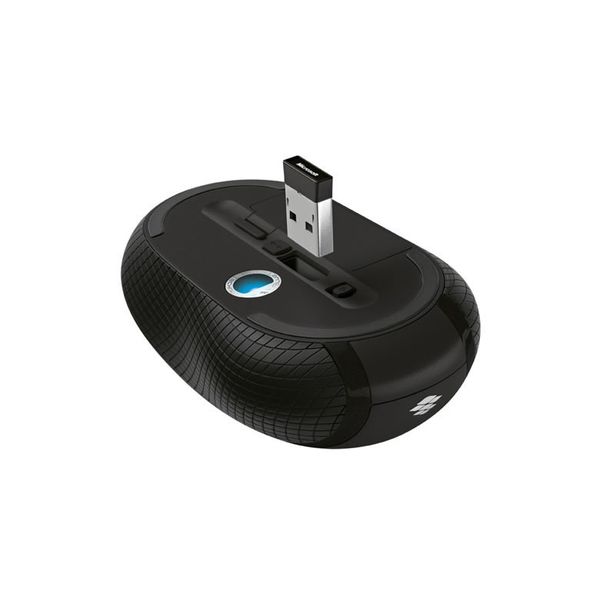
- Dongle hides in mouse
- Has side scrolling
- Works on any surface
Cons:
- A little expensive
- No bluetooth
- Only one side button

16 years ago
Extremely satisfied customer
I like how compact it is. The transciever is small and you don't have to remove it if you pack up the laptop for traveling. I've had it for about 3 weeks now and I wish it would have been available sooner for me to use.
Pros:
- Accurate Tracking
- Comfortable Design
- Fast Response
- Glides Smoothly
- Great Features
- Works On Any Surface

16 years ago
Microsoft Wireless Mobile Mouse 4000 Review
Computer mice are easy to take for granted. Very rarely do people gloat about the power of their mouse like they would about a processor or graphics card, even if they have a nifty device like the Hillcrest Labs Loop Pointer or SideWinder X3 from Microsoft.
16 years ago
Blue is better
This mouse is a great choice if you plan to mouse on your leg, carpet, bedspread, and other unlikely surfaces. 95% ambidextrous, the position of the thumb button shouldnt be a deal-breaker for left-handers.
Pros:
- As advertised, the mouse tracks better on strange surfaces than an ordinary mouse
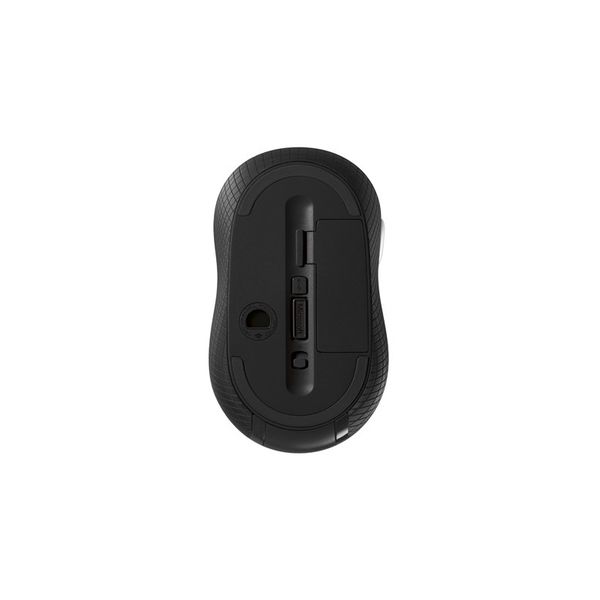
- You can see the blue LED on the bottom, and blue has a shorter wavelength than red, so the sensor gets a better sampling of the mousing surface.
Cons:
- The scroll wheel has no tactile feedback, though its very smooth
- This is a matter of taste, but I prefer clicking
- Left-handers could be annoyed at the placement of the thumb button
- The mouse is otherwise symmetrical they might have just put aux buttons on both sides.

15 years ago
Cheap, good quality, though requires lots of batteries.
This mouse is small, sleek, and has the bonus of a small transmitter. I use this mouse with my Laptop because i dont really like its touchpad, and it is fantastic. Smooth at running across any surface (even the sofa when im feeling lazy) and has the blue light technology.
15 years ago
Microsoft Wireless Mobile Mouse 4000
I am quite happy with my netbook. I even think I'm lucky enough to be bestowed with a multi-touch pad on it so I can scroll efficiently or do simple manual gestures to navigate, I rarely touch the right and left bar you know.
4.1
from 55 reviews
5
37.0%
4
37.0%
3
18.0%
2
2.0%
1
4.0%

