

Microsoft Surface Pro 4 12.3in i5 4GB 128GB
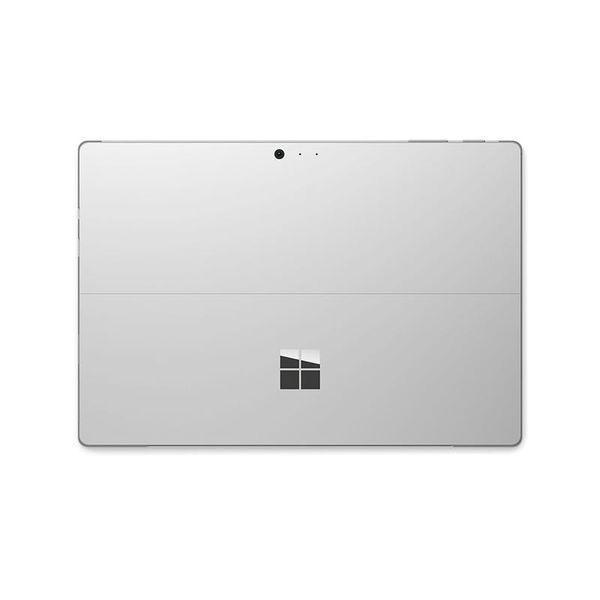
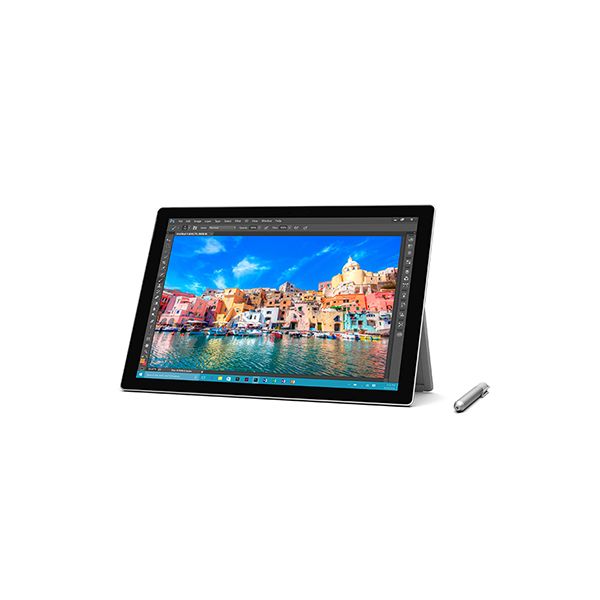

Reviews
Show product page
10 years ago
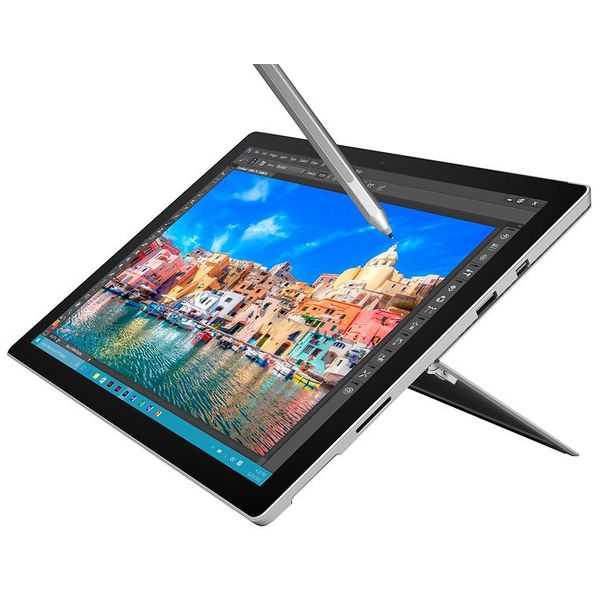
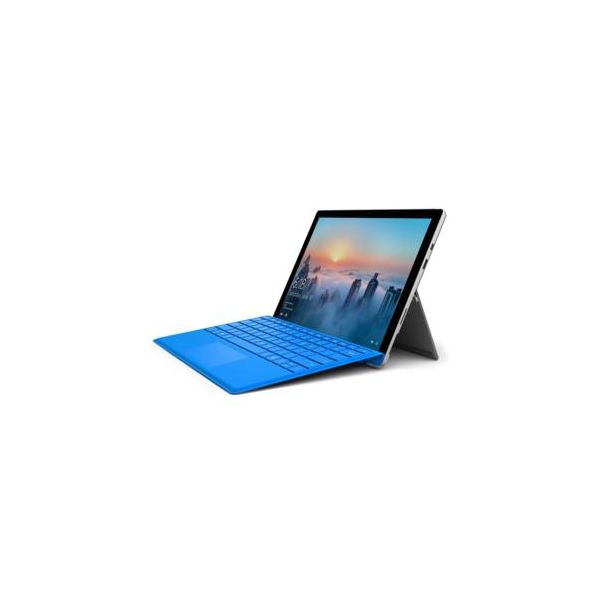
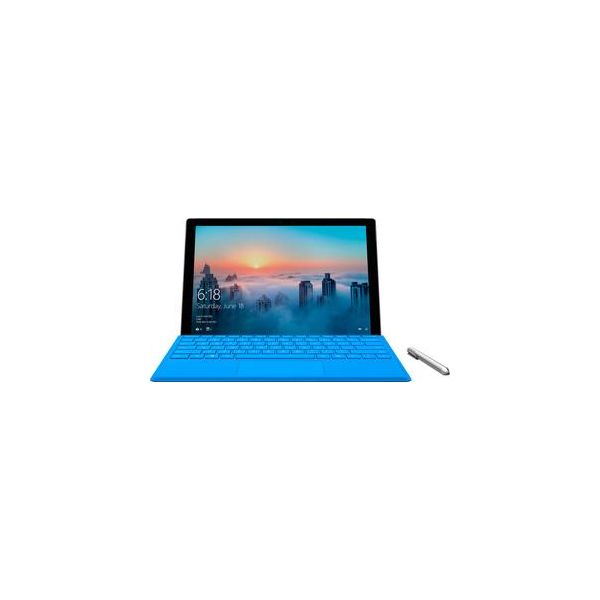
The screen's better. So's the keyboard, and the pen. With the Pro 4, Microsoft's flagship tablet is now an unqualified win for those seeking both a powerful Win 10 slate and a serviceable laptop. (Just note: The keyboard still costs extra, and it's essential.)
Pros:
- Better screen
- keyboard
- and pen than Surface Pro 3
- Bona fide 10-hour battery life
- Better cooling means less-frequent fan noise
Cons:
- Type Cover still costs extra
- Other convertibles still make for better laptops

10 years ago
Microsoft Surface Pro 4 review
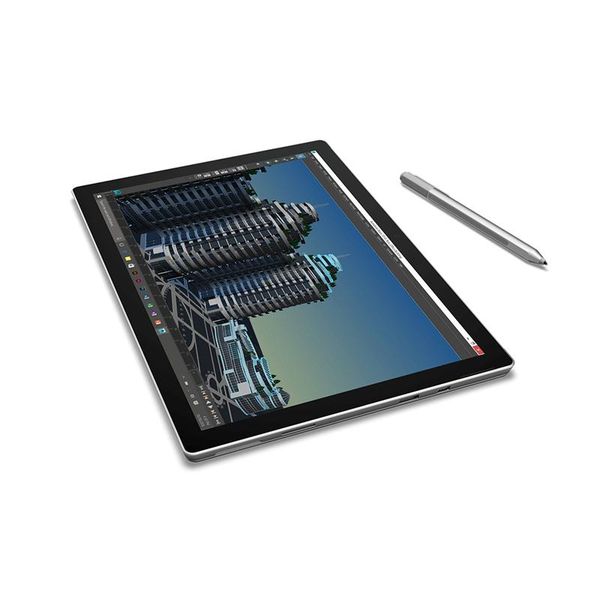
The Surface Pro 4 is a powerful, secure and flexible device with a fantastic display. It doesn't last as long as we'd like in terms of battery life, but the blend of high-end hardware and enterprise-grade software should have Apple and others very worried indeed.
Pros:
- Exceptional display
- mostly great performance
- USB 3.0
- slimmer but still tough build
- quality peripherals
- sharp cameras
- Windows 10 Pro
Cons:
- Mid-range model can struggle with demanding editing tasks
- battery life shorter than hoped
- separate £110 Type Cover

10 years ago
Microsoft Surface Pro 4
The Surface Pro 4 offers many attractions. It's a beautiful device, whether in tablet mode or as an ultra-portable laptop. It has huge versatility, making it the one device you need at work and at weekends.
10 years ago
Microsoft Surface Pro 4 review
The best Surface Pro yet, but it's still not for everyone
Pros:
- Bright
- high quality screen
- Generally comfortable keyboard
- Adjustable built-in kickstand
- Sturdy build quality
- Useful ports
- Good stylus
Cons:
- Heavy for a tablet
- So-so battery life
- Keyboard stability issues remain

10 years ago
Microsoft Surface Pro 4 review: Brilliant, bar battery life
Microsoft is probably smiling gleefully: it's got the upper hand on Apple, with the Surface Pro 4 really shaking its tail-feather at the iPad Pro. For the Surface Pro 4 is the most refined and comprehensive model in the Surface series yet - if you're in the market for a laptop-scale tablet, anyway.
Pros:
- Great screen in resolution, brightness and viewing-angle terms
- Windows 10 a comprehensive OS
- stylus' new magnetic connection/position, latest Type Cover keyboard a great typing experience (sold separately though
Cons:
- Limited battery - casual use, around 6-hours
- no discrete graphics
- Type Cover keyboard not included (its new trackpad too centrally aligned too), "fizz" sound when charging

10 years ago
Very Good but with Kinks to Work Out
I traded in my older Surface RT for the Surface Pro 4, and I am generally very pleased. Some bugs remain that need to be worked out, however. For example, like with the RT and my laptop that still operates on Windows 8, the touch screen goes dead unpredictably pending a system reboot.
10 years ago
Microsoft Surface Pro 4 review
There is a great deal to like and rave about the Surface Pro 4. The design is thinner and lighter for starters. The screen is awesome, there's plenty of power available, the new Surface Pen is better and the Type Cover is a vast improvement on the last one.
10 years ago
Microsoft Surface Pro 4 #ExpressReview: Great laptop replacement, but not fully mobile
Microsoft Surface Pro 4 is a full-blown PC that is actually thinner, lighter and sexier ultrabook
Pros:
- The Surface offers a clear edge when it comes to accessories
- I like the fact that the slim keyboard offers a trackpad too, as I can't resist the temptation of using one with a large screen despite the touch screen.

10 years ago
Microsoft Surface Pro 4 in-depth review - One for the family
With the market for smartphones slowing down, manufacturers are on the lookout for newer ways to get customers back into stores handing over their cards. With media consumption on mobile devices at its peak, and the path being shown by iPads, it didn't take long for hybrid tablets, powerful enough...
Pros:
- Unadulterated Windows 10
- Bundled Surface Pen
- Beautiful display
- kickstand negates need for separate type pad
Cons:
- Fan kicks in very frequently
- Windows app store fairly limited
- Battery discharges in sleep mode
- expensive

10 years ago
Microsoft Surface Pro 4 review
Microsoft's Surface Pro 4 aims to replace your laptop but can the Windows 10 tablet do it
4.1
from 88 reviews
5
28.0%
4
53.0%
3
11.0%
2
5.0%
1
1.0%

