

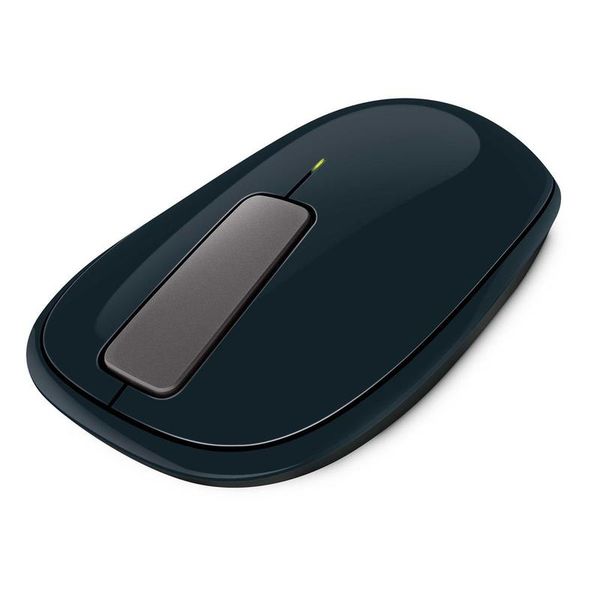
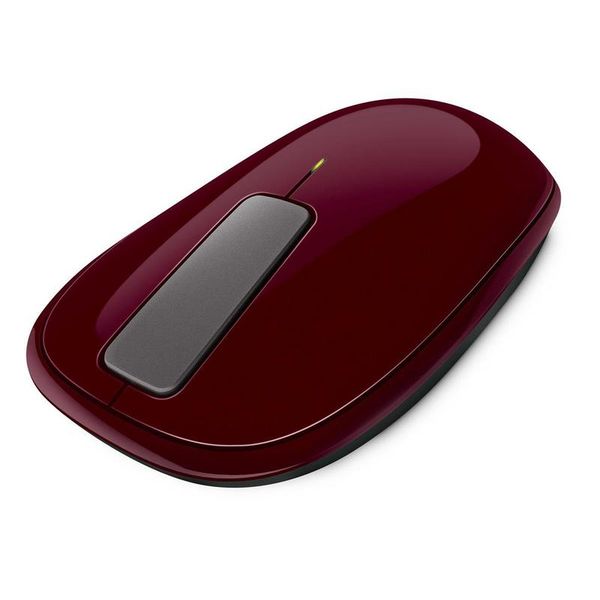
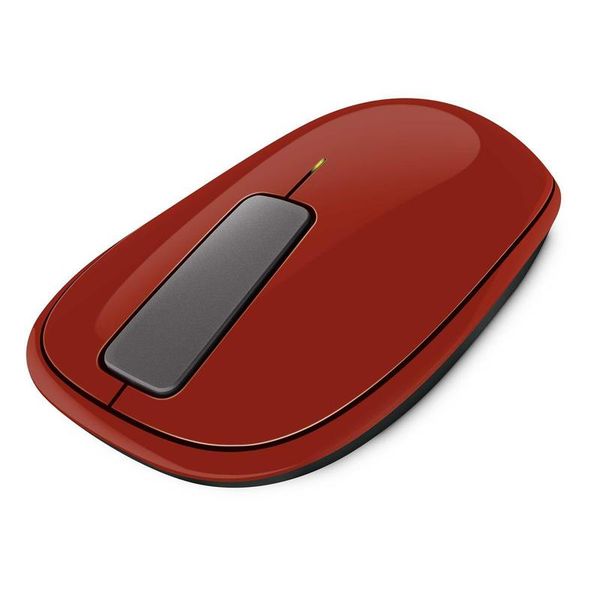
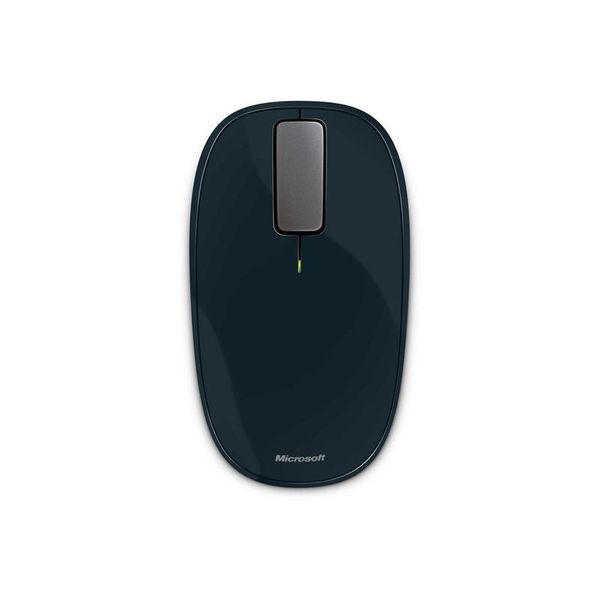
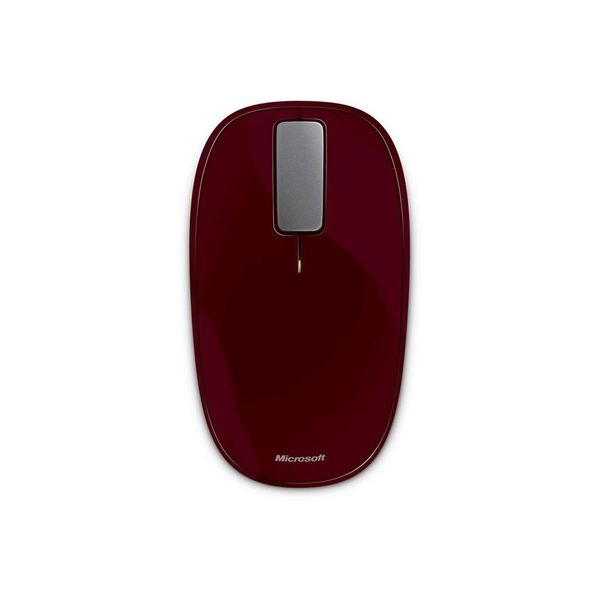
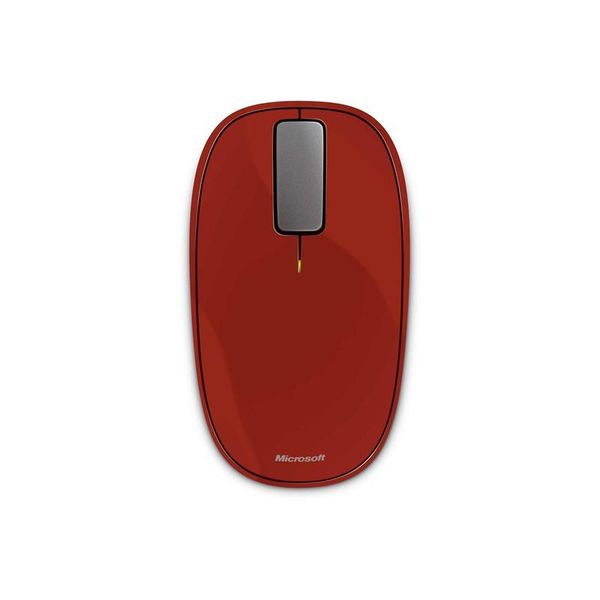
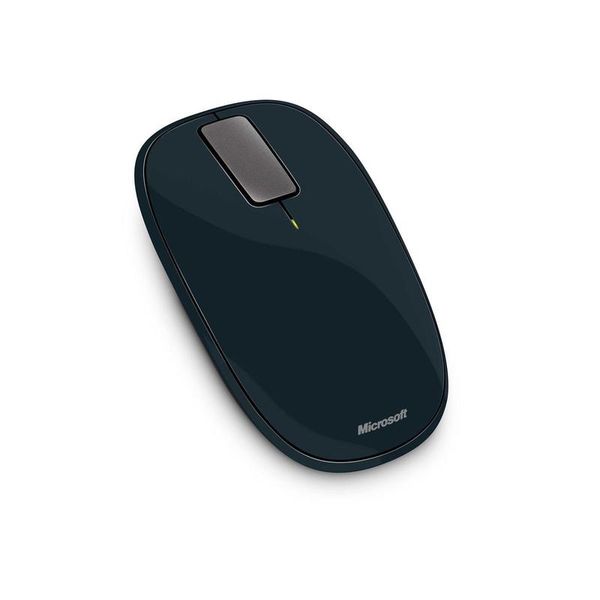
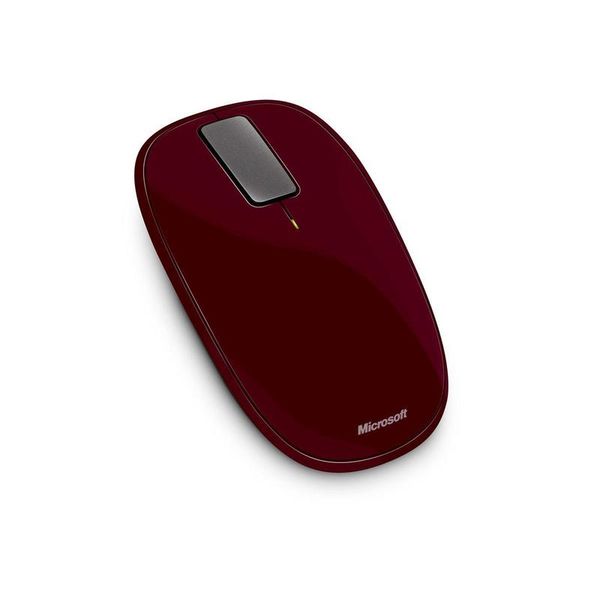
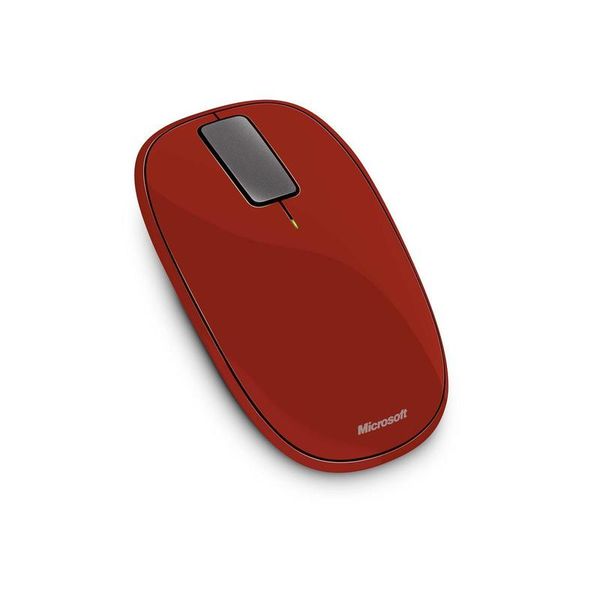
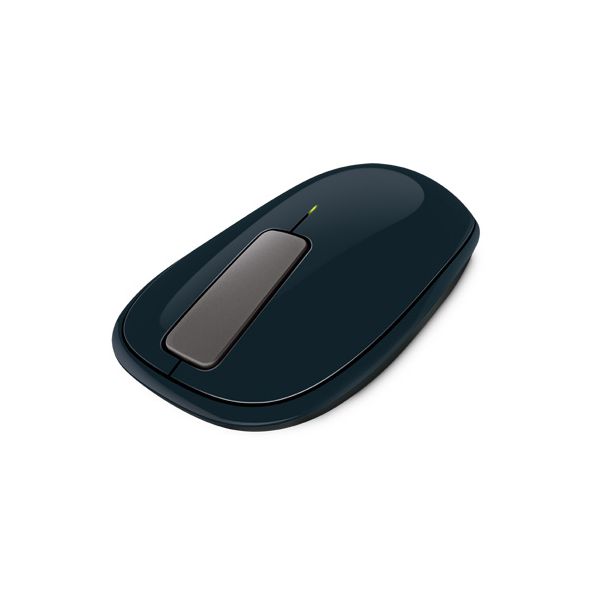
Microsoft Explorer Touch

Reviews
Show product page
14 years ago
Microsoft Singapore today announced the latest additions to their line of Touch mice – Touch Mouse and Explorer Touch Mouse. Both the Touch and Explorer Touch are equipped with BlueTrack technology that allow users to use it on virtually any surface, and come with a Nano transceiver which can be...

14 years ago
Microsoft Touch Mouse
UPDATE 26/08/2011: we have now re-tested the Microsoft Touch Mouse with its new drivers. Microsoft officially announced that the new Intellipoint 8.2 drivers would correct several of the major issues we noticed in our original test-namely the...
Pros:
- Touch-sensitive (only an advantage if you prefer that to buttons
- Taller
- longer and more comfortable than the Apple Magic Mouse
- Attractive
- which isn't easy for a mouse
- Tiny wireless receiver doesn't stick out of your laptop
- Easy to get the hang of
Cons:
- Supplied batteries aren't rechargeable
- Heavy: 130 g compared to 110 g on the Logitech G500
- Virtual scrollwheel isn't responsive enough - noticeable lag
- Windows 7 (and later!

14 years ago
Microsoft Touch Mouse review
Great for keyboard-free window management, but spoiled but erratic and sluggish vertical scrolling
14 years ago
Microsoft Touch Mouse
Combining the pinpoint control of a traditional mouse with multitouch gestures, the Microsoft Touch Mouse is designed to make navigating Windows 7 just as fluid as with a notebook touchpad.
Pros:
- Easy to install
- Quick and responsive multitouch gestures
- Sleek comfortable design
- Software makes it easier to multitask
Cons:
- A tad expensive
- Doesn't perform pinch-to-zoom
- Only works with Windows 7 systems

14 years ago
Microsoft Explorer Touch Mouse
The Explorer Touch Mouse ($49.95 list) is the third and least expensive in Microsoft's Touch series of mice . Touch interaction with it is limited to a flat matte grey piece of plastic in the middle of the mouse that replaces the traditional scroll wheel.
Pros:
- Designed for right- or left-handed use
- Wireless
- Can be used on a wide variety of surfaces
Cons:
- Design is not ergonomic

14 years ago
Microsoft TouchMouse
Microsoft's latest mouse has been specifically designed for Windows 7. Fusing one-, two- and three-fingered multitouch with an ambidextrous mouse design, the TouchMouse is Microsoft's latest attempt to bring gesture control to a Windows desktop near you.
14 years ago
Microsoft Touch Mouse
The Microsoft Touch Mouse combines a traditional mouse with multitouch gestures to make navigating and using Windows 7 on a desktop computer just like a notebook with a touchpad. While a little expensive, it is very responsive, comfortable to use and intuitive.
Pros:
- Easy to setup
- Attractive
- comfortable design
- Responsive touch surface
Cons:
- A little costly
- Only Windows 7 supported
- No gesture for zooming

14 years ago
Microsoft Touch Mouse
The Microsoft Touch Mouse takes a bit of getting used to, and we aren't sure we'd want to use it all the time. But it is a great accompaniment to laptop computing in particular, where it adds oodles of functionality to the standard touchpad.
14 years ago
Microsoft Touch Mouse
When all is said and done, MS Touch Mouse is perhaps the most innovative mouse I have ever used. Microsoft has been able to effectively combine two dissimilar products into one. Honestly, up until I started actually using it, the idea of making a mouse that is also touch sensitive seems outlandish,...
Pros:
- Multi-touch sensitive touchpad built into the top of the mouse
- Short and simple learning curve
- Truly ambidextrous design
- Productivity boost for power users
Cons:
- Less than optimal grip areas
- Touch sensitive area can be a tad too sensitive
- Windows 7 only
- Only 1000 DPI sensitivity
- No customization of the touch commands
- Sluggish vertical scroll

3.5
from 53 reviews
5
13.0%
4
37.0%
3
33.0%
2
6.0%
1
8.0%

