

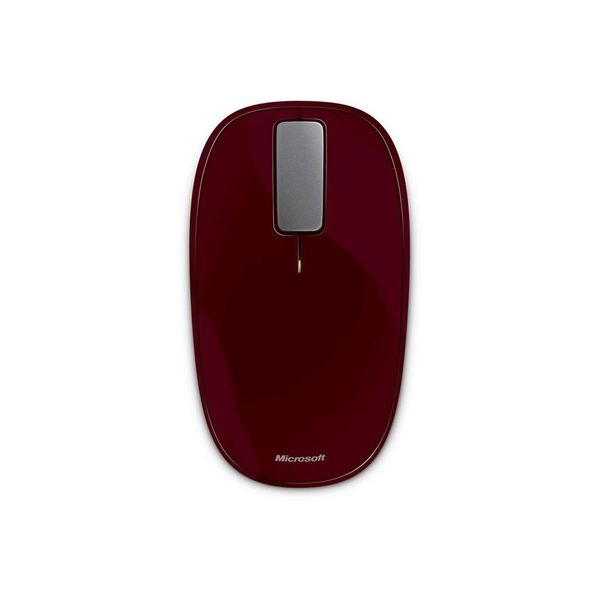
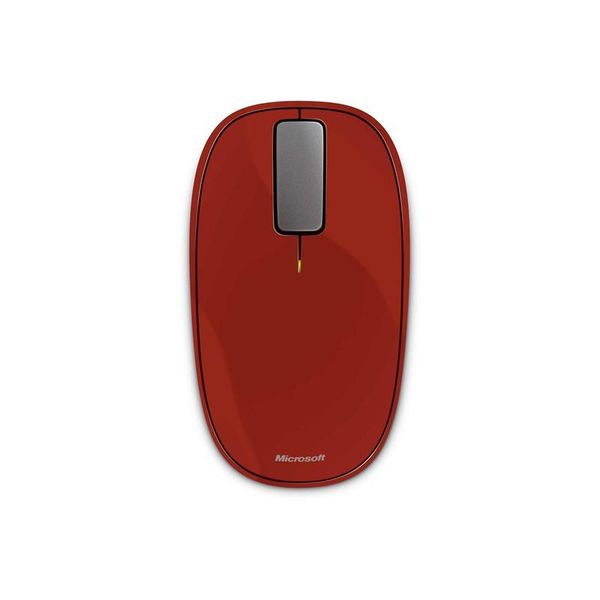
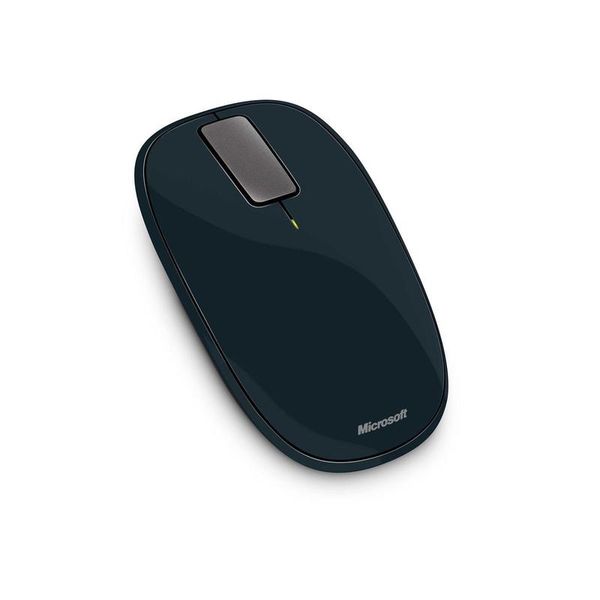
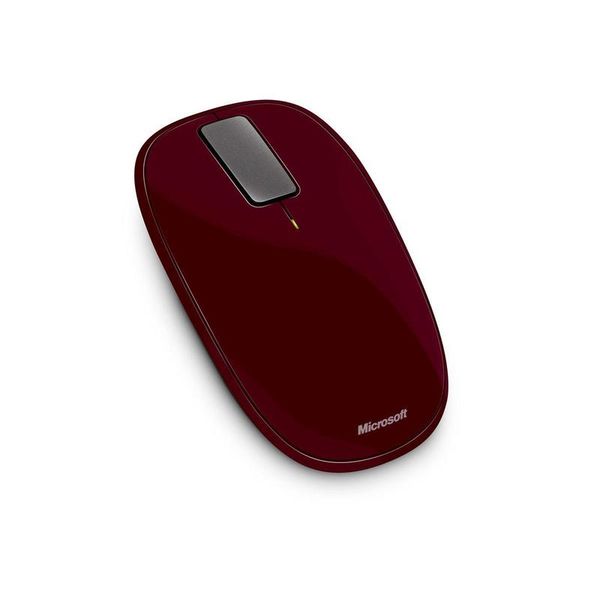
Microsoft Explorer Touch

Reviews
Show product page
8 years ago
Review: Microsoft Explorer Touch mouse
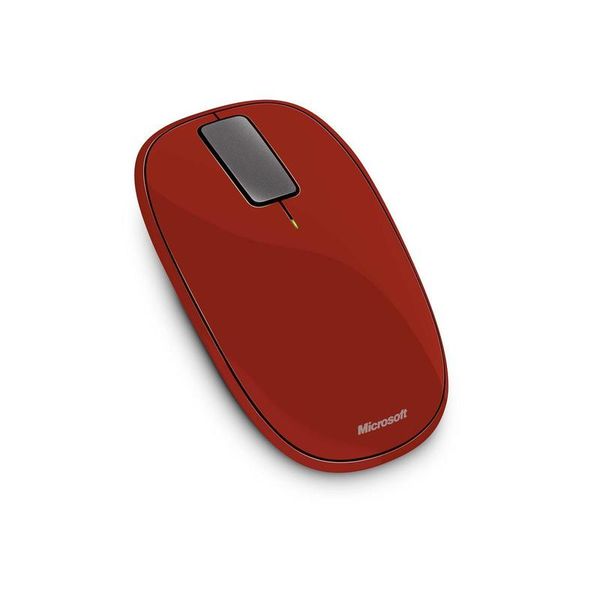
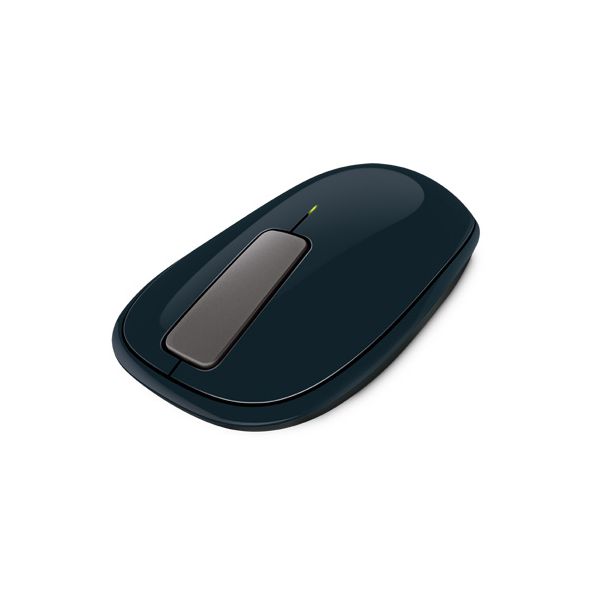
Microsoft is not only known for the Windows operating system and other software applications, but also for peripherals that communicate with one another. Microsoft has always kept their keyboard, mouse, and webcam hardware line fresh and interesting, giving consumers more and more choices.
10 years ago
Good all round
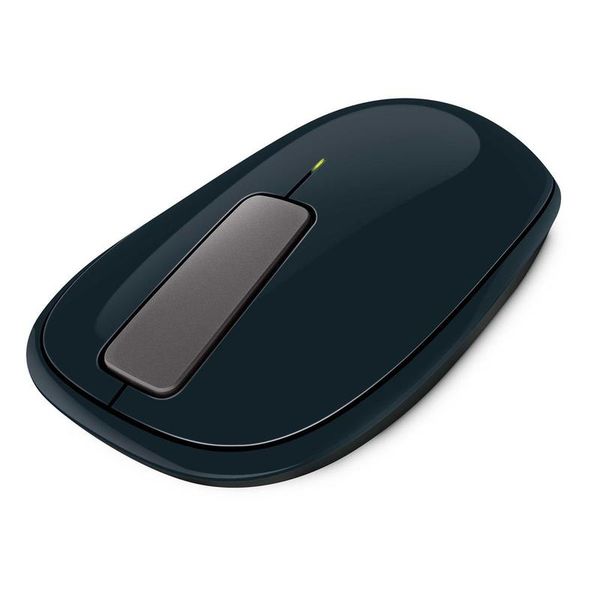
Works as intended, nice weighty feel once the batteries are inside. Its on the compact side, but not too small and fits comfortably in hand. Fortunately, it's not too much of a departure from my bog standard wired mouse size-wise.
11 years ago
very nice mouse
I wanted to wait a couple weeks before I reviewed this mouse. I wasn't sure if I could get used to the scroll button, other reviewers said it was to different to get used to. I didn't find it hard at all. took a couple days, but then it was no big deal..
11 years ago
Awesome Mouse!
I use this mouse with my Surface Pro. The Surface Pro keyboard has a horrific track pad so this is mouse is an amazing benefit... I wish I had bought it sooner.<br /><br />I've had no issues with it what-so-ever and think it's an amazing product.
Pros:
- Comfortable Design
- Easy To Set Up
- Fast Response
- Highly Compatible
- Long Range
- Quiet
Cons:
- Few Buttons

12 years ago
Unique Design That Works, Surprisingly!
Since my laptop passed on a few months ago, I've been accomplishing the majority of writing work on
Pros:
- Portable
- accurate
- surprisingly nice feel while using it
Cons:
- Battery life
- not for gaming
- not for all-day or desktop use either

12 years ago
The bluetooth synced right up with my Macbook. Mouse feels comfortable and does what it is supposed to do.

12 years ago
Microsoft Sculpt Ergonomic Mouse
On the whole, both the mouse and keyboard work as advertised in Windows 7 and 8. All we have to do is turn on our computer, plug in the dongle into our computer's USB port, power on the mouse, and voilà!
Pros:
- Encourages proper posture
- Modular number pad design
- One USB dongle connects the entire bundle
Cons:
- Expensive
- Some media keys don't work consistently
- USB Adapter sticks out too far

12 years ago
Do not bother with this mouse. Very frustrating to use with inaccurate scrolling.

13 years ago
Very Nice Mouse and compact to go anywhere
Very nice design...and ergonomic if you have small to medium hands...not sure about large hands One small issue doesn't always connect instantaneous to Surface Pro after coming up from Sleep like Logitech Keyboard (K810) which I strongly recommend for any Surface Pro users to use with this mouse.
13 years ago
Using this touch mouse has made my work simpler than ever before. Since February 2013, I've been using this mouse and candidly speaking that till yet I haven't found any issues as such.
3.5
from 53 reviews
5
13.0%
4
37.0%
3
33.0%
2
6.0%
1
8.0%

