

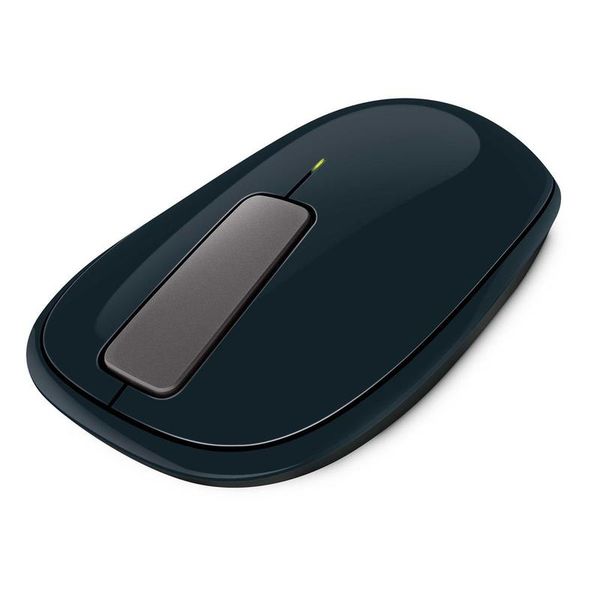
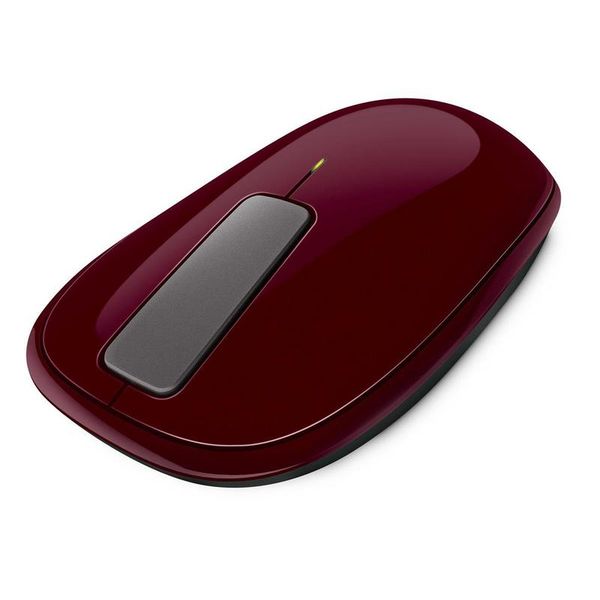
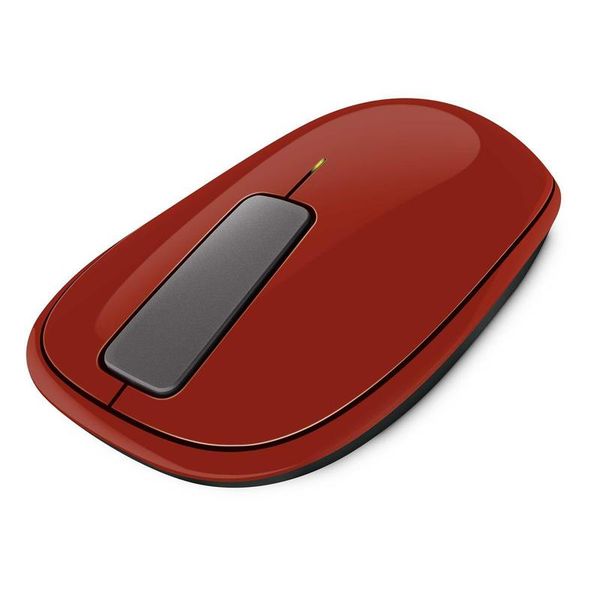
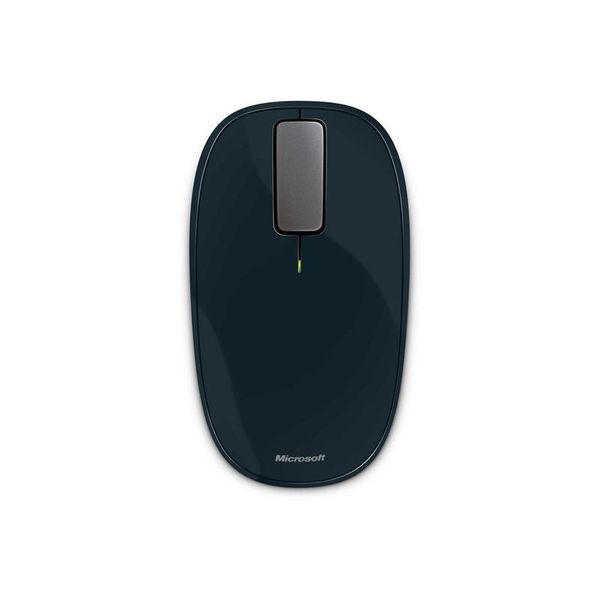
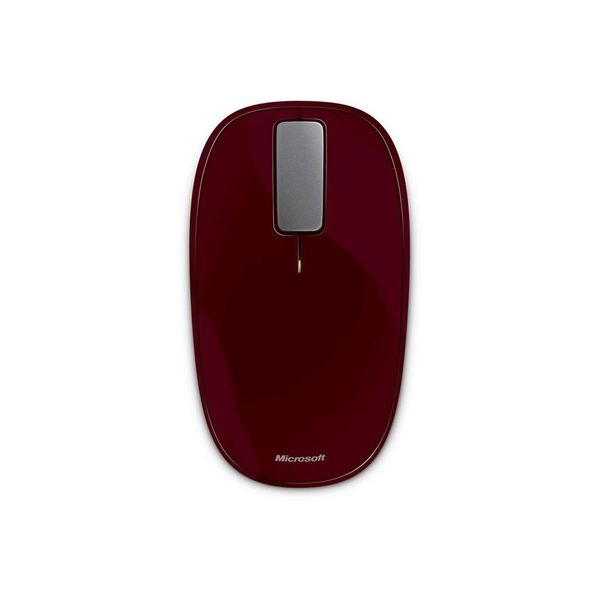
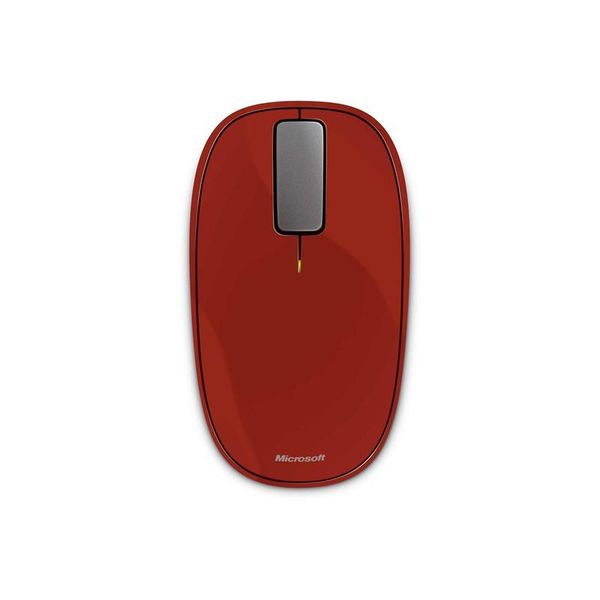
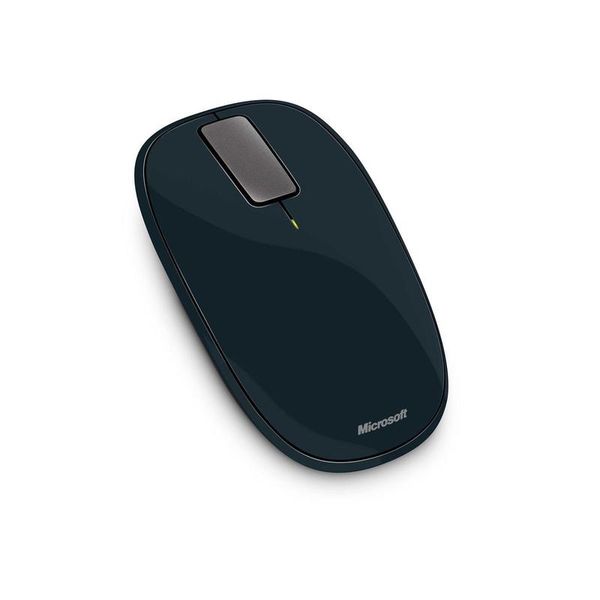
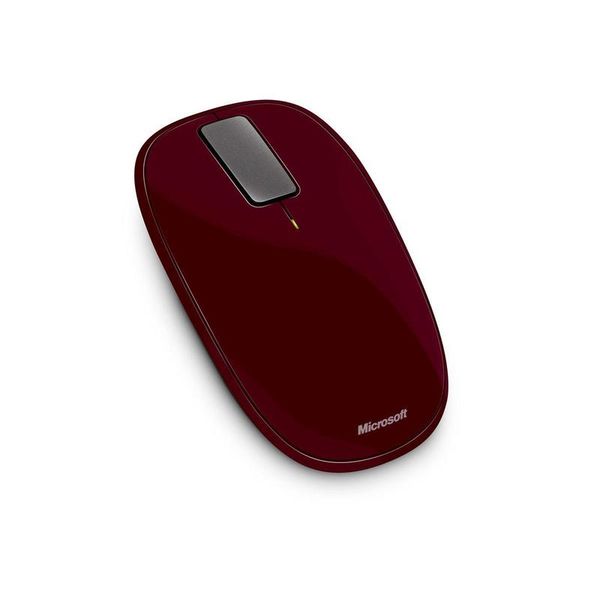
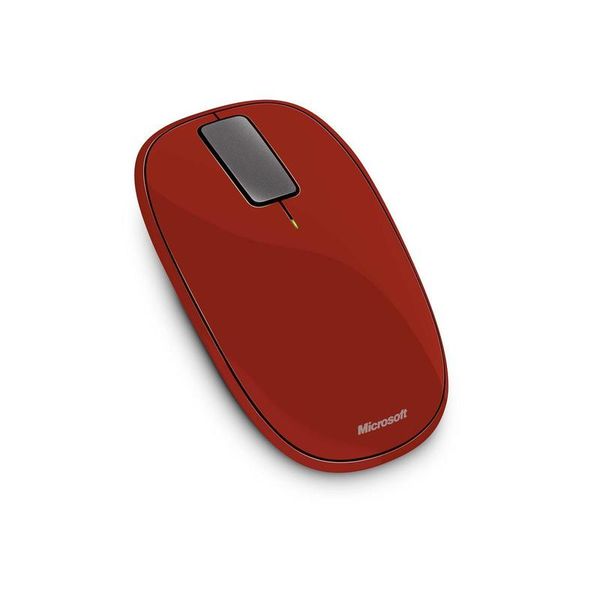
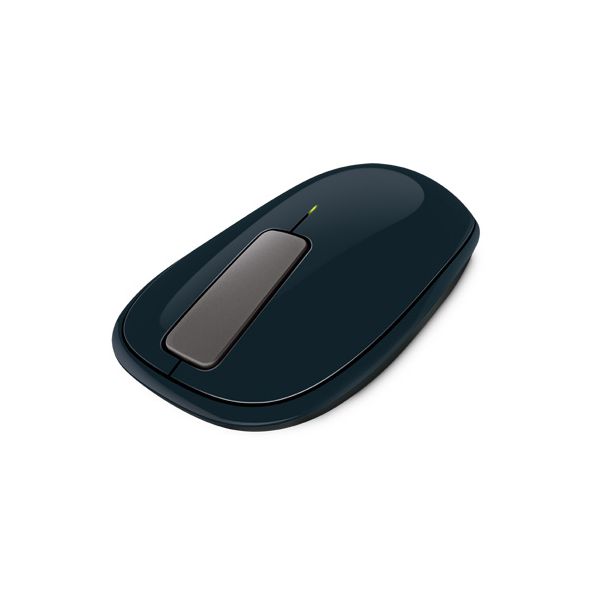
Microsoft Explorer Touch

Reviews
Show product page
14 years ago
As an everyday user of Apple's Magic Mouse, it has become the heart and soul of my everyday computing. Touch gestures have made it into nearly everyone's lives and a mouse with touch gesture use is just, well, Magic. Once the USB receiver is in, your PC does its thing and auto-detects the mouse.

14 years ago
Microsoft Explorer Touch Mouse Review
Earlier this year we looked at three touch sensitive portable mice from the likes of Mad Catz, SpeedLink and Microsoft. Each mouse was distinct in its own right and all three were able to track fine on my Roccat Sota pad, but I ultimately chose Microsoft's Arc Touch as my favorite because it was the...
Pros:
- Touch strip works well
- Bluetrack
- ambidextrous design
- relatively comfortable
Cons:
- No thumb buttons

14 years ago
There are some slight inconsistencies but it happened rarely. Sometimes you just need to maneuver it correctly. The mouse itself is durable and can stand overuse. The clickable part are soft but something that can last long. This is the great thing about this computer gadget.


14 years ago
Microsoft Touch Mouse
When all is said and done, MS Touch Mouse is perhaps the most innovative mouse I have ever used. Microsoft has been able to effectively combine two dissimilar products into one. Honestly, up until I started actually using it, the idea of making a mouse that is also touch sensitive seems outlandish,...
Pros:
- Multi-touch sensitive touchpad built into the top of the mouse
- Short and simple learning curve
- Truly ambidextrous design
- Productivity boost for power users
Cons:
- Less than optimal grip areas
- Touch sensitive area can be a tad too sensitive
- Windows 7 only
- Only 1000 DPI sensitivity
- No customization of the touch commands
- Sluggish vertical scroll

14 years ago
Microsoft Touch Mouse
The Microsoft Touch Mouse takes a bit of getting used to, and we aren't sure we'd want to use it all the time. But it is a great accompaniment to laptop computing in particular, where it adds oodles of functionality to the standard touchpad.
14 years ago
Microsoft Touch Mouse
The Microsoft Touch Mouse combines a traditional mouse with multitouch gestures to make navigating and using Windows 7 on a desktop computer just like a notebook with a touchpad. While a little expensive, it is very responsive, comfortable to use and intuitive.
Pros:
- Easy to setup
- Attractive
- comfortable design
- Responsive touch surface
Cons:
- A little costly
- Only Windows 7 supported
- No gesture for zooming

14 years ago
Microsoft TouchMouse
Microsoft's latest mouse has been specifically designed for Windows 7. Fusing one-, two- and three-fingered multitouch with an ambidextrous mouse design, the TouchMouse is Microsoft's latest attempt to bring gesture control to a Windows desktop near you.
14 years ago
Microsoft Explorer Touch Mouse
The Explorer Touch Mouse ($49.95 list) is the third and least expensive in Microsoft's Touch series of mice . Touch interaction with it is limited to a flat matte grey piece of plastic in the middle of the mouse that replaces the traditional scroll wheel.
Pros:
- Designed for right- or left-handed use
- Wireless
- Can be used on a wide variety of surfaces
Cons:
- Design is not ergonomic

14 years ago
Microsoft Touch Mouse
Combining the pinpoint control of a traditional mouse with multitouch gestures, the Microsoft Touch Mouse is designed to make navigating Windows 7 just as fluid as with a notebook touchpad.
Pros:
- Easy to install
- Quick and responsive multitouch gestures
- Sleek comfortable design
- Software makes it easier to multitask
Cons:
- A tad expensive
- Doesn't perform pinch-to-zoom
- Only works with Windows 7 systems
3.5
from 53 reviews
5
13.0%
4
37.0%
3
33.0%
2
6.0%
1
8.0%

