

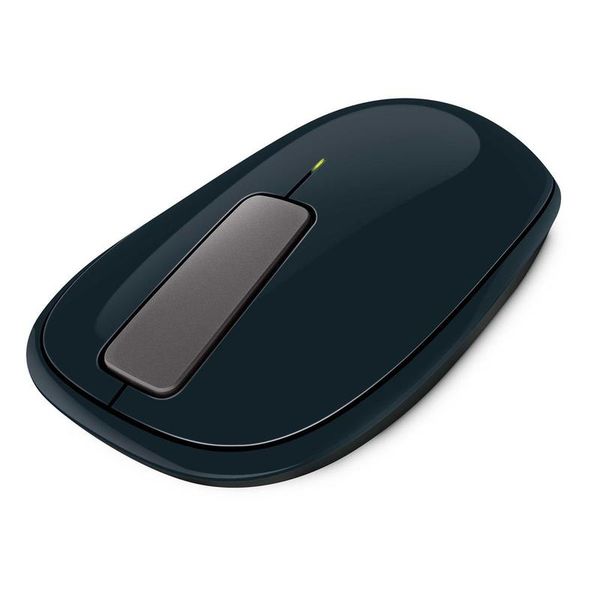
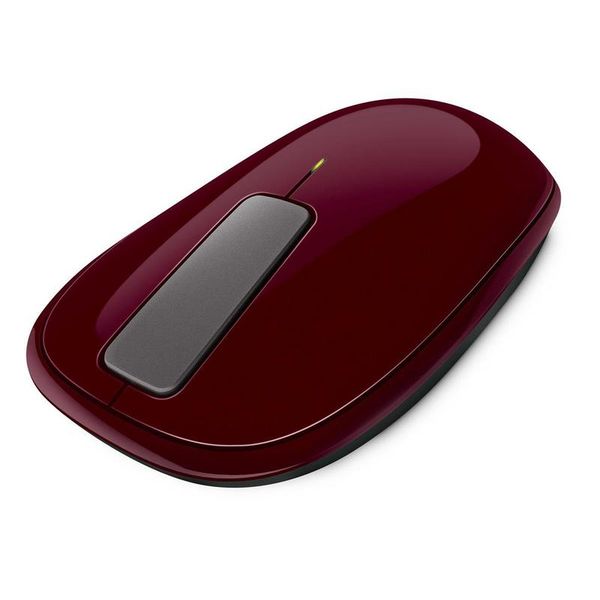
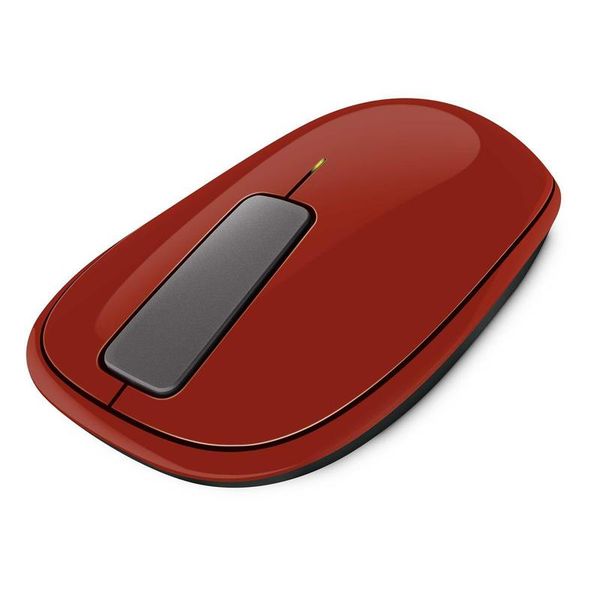
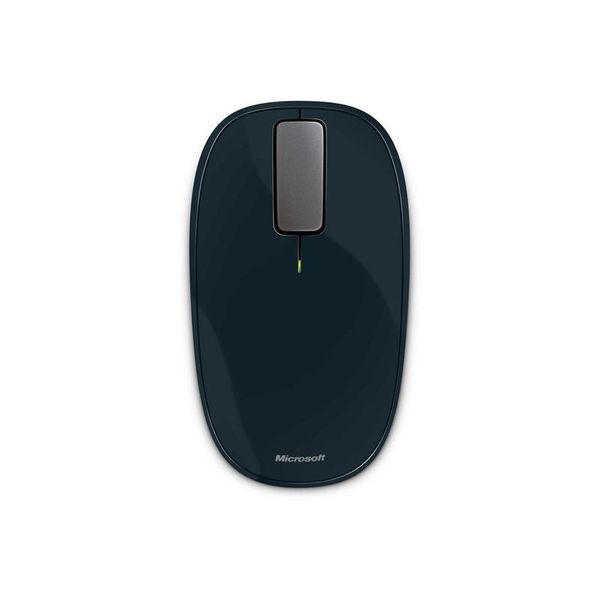
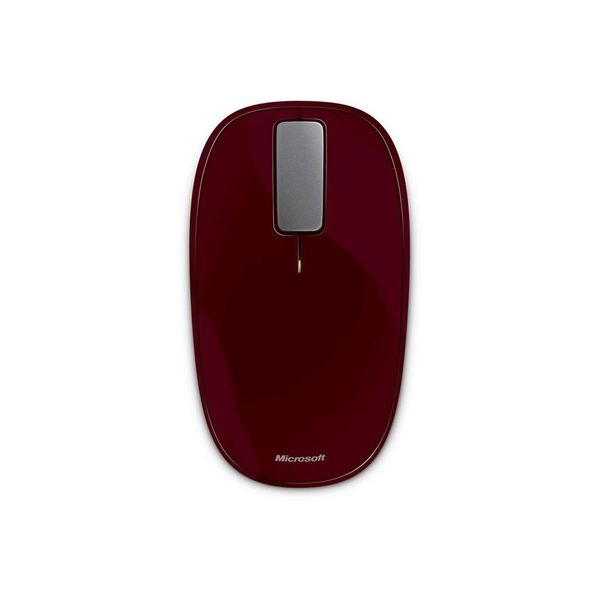
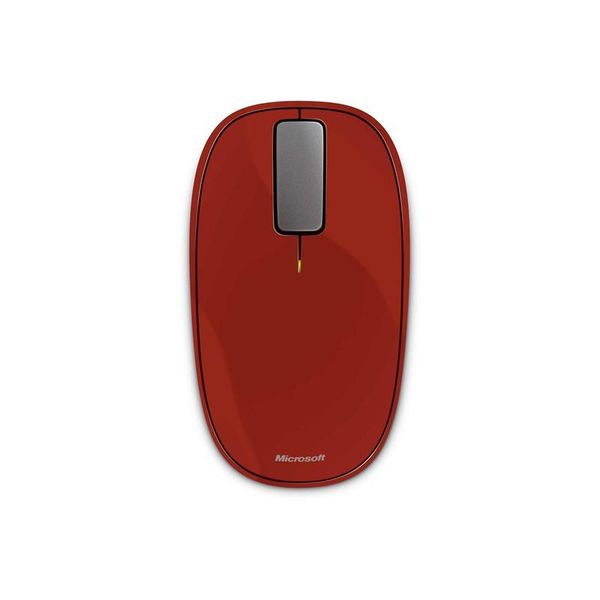
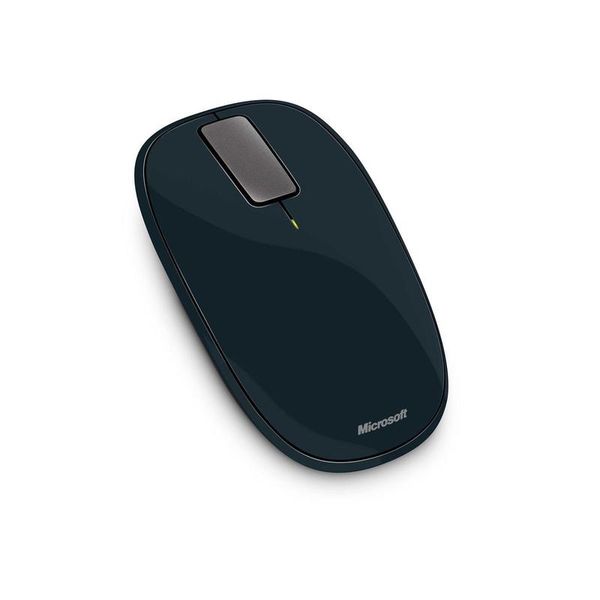
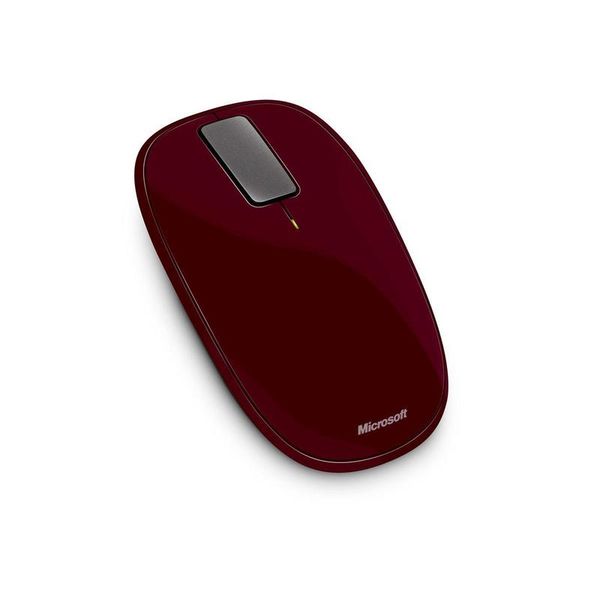
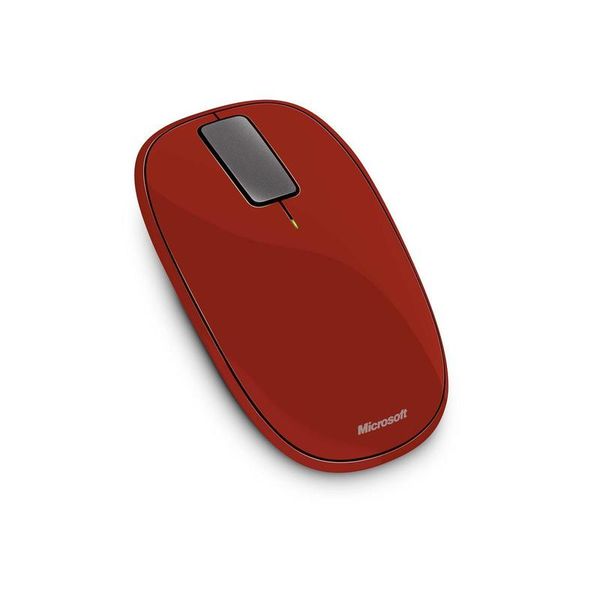
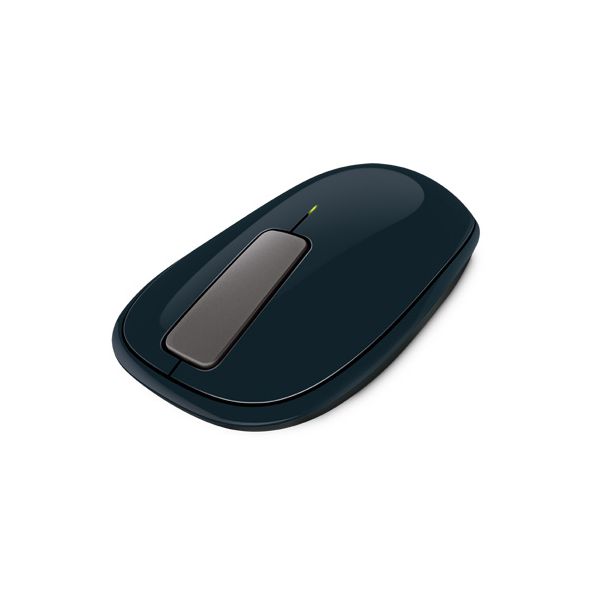
Microsoft Explorer Touch

Reviews
Show product page
13 years ago
A great mouse that could have been spectuacular
The first impression after taking this product out of the box is one of quality. It feels like a high end device, and this is continued in the installation and software which is very easy and instructs you in how to use the gestures, which work really well.
13 years ago
Pretty much everything is said in the Pros/Cons section. I regret buying the mouse, although I still believes it is a good mouse overall. It just feels awkward in the hand, and is almost impossible to use for gaming.
Pros:
- Design
- Software driver
- Touch strip works surprizingly well
- Easily carryable
Cons:
- Uncomfortable for gaming
- Too small
- too low
- pointer goes crazy once in a while
- No thumb buttons

13 years ago
Not a bad mouse, nice and useful gestures. However, I do miss the scroll wheel.

14 years ago
"Light Vibrations"
I always like to have a good mouse on my computer and I change them quite regularly to make sure my mouse is always fast as with work I need a good mouse. I do like Microsoft for mice as I know they are good quality and they are reliable.
Pros:
- nice design
- comfortable to use
Cons:
- not always quick to move

14 years ago
Microsoft Explorer Touch Wireless Mouse: Light Vibrations
a touch sensitive mouse by Microsoft
Pros:
- nice design
- comfortable to use
Cons:
- not always quick to move

14 years ago
Amazing Mouse....
I just bought this for a friend and played around with it, simply the best experience. Now i do want to add something here, this is NOT a gaming mouse so if you want it for anything else it's a great device from MS and it's on sale right now. I will buy one for myself tonight.
14 years ago
Microsoft Touch mouse review
Imagine you have a mouse and a touchpad, all packaged together in one single product. That's pretty much what the Microsoft Touch mouse is.
14 years ago
Microsoft Touch Mouse
Visit ActiveWin.com on Facebook !
Pros:
- Nice color for a white desktop
- Design
- High Quality
- Packaging
- Nice Demo to learn features
Cons:
- Limited Availability
- Price
- Cannot Customize Touch Features
- Installation a little longer than normal

14 years ago
Fantastic
Feels a little jarring at first to use the touch wheel, but after a half hour is feels natural to me.
Pros:
- Has all the benefits of touch without losing the feelinging of clicking
- The scroll "wheel" is especially awesome and everything is fully customizable through the intellipoint software
- Accurate on all the surfaces around me
Cons:
- A little shorter than my last mouse
- but since I'm 6'5 with big hands I suspect this would only be a problem for me

14 years ago
Microsoft's Explorer Touch mouse abandons the traditional scroll wheel for a hit-or-miss touch strip that uses vibrating feedback. It's an interesting idea, but our hands tell us you're better off sticking with tradition.
Pros:
- BlueTrack tech allows mousing on most surfaces
- Storage niche inside mouse for tiny USB receiver
- Easy setup
Cons:
- Touch-sensitive flick strip is balky
- overengineered
- Vibrating feedback can be excessive
- Low-slung design not comfortable for all hands
3.5
from 53 reviews
5
13.0%
4
37.0%
3
33.0%
2
6.0%
1
8.0%

