

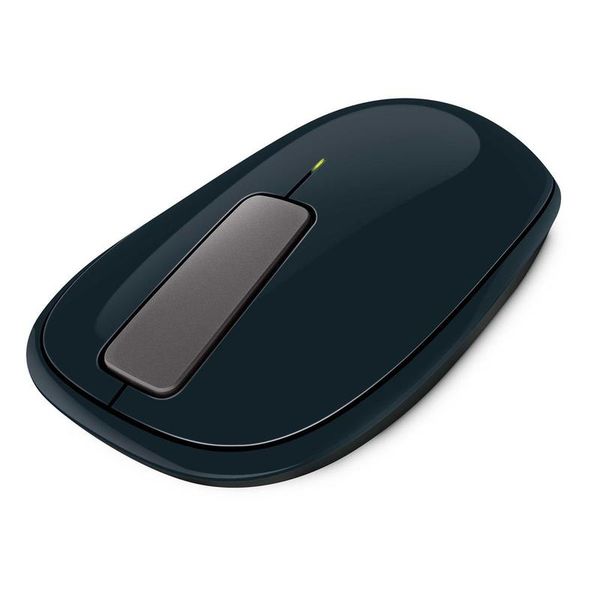
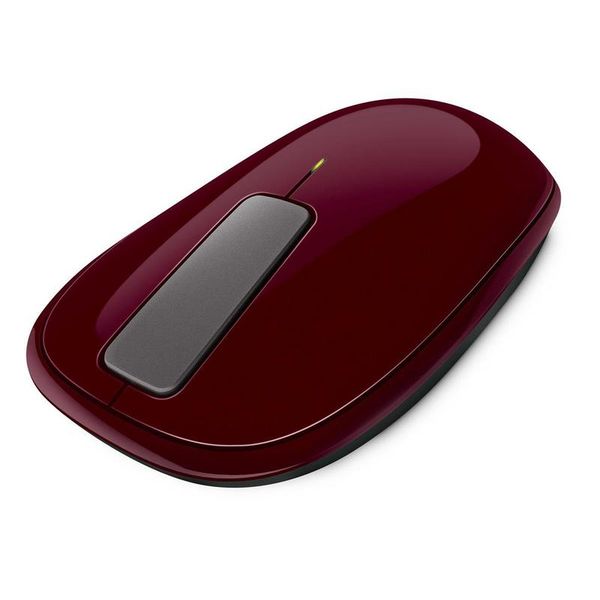
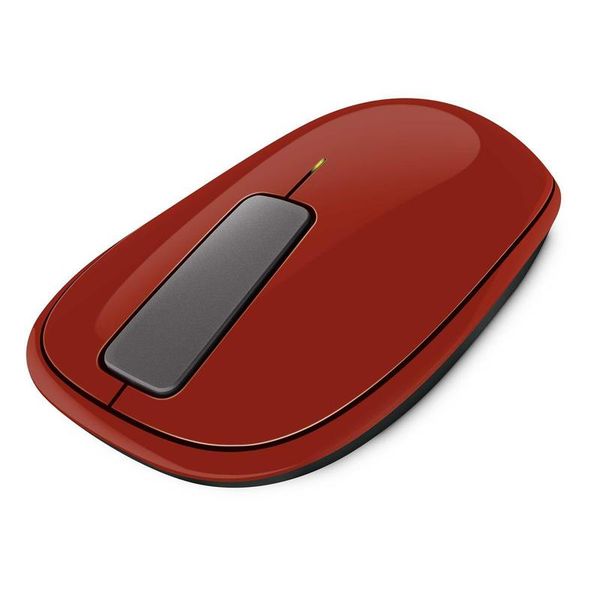
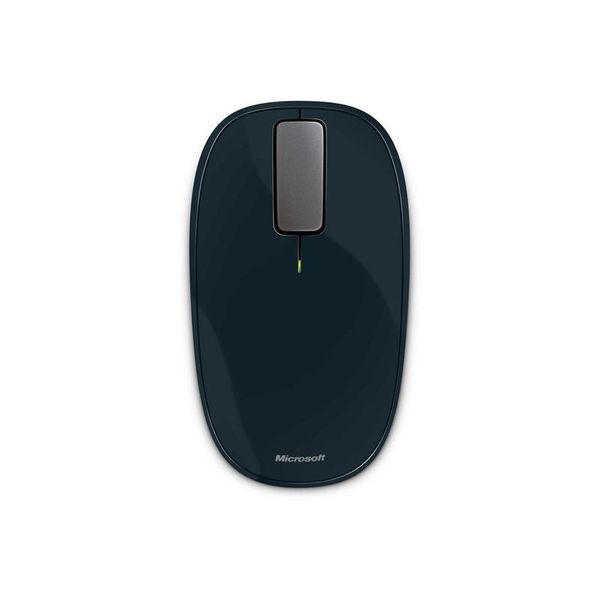
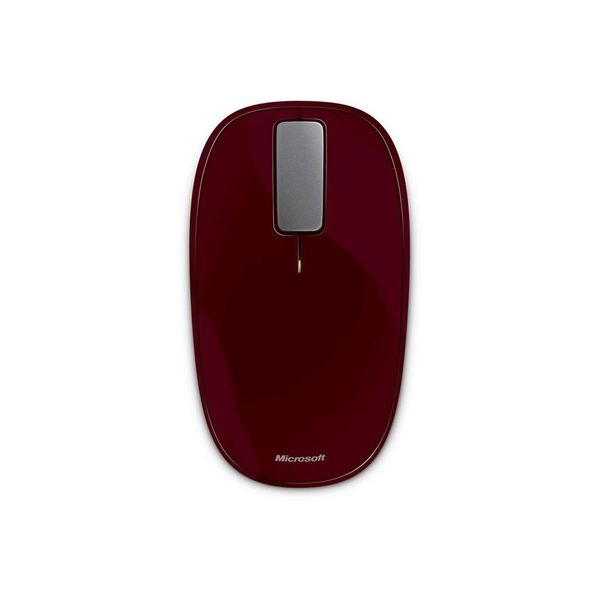
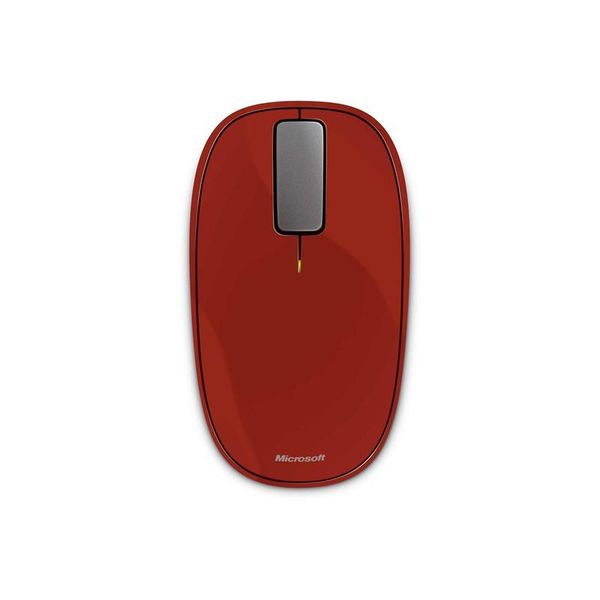
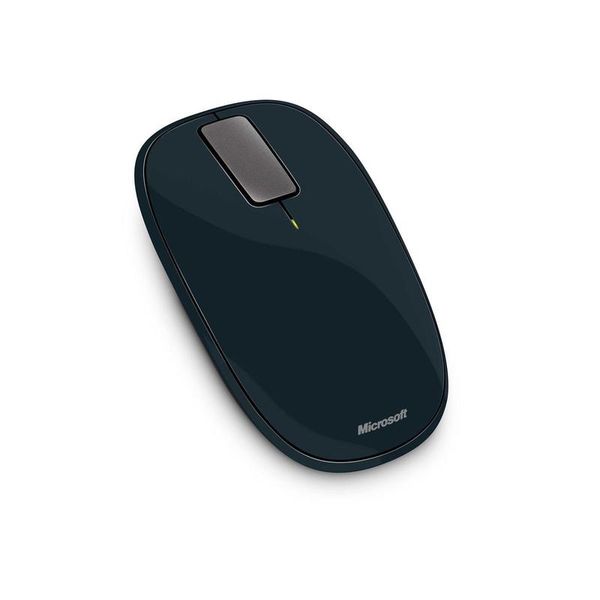
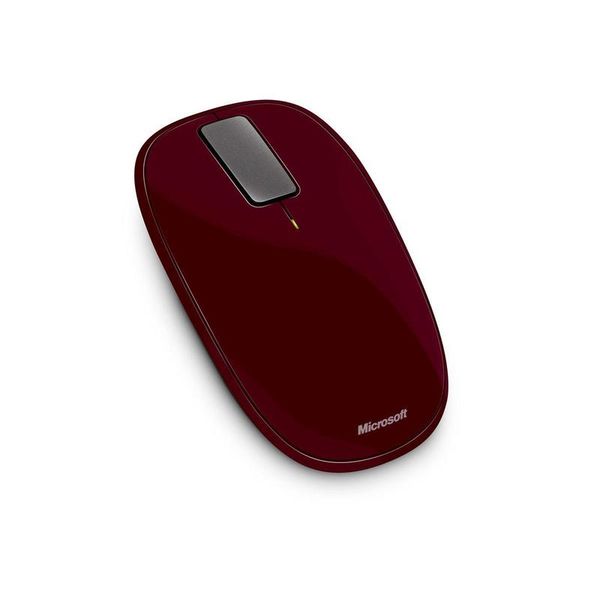
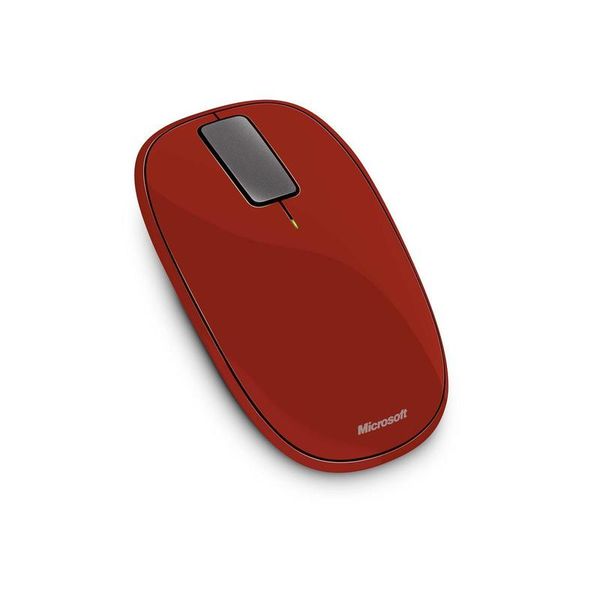
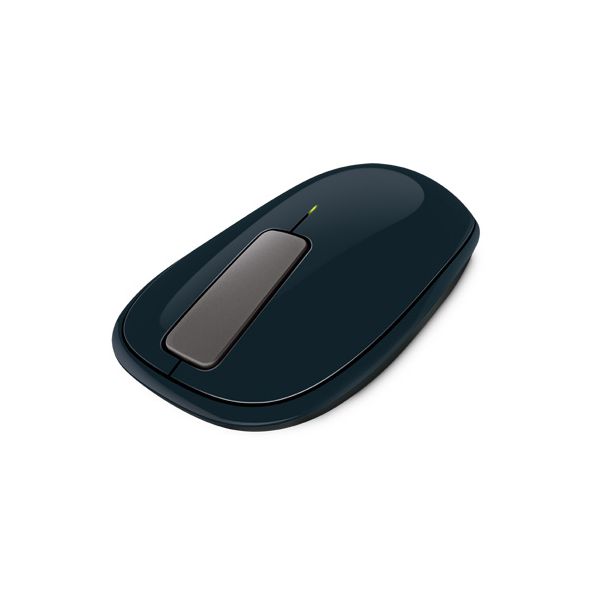
Microsoft Explorer Touch

Reviews
Show product page
13 years ago
Not a bad mouse, nice and useful gestures. However, I do miss the scroll wheel.

13 years ago
Pretty much everything is said in the Pros/Cons section. I regret buying the mouse, although I still believes it is a good mouse overall. It just feels awkward in the hand, and is almost impossible to use for gaming.
Pros:
- Design
- Software driver
- Touch strip works surprizingly well
- Easily carryable
Cons:
- Uncomfortable for gaming
- Too small
- too low
- pointer goes crazy once in a while
- No thumb buttons

13 years ago
A great mouse that could have been spectuacular
The first impression after taking this product out of the box is one of quality. It feels like a high end device, and this is continued in the installation and software which is very easy and instructs you in how to use the gestures, which work really well.
13 years ago
The teeny weeny Bluetooth Microsoft Wedge Touch Mouse is the latest creation out of the software giant's hardware division, and it's been built from the ground up for Windows 8 and all those new PCs, laptops and tablets expected to launch in late October.
Pros:
- If you really need a mouse on the go, you won't find many smaller than the striking Microsoft Wedge Touch Mouse
- With a surface area barely bigger than a credit card, it's certainly easy to throw in your bag
- It's surprisingly comfortable to use too considering its wee size.
Cons:
- Windows 8 is just around the corner, and with it come all sorts of new gestures, including the ability to swipe between apps
- But you won't be able to pull them off with the Microsoft Wedge Touch Mouse, That's a bit silly, especially when Apple's Magic Mouse and Trackpad support all sorts of useful...

13 years ago
Microsoft Wedge Touch mouse review
With our Windows 8 review taking up so much of our time, it seemed only sensible to test Microsoft's newest OS with some of its new hardware. The Wedge Touch mouse is designed to work specifically with Windows 8, although it's a standard Bluetooth...
Pros:
- Small
- light
- stylish
- comfortable to use
Cons:
- Right click can be bothersome
- expensive

13 years ago
Microsoft Explorer Touch Mouse Review
The Microsoft Explorer Touch Mouse has been out for some time, but I thought there might not be that much interest. However, due to numerous requests I decided it was time for the full review. The mouse works pretty well and features a touchpad that replaces the scroll wheel.
13 years ago
The worst mouse
i bought this mouse cause i was needing a very accurate mouse, this is the worst mouse i have ever used. Not accurate at all, heavy it just has a good design, the touch function is making it very slow. Is not worth the money i have spent. Very bad choice.
13 years ago
The Microsoft Sculpt Touch Mouse is a Bluetooth-enabled computer mouse designed for Windows 8 that retails for around £35, although Microsoft sets the SRP at £49. It's compact, understated in design, and contains a modicum of touchpad control ability.

13 years ago
Microsoft Wedge Touch Mouse review
The Microsoft Wedge Touch Mouse is designed for use with Windows 8 laptops and tablets, but it also works with Windows 7 and Mac computers too. This portable mouse could be handy if you don't like using laptop touchpads.
13 years ago
Microsoft Wedge Touch Mouse
With the launch of Windows 8 , Microsoft has released some new peripherals that have been designed to complement the new operating system, and its new way of doing things. First up is the Microsoft Wedge Touch Mouse, a rather odd looking Bluetooth-only mouse.
Pros:
- Responsive
- Portable
- Works well with Windows 8
- Easy to connect
Cons:
- Pricey
- Not for desktop PCs
3.5
from 53 reviews
5
13.0%
4
37.0%
3
33.0%
2
6.0%
1
8.0%

