

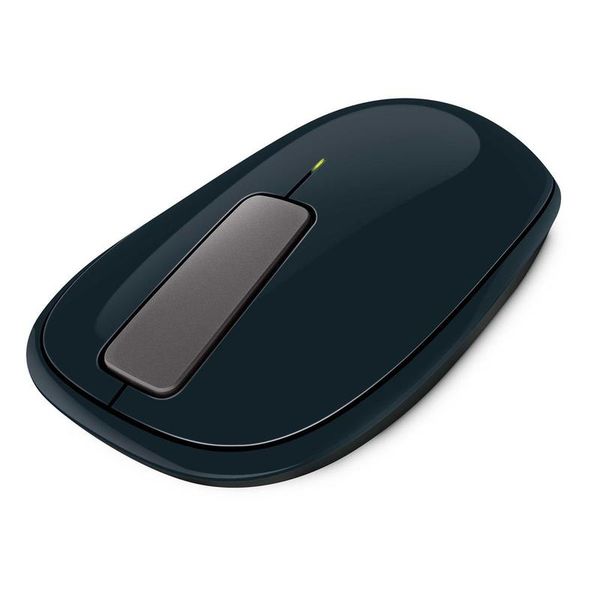
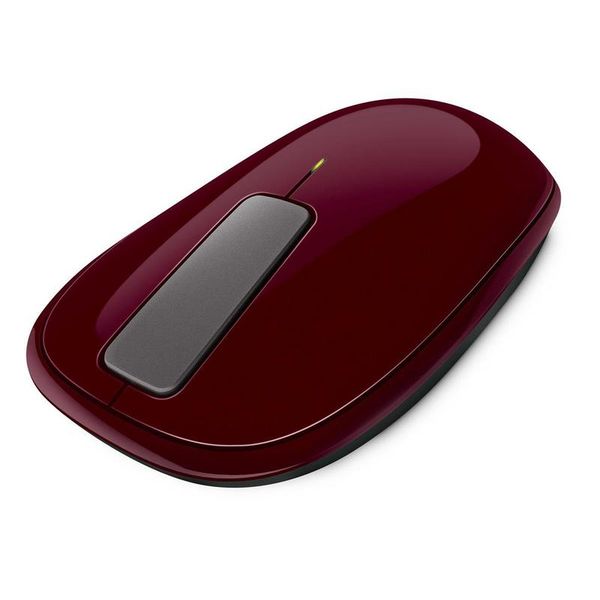
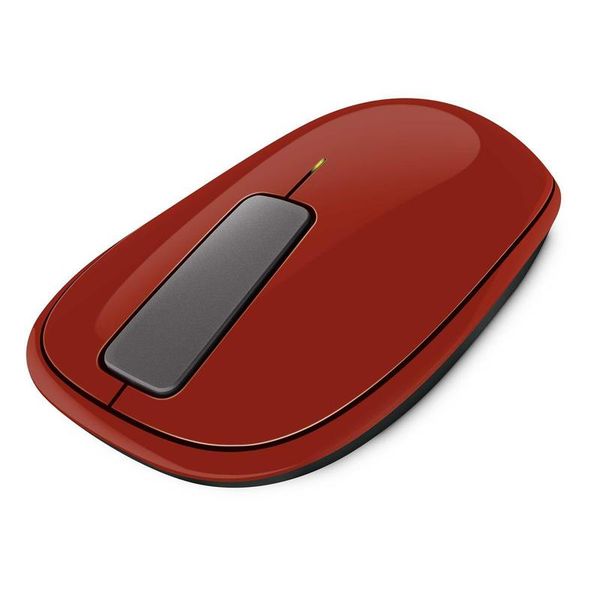
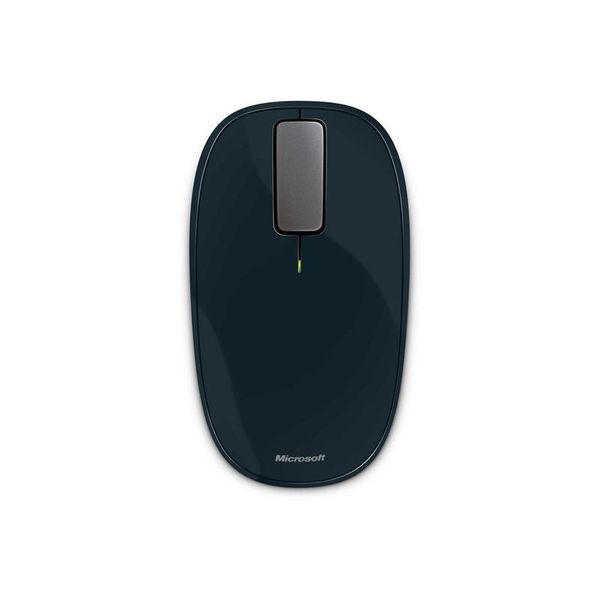
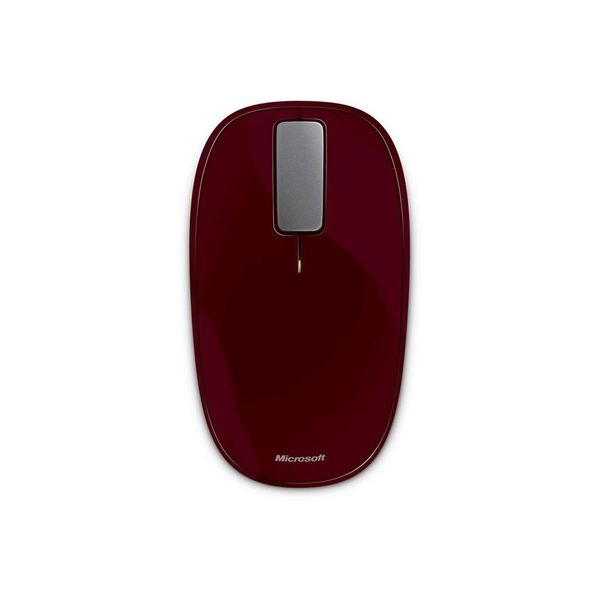
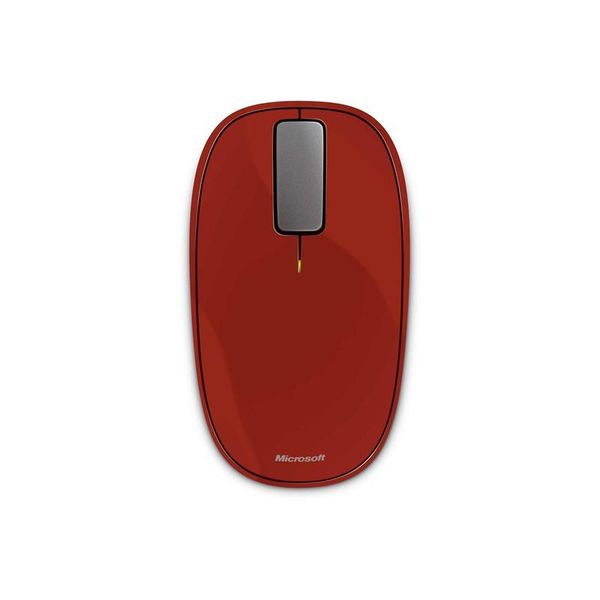
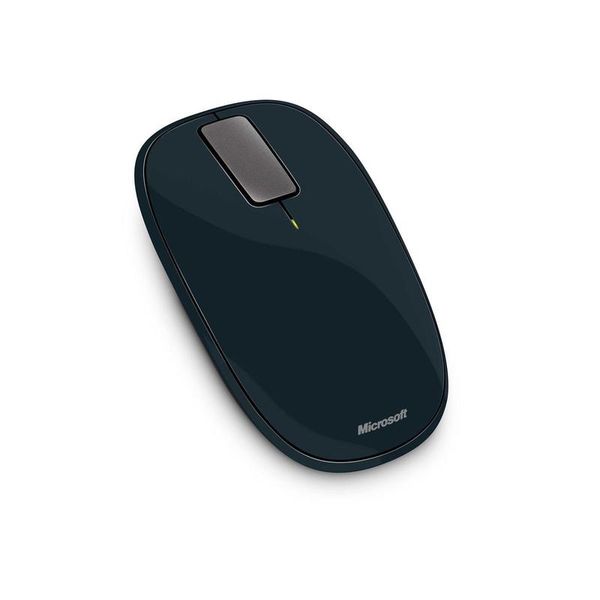
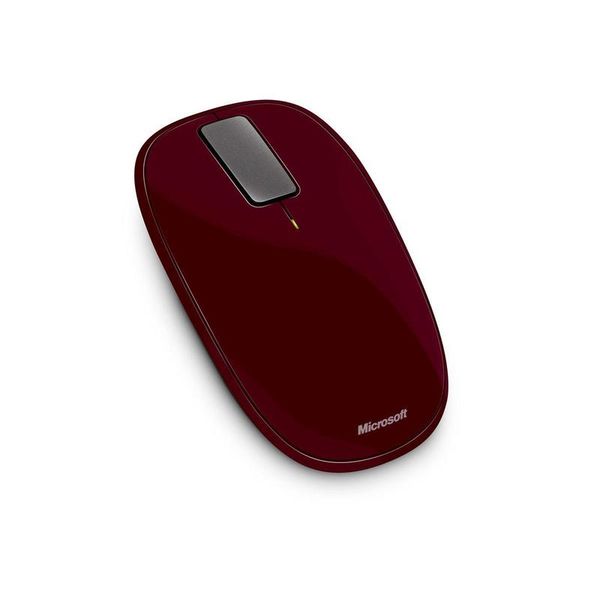
Microsoft Explorer Touch

Reviews
Show product page
14 years ago
Microsoft Touch Mouse
The Microsoft Touch Mouse takes a bit of getting used to, and we aren't sure we'd want to use it all the time. But it is a great accompaniment to laptop computing in particular, where it adds oodles of functionality to the standard touchpad.
14 years ago
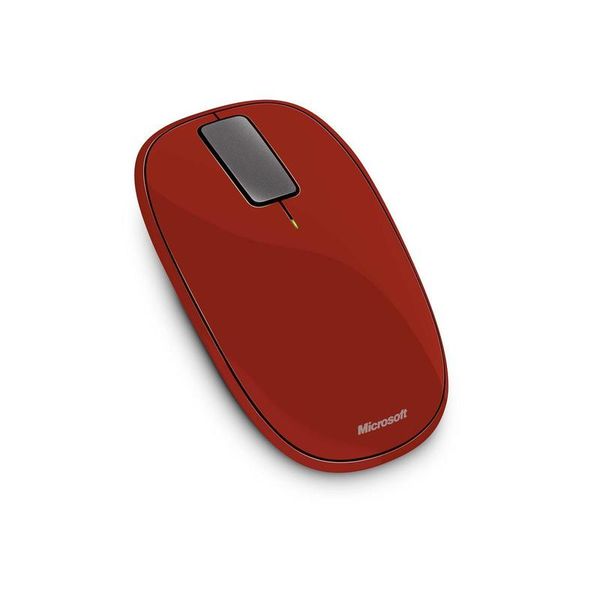
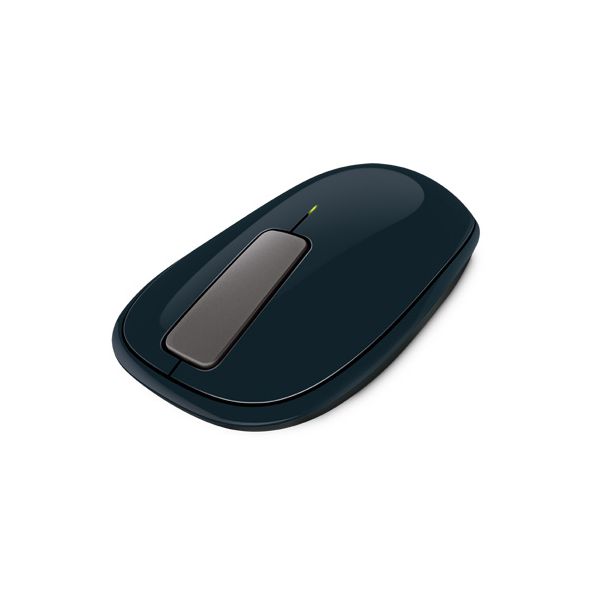
Microsoft's Explorer Touch mouse abandons the traditional scroll wheel for a hit-or-miss touch strip that uses vibrating feedback. It's an interesting idea, but our hands tell us you're better off sticking with tradition.
Pros:
- BlueTrack tech allows mousing on most surfaces
- Storage niche inside mouse for tiny USB receiver
- Easy setup
Cons:
- Touch-sensitive flick strip is balky
- overengineered
- Vibrating feedback can be excessive
- Low-slung design not comfortable for all hands

14 years ago
Microsoft Explorer Touch Wireless Mouse: Light Vibrations
a touch sensitive mouse by Microsoft
Pros:
- nice design
- comfortable to use
Cons:
- not always quick to move

14 years ago
"Light Vibrations"
I always like to have a good mouse on my computer and I change them quite regularly to make sure my mouse is always fast as with work I need a good mouse. I do like Microsoft for mice as I know they are good quality and they are reliable.
Pros:
- nice design
- comfortable to use
Cons:
- not always quick to move

13 years ago
A great mouse that could have been spectuacular
The first impression after taking this product out of the box is one of quality. It feels like a high end device, and this is continued in the installation and software which is very easy and instructs you in how to use the gestures, which work really well.
13 years ago
Microsoft Wedge Touch mouse review
With our Windows 8 review taking up so much of our time, it seemed only sensible to test Microsoft's newest OS with some of its new hardware. The Wedge Touch mouse is designed to work specifically with Windows 8, although it's a standard Bluetooth...
Pros:
- Small
- light
- stylish
- comfortable to use
Cons:
- Right click can be bothersome
- expensive

13 years ago
The Microsoft Sculpt Touch Mouse is a Bluetooth-enabled computer mouse designed for Windows 8 that retails for around £35, although Microsoft sets the SRP at £49. It's compact, understated in design, and contains a modicum of touchpad control ability.

13 years ago
Microsoft Sculpt Touch Mouse review
The Microsoft Sculpt Touch Mouse is a compact wireless mouse that connects via Bluetooth and has been designed with the touch-centric tiled user interface of Windows 8 in mind. With that in mind, instead of a traditional scroll wheel it features a touch-sensitive strip that's capable of horizontal...
Pros:
- Ambidextrous design
- Bluetooth connectivity saves a USB port
- Comfortable to hold
- BlueTrack tech means smooth tracking
- Mac compatible
Cons:
- Non-rechargeable
- uses AA batteries

13 years ago
nice
very nice but disspointment as there was no blue tooth adaptor supplied and one will be needed with some computers for it to work
Pros:
- Blue tooth
- Ease of use
Cons:
- No Blue Tooth Adaptor

13 years ago
Using this touch mouse has made my work simpler than ever before. Since February 2013, I've been using this mouse and candidly speaking that till yet I haven't found any issues as such.
3.5
from 53 reviews
5
13.0%
4
37.0%
3
33.0%
2
6.0%
1
8.0%

