

Logitech Ergo K860
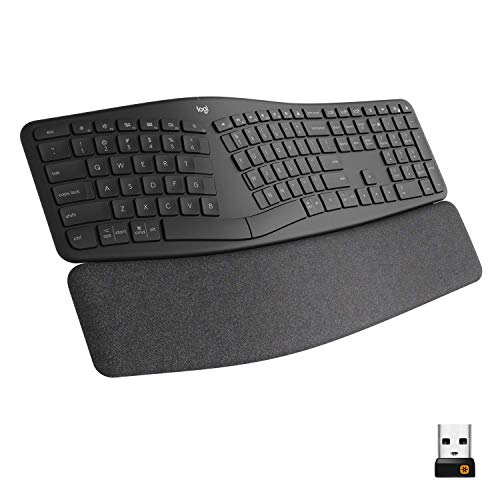
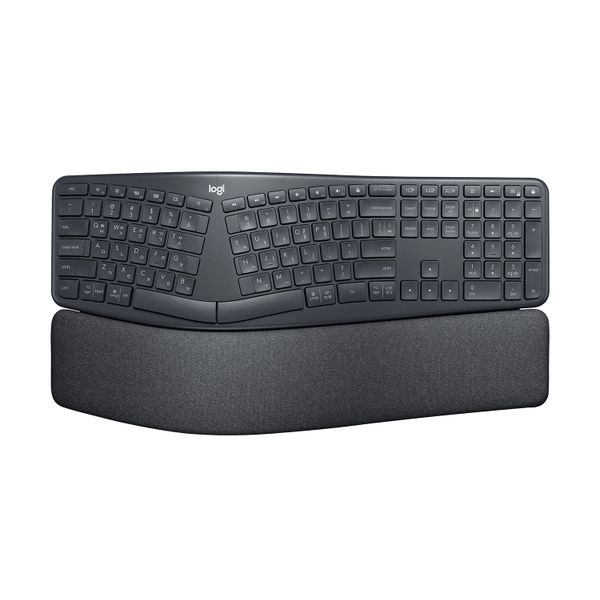
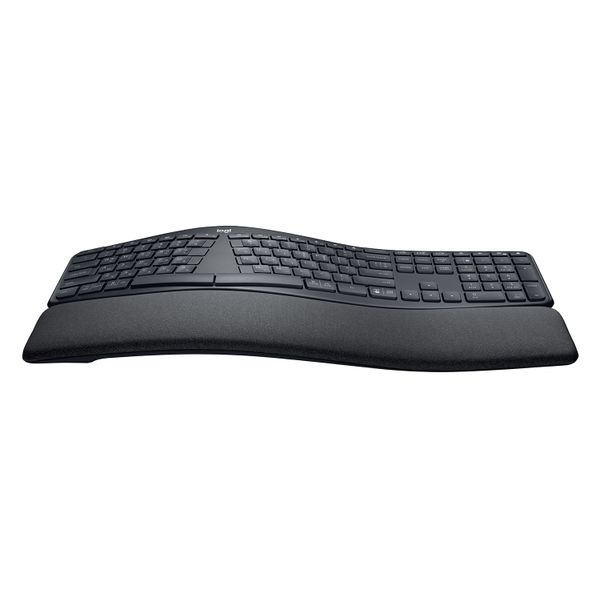
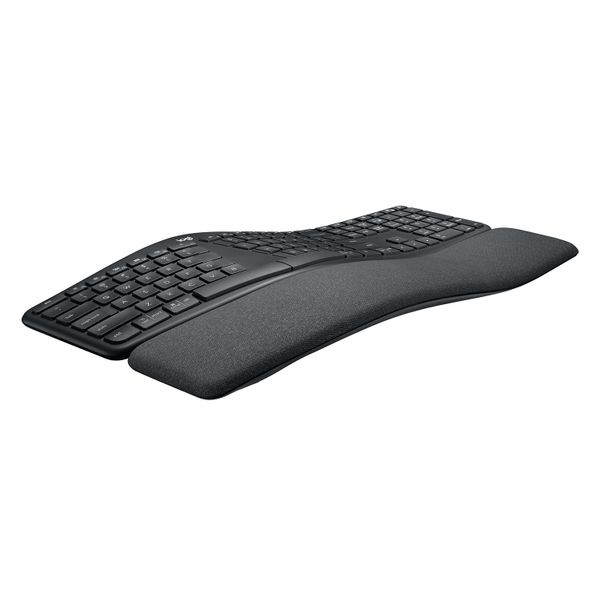

 $209.00 - $299.95
Reviews
Show product page
6 years ago
Logitech Ergo K860 review: This ergonomic keyboard delivers a more comfortable typing experience
Most ergonomic keyboards require some getting used to, but the K860 delivers on its promise of more comfortable typing. If you have typing aches and pains or just want a more relaxed typing posture, try this keyboard first.
Pros:
- Curved and split ergonomic design
- Comfortable wrist support
- Palm raise feature lets you adjust height for sitting or standing
Cons:
- Requires some time to get used to split design
- Expensive

5 years ago
Logitech ERGO K860 Wireless Split Keyboard 920-010111 review
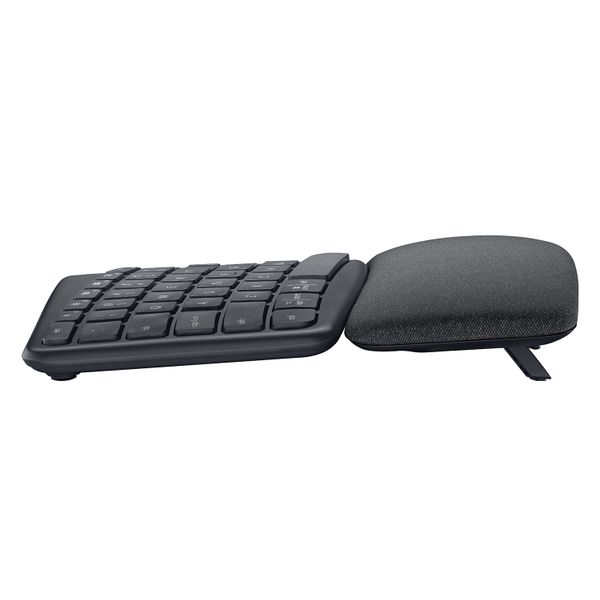
An impressive peripheral, the Logitech ERGO K860 keyboard does its job of providing support, comfort and reducing physical strain. It’s a little pricey, but has great features like its curved, split design, and a double-layered soft foam wrist rest with front end tilt legs.
Pros:
- Very comfortable wrist rest, Curved ergonomic design, Front end tilt legs
Cons:
- Full-sized keyboard, No backlighting, Not easy to get used to

5 years ago
not good at all
I bought this keyboard thinking it would be perfect for work. The only good thing about it is that is an ergonomic keyboard. The design is too cramped, the keys are way too close together so very easy to hit the wrong keys. On a normal keyboard, the letter keys are spaced away from the F keys, not on this one. This is probably the wort Logitech product I have ever used and regret buying it
5 years ago
Disappointed
I purchased this keyboard due to the level of typing I do each day. I am disappointed in the lag between the keys. Various keys get stuck so I have to delete the 12 continuous letters it does, or spaces. Considering the price of the product, I expected a better response time and quality of typing. I will be returning the keyboard for a different one.
6 years ago
Logitech ERGO K860 Wireless Split Keyboard 920-010111 review
The Logitech Ergo K860 is a good keyboard focused on improving your posture and reducing strain and stress.
Pros:
- Comfortable wrist rest, Keys provide good tactile feedback, Multiple device/OS support, Easy screenshots on Macs
Cons:
- Split design takes getting used to

6 years ago
Logitech Ergo K860 Review
Logitech's Ergo K860 is a well-crafted keyboard for sparing your arms and wrists when you work your fingers to the bone. It took a while, but Logitech has finally made an ergonomic keyboard. For years the company, famed for its office- and productivity-minded peripherals (not to mention its gaming gear), has been making ergonomic mice, designed to minimize the repetitive stress injuries that can come with constant computer work. Despite the success of the MX Vertical mouse and MX Ergo trackball, Logitech held off on making a matching keyboard until now. The Ergo K860 ($129.99) brings smart flourishes to the unibody designs made by firms like Microsoft and Fellowes, while teaming them with the well-thought-out features that define Logitech's best office products, including the ability to pair with multiple devices and to switch between two devices quickly using Logitech Flow. Moreover, despite having a high curve, the K860 design feels subdued, making the daunting task of switching to an ergonomic keyboard seem a little easier. Smooth Curves The Ergo K860 is a one-piece split keyboard, or a "soft sp...
Pros:
- Curved and split ergonomic shape
- Extra-comfortable wrist rest
- Front feet provide negative tilt
- Extended asymmetrical keys make it easier to find your way around
- Logitech Options and Flow software support
Cons:
- Keys feel a little spread out
- No backlighting
- Takes up more space than you think

5 years ago
Logitech Ergo K860 : The ultimate ergonomic keyboard?
A superb keyboard that’s comfortable to type on and might just fix your RSI – but it is a bit on the pricey side
Pros:
- Incredibly comfortable wristrest
- Neutral typing position
- Superb key action
Cons:
- Number pad not detachable
- No backlighting
5 years ago
Extremely comfortable, solid keyboard, few quirks.
Finally a good ergonomic keyboard from Logitech. 4/5 Pros Very Comfortable to type on Well designed key extensions (such as the t key) Looks great. Cons Keys are not backlit Wireless Only, no cable. FLOCK over separate media controls is an option I dislike. I think this is nearly the perfect keyboard. If you prefer wireless keyboards. Personally I would like to see a new iteration with backlight, wired connection (as an option like the ergo mouse from logitech) and separate volume controls from the functions keys. Otherwise extremely happy with this keyboard, would like to see a mechanical version.
5 years ago
Best ergonomic keyboard ever
I have been using ergonomic keyboards for over 5 years (previous ergonomic keyboard Microsoft Ergonomic Desktop 7000) Nice wrist rest made from a really comfortable soft material in terms of durability not too sure as I have only used it for a few weeks. A little concerning that the wrist rest cannot be detached from the keyboard. Keys are nice to type on, very quiet. The keys are split for both hands and do take a little time to get use to. They do not light up but I don't really see an issue with this as I only use it for work in a well lit environment. It is kinda irrelevant when you can touch type. I can switch between Windows, Appl...view more
5 years ago
Almost perfect but not quite there...
Pros: keys have a great tactile feel and responsiveness to them, attached numpad is great, works for Mac and Windows, good height options, palm rest is comfortable and easy to wipe clean (wife spilled red pasta on it already, can't even see it now), has an off switch on the keyboard to preserve the battery (even though it took me a while to find - right behind the "logi" logo in the middle of the keyboard). Cons: Not much at all but for some reason it just doesn't feel right, like the keys are too close to each other? Especially the arrows keys. It could be just me as I'm used to using the microsoft ergo keyboard which felt a little more spaced out and not cramped. Overall seems to be great especially for those out there looking for an ergonomic option. Might take a while for first time curved keyboard users to get used to the placement of the keys though.
3.8
from 12 reviews
5
10.0%
4
70.0%
3
10.0%
2
10.0%
1
0.0%

