

Logitech C920 HD Pro
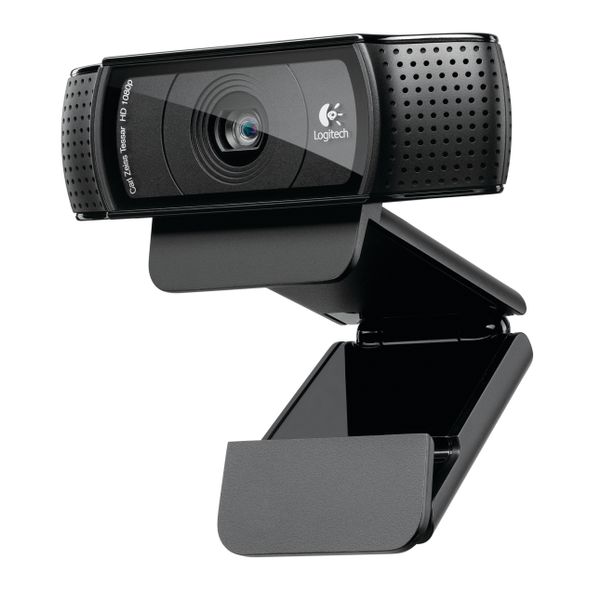
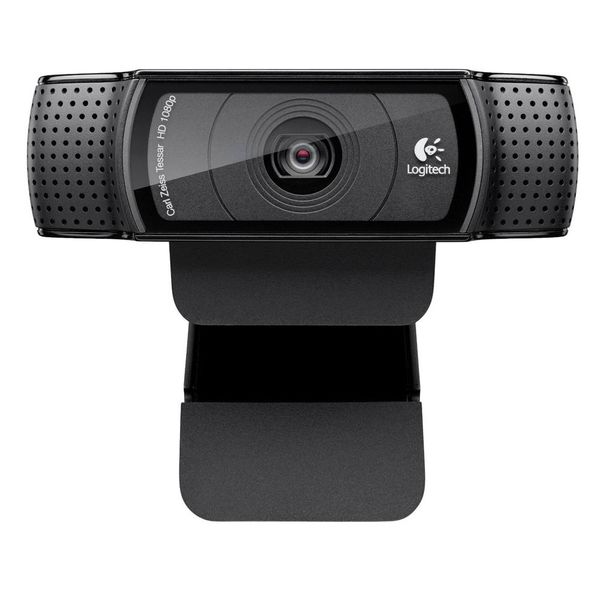
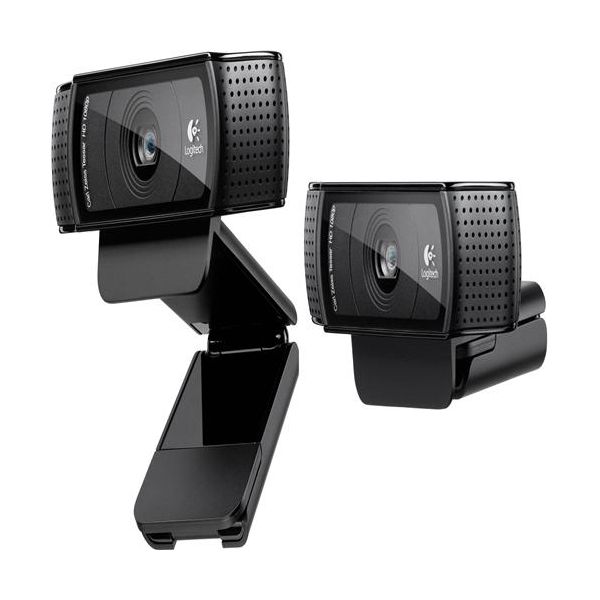
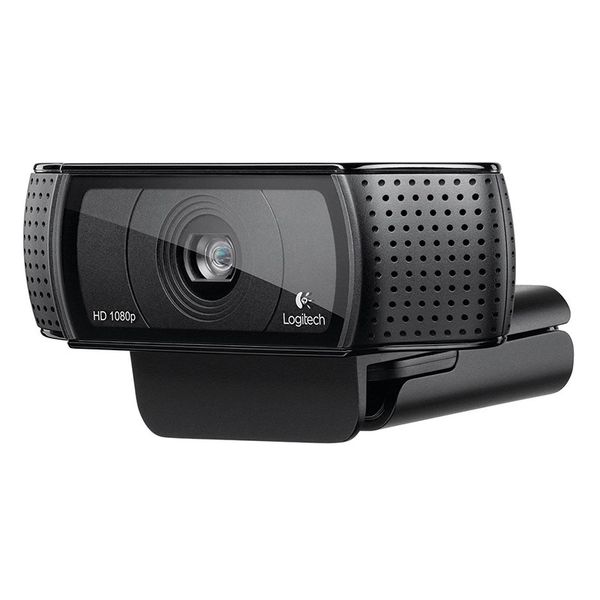
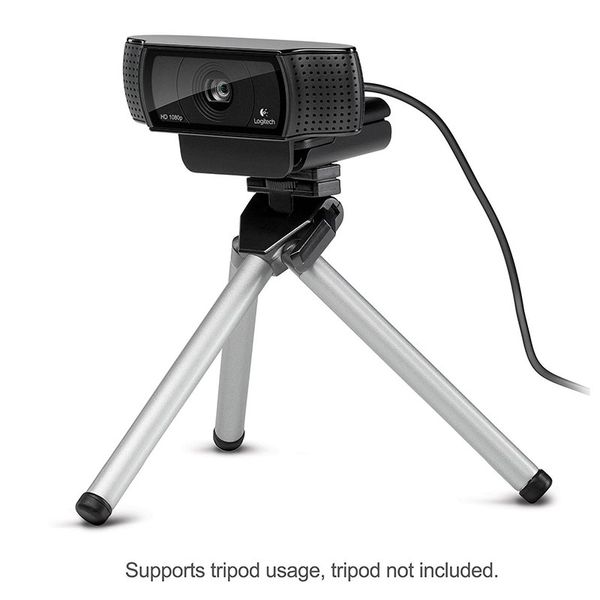


Video meetings are very much in vogue these days, and so is this brilliant new webcam from Logitech. It's just the thing if you want to look and sound better at your next meeting.
Look the part
Professional presentation helps you make a great first impression, and the C920 will certainly give you every advantage in that respect. You'll be seen at your best and brightest thanks to Full HD 1030p at 30 frames per second.
The lens makes you look even better
The fantastic video capabilities are backed up by a full HD glass lens and premium autofocus. The lens captures crystal-clear images, with the autofocus ensuring you'll always look sharp.
Make yourself heard
There are microphones on either side of the camera which deliver realistic sound from more angles than conventional cameras. This means you'll be heard loud and clear when you need to make an important point at your next meeting.
You'll look like a bright spark in any conditions
The C920 features automatic HD light correction. This feature automatically adjusts to the lighting conditions to produce bright and clear images even if you're in a darker setting.
Small, agile and adjustable
This is not a built-in camera that restricts where you need to be seated, and how you look. This is a flexible and portable camera that lets you join the meeting wherever you are, while you can adjust the angles to show off your best side
 $148.01 - $259.99
Reviews
Show product page
The C920 is best on the market to this date.
When one buys a web cam, the person must understand and realize that they are not buying a full fledged, HD video camera. I use Windows Vista and the C920 was compatible in all aspects. The sound feed is comparable to a tiny mic that one buys in a cheap pocket voice recorder.
Awesome camera, horrible software
I'm impressed by this camera. I reviewed and researched a few HD webcams before purchasing this one. I can't find anything to complain about with the hardware. With that said, I am very disappointed in Logitech's software so I can only give a 4/5 rating.
Excellent so far
I wanted a new HD webcam, and since I had previous experience with Logitech, I decided on the C920. Given that the refurb was a third less money, I decided on this version. Though the camera did arrive in perfect condition, it's little thanks to the packaging.- Inexpensive (refurb)
- image quality
- even in lower light
- super-ease of installation on Win7 64-bit
- sound quality
- overall Logitech quality
- Packaging
- maybe

works great - install was not smooth
initial install didn't work. had to go to the Logitech website to download drivers specific to the operating system. Works great now that it is up and running.- Good Value
- Install Issues

Easy to use cam
Very simple to set up and get going, I didn't have any setup issues or anything. Indeed, at low light levels it appears to do the employment well for me. I suppose its Video movement recording works much the same as I might anticipate that it will, with affectability meter that could be balanced...
Great quality webcam
Perfect quality webcam with good audio. Very clear 1080p. Perfect for application like Skype or livestreaming. Would definitely recommend if you want to spend just that little bit more for better quality.
This webcam take great video, but I knew from the very beginning when I bought it, that the wire on either end was going to give me trouble and that is exactly why I now need to buy a new one. The wire started fraying on both ends and now the connection is very iffy!

Fantastic for OBS
I used it for green screen streaming with OBS, here's the quality with the right lighting, I don't know about the mic because I use my own!
New Webcam
I ordered a Logitech C920 HD Webcam so that I could continue using Skype. The camera came without any software or information that I would need it and how to contact Logitech to install it. Two of my USB ports would not recognize it. Logitech advised me to try a third port that worked.
Great Product / Great Price
This was my second C920 purchased. First still working perfectly. The new Logitech Capture software allows the use of two cameras so I now have the two so I can do instructional videos. Have used the C920 for many on-line meetings. It's easy to use and the image quality is very good.
