

Kensington Trackball Expert 64325

 $106.24 - $150.00
Reviews
Show product page
6 years ago
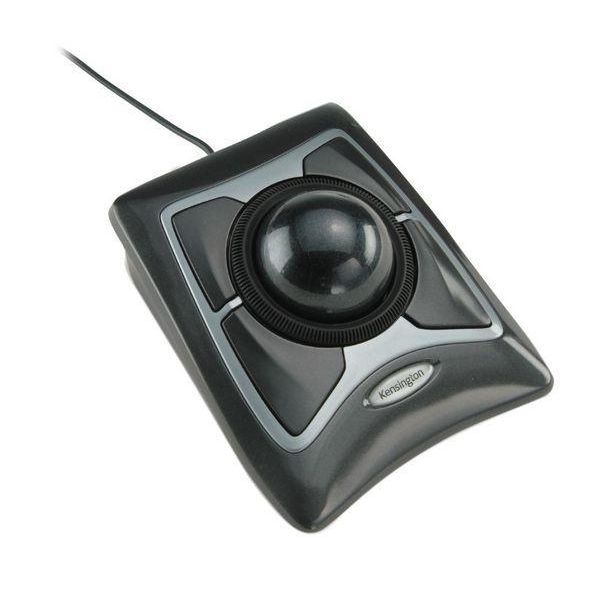
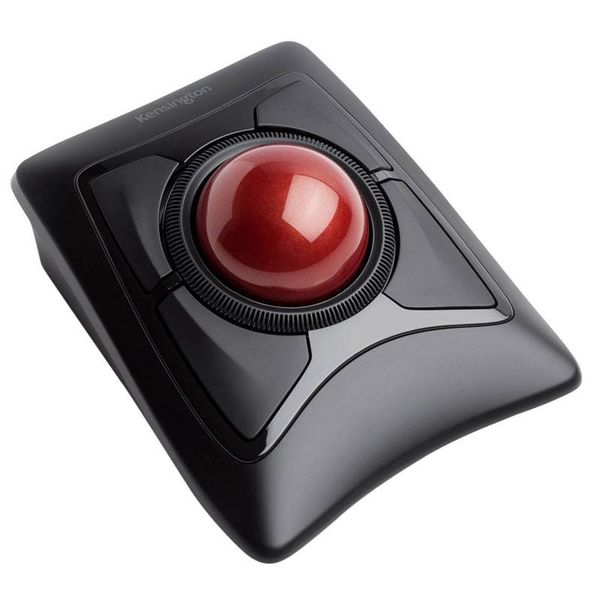
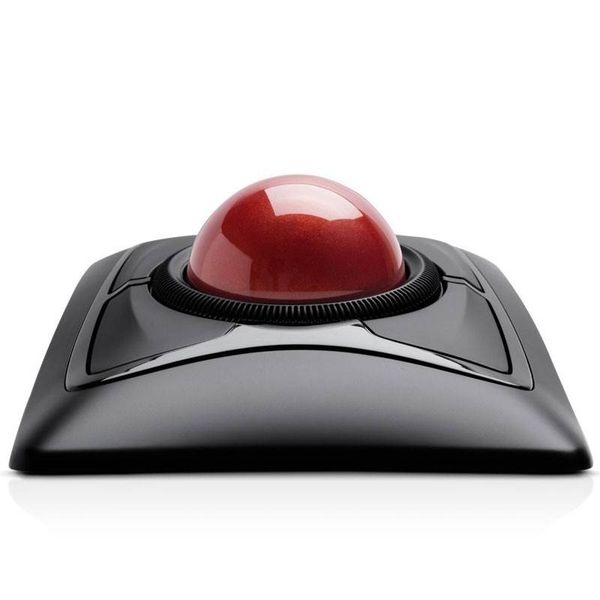
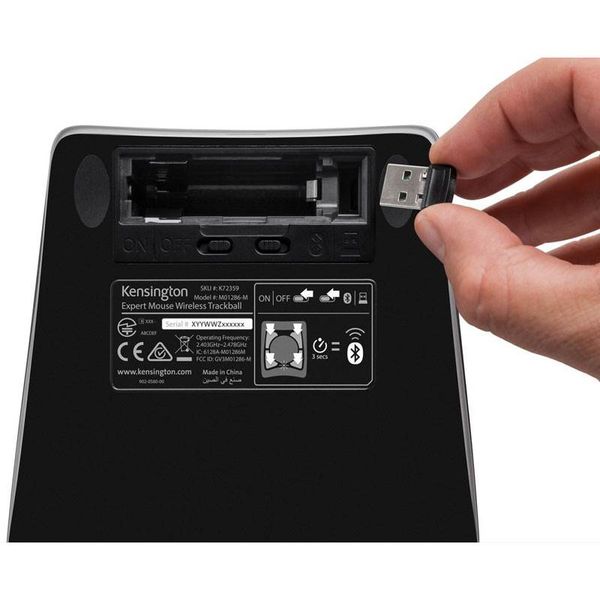
Kensington Expert Mouse Trackball
The Kensington Expert Mouse Trackball is like no ordinary mouse . I got this mouse as a gift. However, I did a Google search and this mouse costs $119.99. I, personally, feel that this mouse is over priced. I had expected this to be roughly 60 dollars. This mouse is nowhere near what I had expected.
17 years ago
Optical Expert Mouse review
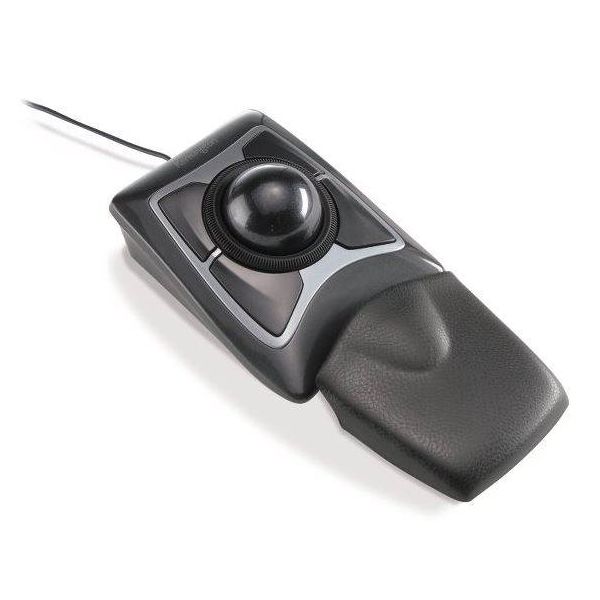
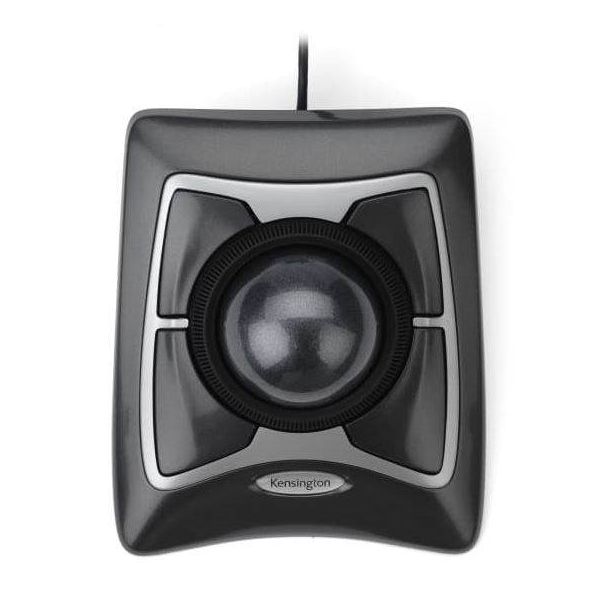
The trackball mouse is designed to be an alternative to the traditional mouse, with the cursor controlled by a large weighted ball. The ball itself is approximately the size of a snooker ball, finished in a sparkly grey effect.
Pros:
- Excellent precision and comfort
- symetrical design for left and right hand use
Cons:
- Not as smooth to navigate as advertised

16 years ago
Almost as good as they used to be
We've used Kensington ExpertMouse trackballs for nearly 20 years. The large ball, handy button shortcuts, and longevity have all been big plusses. The trackball beats a mouse for many of us based on personal preference, and features such as occupying limited desk space compared to the room a mouse...
Pros:
- same timeless trackball quality
- lots of configurable buttons
- kensington's traditional quality
Cons:
- scroll wheel feels cheap
- no wireless model anymore
- scroll wheel is a hit on traditional quality

11 years ago
After ordering this item along with a motherboard from this site i was so surprised to see it sitting on my doorstep the next morning, also exited because they were the last pieces of my most recent build. The packaging for the mouse was decent if not better than most.
Cons:
- I however had sent it back for one reason though, it felt really cheap
- even though the ball itself had some weight, the rest of it felt so incredibility cheap under my hand
- the scroll wheel and the buttons were made out of really light and thin plastic and it felt as though i would certainly break...

9 years ago
Excellent option for productivity or general usage, limitations for gaming
Moving forward, for personal usage on a gaming rig, I would look elsewhere. As a device for productivity, I don't think it can be beat if you have the option to use Trackballworks (I would so buy one for usage at a job with an assigned station, your coworkers have less of a tendency to get grabby!).
Pros:
- Excellent accuracy
- and granular control of functionality within the driver software (Trackballworks)
Cons:
- Trackballworks
- Functionality is mostly tied to the driver software, as the extra buttons aren't recognized properly within Windows 10 or Linux Mint without it (no experience with this mouse in prior versions of Windows)
- The driver software impairs compatibility with a lot of the games I tried.

14 years ago
Kensington Trackball Lows
To begin, this is the fourth trackball I have owned. The first two were the old putty colored ones I used with my older Mac's and were much better quality. The last two were both the newer model K64325 - dark grey.
18 years ago
Kindle Wireless Reading Device – Review
Kindle? No, I wasn't looking for one of these. Ebook (eBook? ebook?) readers have always been seriously lacking in both design and function, as well as services. Kindle seems to be different, however.
18 years ago
my pain is gone
The main reason I bought it is to relieve the wrist and finger pain I had from every other mouse and trackball, which it does well. It's easy to switch hand and finger positions to keep them moving.
Pros:
- large ball and buttons make use easy
- My hand and fingers don't get cramped since it can be used in different positions
Cons:
- Scroll wheel is cheap and sticky feeling (may change when broken in?) but that's not so important to me anyway
- The PS2 adapter was not in the box

17 years ago
Not Vista compatible
Since I wrote the reivew below, Kensington have *finally* released Windows drivers that work on my now Windows 7 machine. Original review: I bought three of these devices only to discover that Kensington do not support it with Vista drivers, meaning that only the bottom two buttons will work with...
Pros:
- they will take it back
Cons:
- not Vista compatible

17 years ago
The Expert Mouse is great for those with limited movement, or lack of fine movement in their hands, such as my 81 year old father. The size of the ball and buttons make it exceptionally easy to use. HOWEVER - Kensington's drivers for Windows 95 and Windows 98 are simply abominable.
3.9
from 32 reviews
5
46.0%
4
13.0%
3
23.0%
2
6.0%
1
10.0%

