

Google Chromecast (2nd gen)
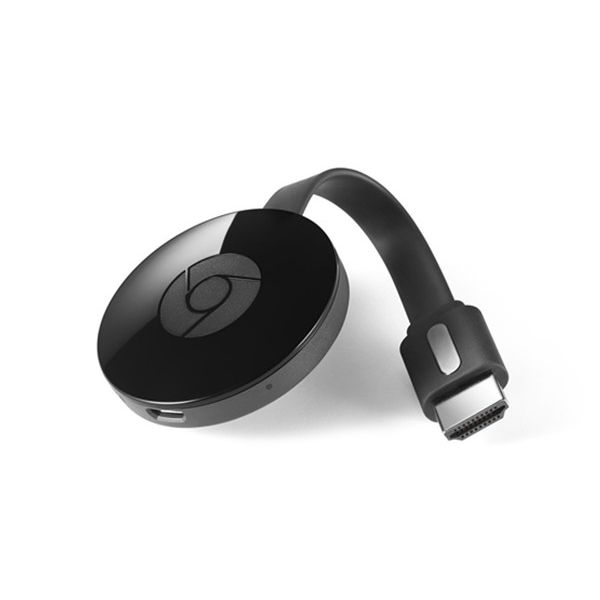
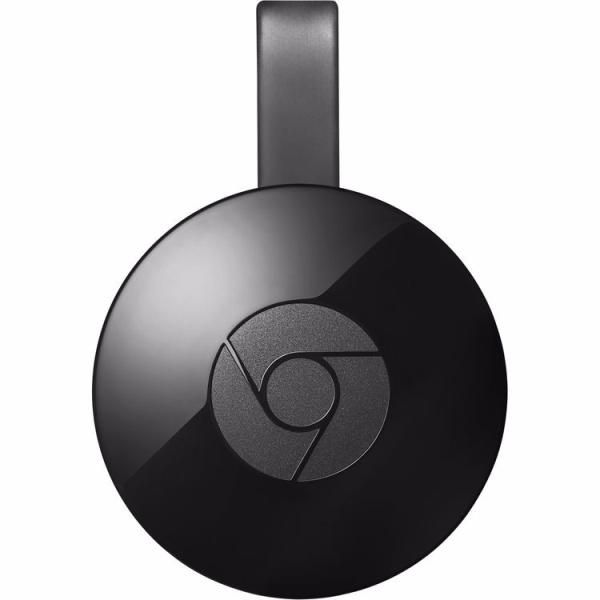
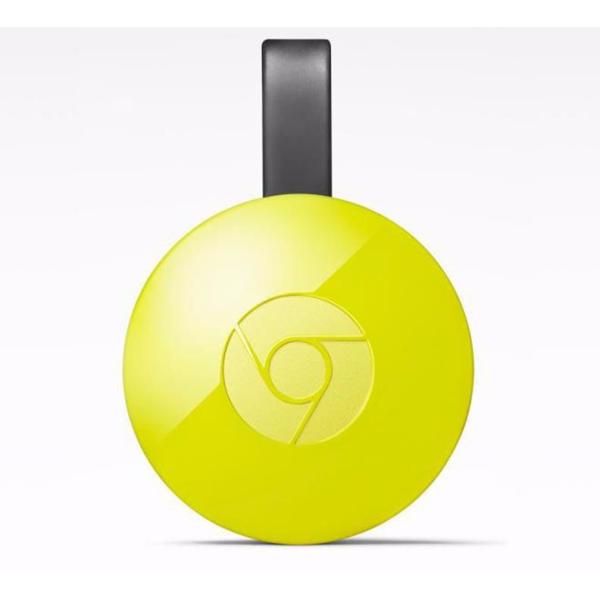
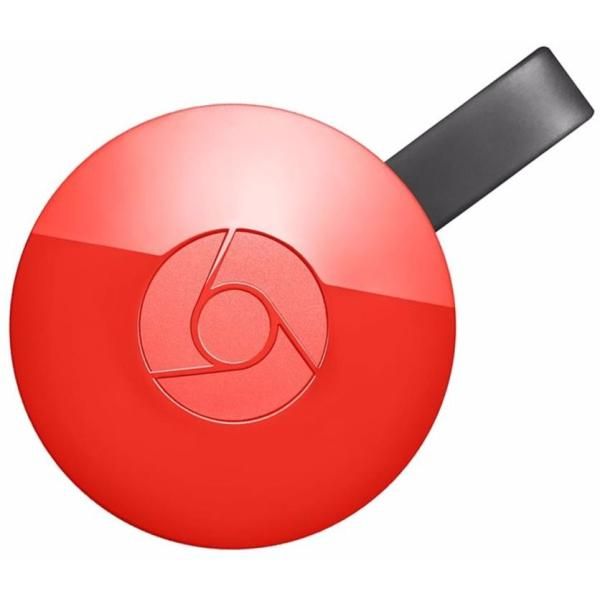
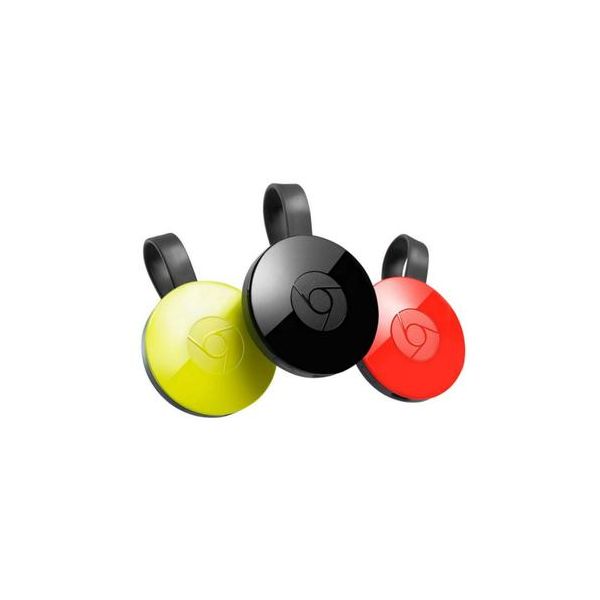
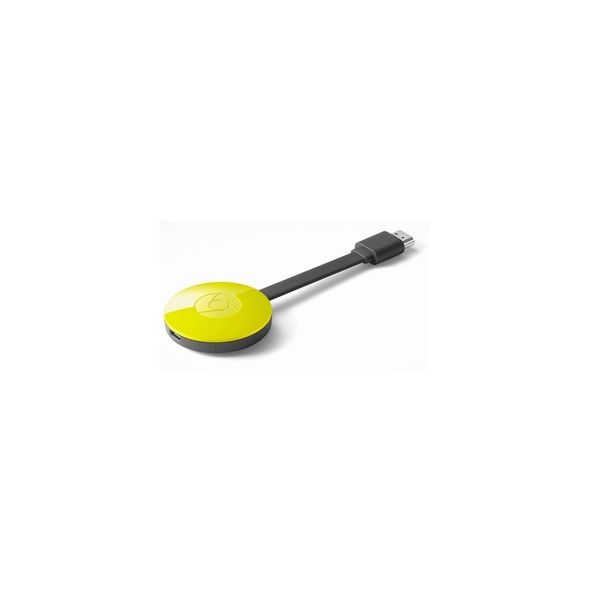
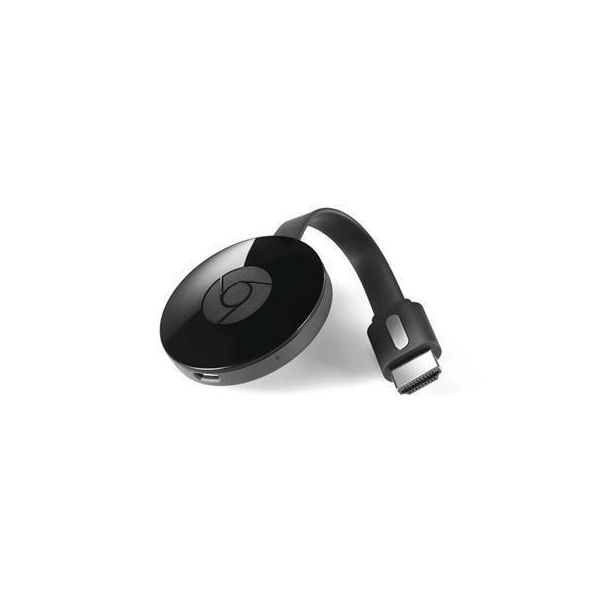

Chromecast provides an easy way to enjoy online video and music on a television. It is a media streaming device that plugs into the HDMI port on your TV. The best part is that it is easy to set up using an app. Then one can send his or her favorite shows, music, and movies to the TV using a tablet or laptop. It can also be used, when shopping online.
The best part is that your can share wedding photos and vacation photos from your phone directly on your television. Plus, you can shop online and mirror everything from your smartphone to your TV. Not to mention that you can play your favorite online games on the big screen. Chromecast is one thing that you won't be able to live without.
Chromecast is compatible with HBO, YouTube, Netflix, Pandora, and ESPN. Check out chromecast.com/apps to learn about all of the possibilities. There is a lot to love about Google Chromecast.
You can mirror what is on your tablet or smartphone screen onto your television. When using your laptop, you can view websites in Chrome with any Android device. The screen can be watched on your television.
Owners love that Chromecast works with the devices you own. Thus you don't need to purchase new ones to use it. It works with smartphones, iPhones, Chrome for Mac and Chrome for Windows. The best part is that you can browse for programs and control playback. You can do a lot with this device.
Plus, you can get started in just three steps. Plug Chromecast into HDTV, connect it to Wi-Fi, and finally send videos and more using your tablet, smartphone or laptop. Now you have more viewing options than ever before.
With Chromcast, there are more apps for everyone. Google continues to add more Google Cast Ready apps all the time.
Chromecast is innovative and has a lot to offer. The best part is that with Chromecast, you can cancel your cable. Online entertainment options are endless. There is something for every taste. Plus, you can use it to play online games on your television.
Reviews
Show product page
Google announced its Chromecast media streaming device last week and immediately caused quite a stir amongst technology enthusiasts. Not only was the Chromecast seemingly easy to use, but its low $35 price point made it attainable by virtually anyone.

Google takes a tilt at the loungeroom. Costing just US$35, it's not a box that sits under your TV, but a dongle that plugs into the back of it, into a spare HDMI port. It then allows you to wirelessly sling – or "cast" – videos and web pages from your phone, tablet or computer to the big screen.

Review: Google's $35 Chromecast has promise, but plenty of room for improvement
For $35 , Chromecast is an easy purchase to make, especially if you have a Netflix subscription already in place, or watch video in Google's Chrome browser. It's clearly early days, and our hope is that, besides adding new content sources, the rough spots mentioned above get ironed out.- Affordable
- Blurry video

Google's Chromecast
Low cost; cross-platform: works with Android, iOS, Chrome OS, Mac and Windows; lets you put nearly any online video on your TV; small form factor, very portable- Low cost
- cross-platform: works with Android, iOS, Chrome OS, Mac and Windows
- lets you put nearly any online video on your TV
- small form factor, very portable,
- No iOS setup at launch, but Google says it's coming
- crashes and errors if your Wi-Fi network isn't fast enough
- native app support limited to Netflix, YouTube, Google Play Music and Google Play Movies & TV at first, but an SDK will let developers add support to more apps

Google Chromecast
Google's launch of the iOS- and Android-compatible video dongle Chromecast ($35) made news last week despite sharing a stage with a new Nexus 7 tablet and Android operating system update. Billed as the
Google Chromecast Review
Google Chromecast was a surprise addition to the company's range of own-brand hardware, a $35 streaming stick that, wounds licked after the Google TV and Nexus Q fiascos, promises a cheap and simple way to get browser and streaming content on your big-screen TV.
Google Chromecast review
It's surprisingly difficult to put a web browser on TV. It's difficult for regular people - the best option is often just plugging in a laptop - and it's been ridiculously difficult for the tech...- Inexpensive and simple
- Supported apps work well
- Chrome tab casting is very useful
- App support limited to Netflix
- YouTube
- and Google Play
- Tab casting video drops frames
- No central playback controls

