

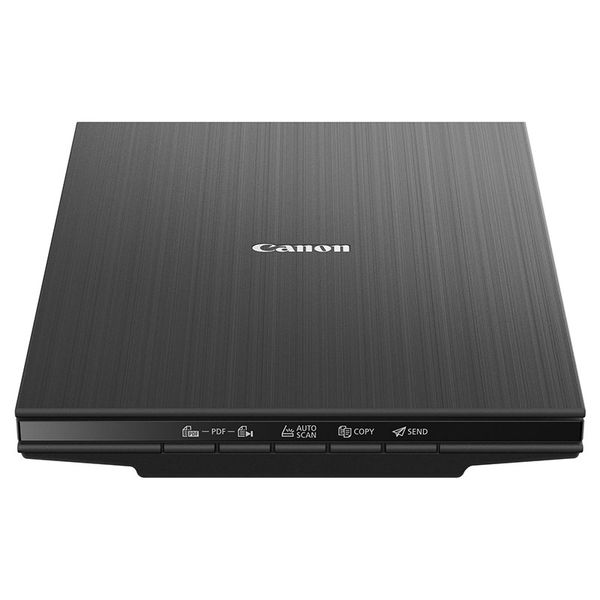
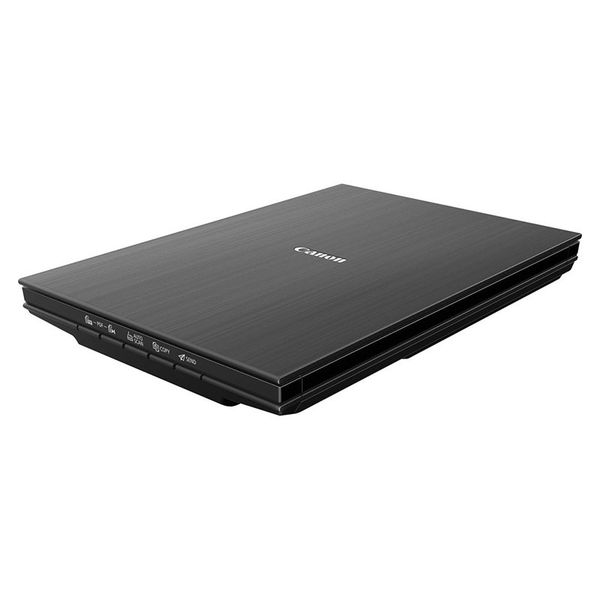
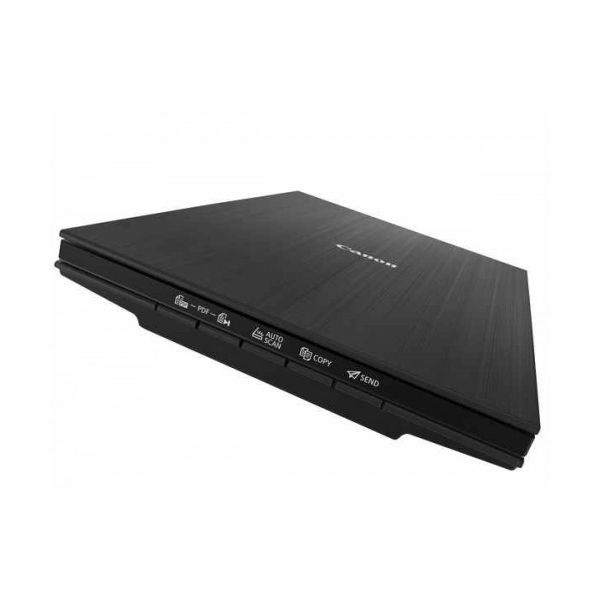
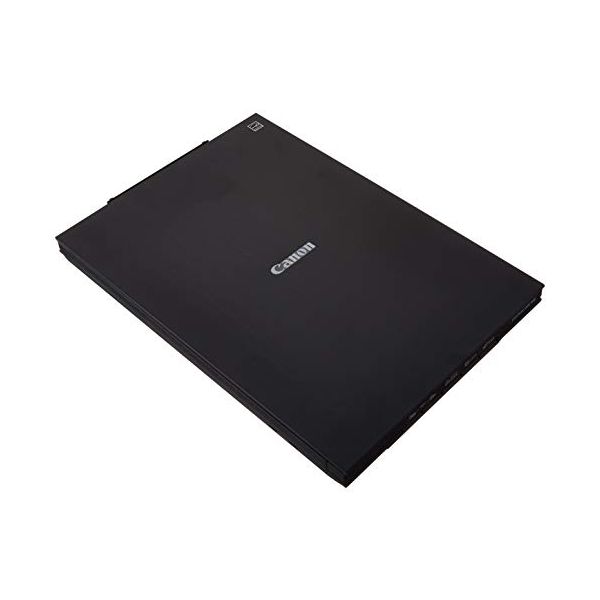
Canon CanoScan LiDE 400

 $172.29 - $329.00
Reviews
Show product page
7 years ago
Really nice easy scanner to use
great value and easy buying process.
7 years ago
Canon CanoScan LiDE 400
If basic entry-level photo and document scanning are what you're looking for, you won't be disappointed by the LiDE 400. Its more bare-bones sibling, the LiDE 300, will save you $20, but in our opinion that small of a savings isn't enough to sacrifice the LiDE 400's kickstand and higher-resolution...
Pros:
- Vibrant photo scans
- Excellent software bundle
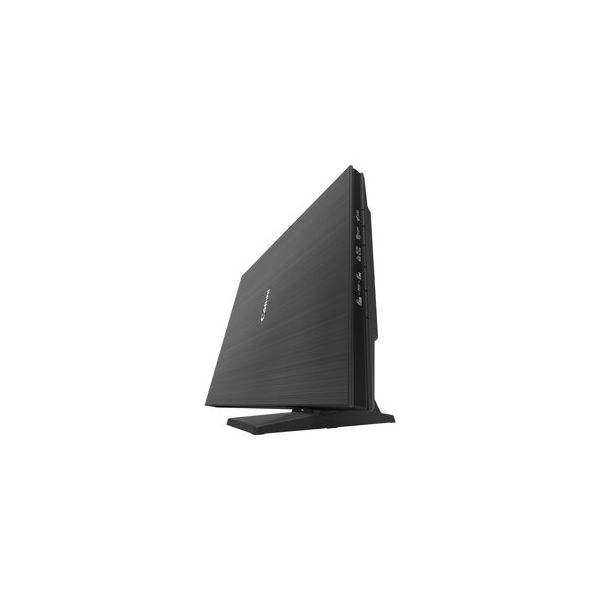
- Comes with kickstand for upright positioning
- Very simple to use
Cons:
- Lacks mobile device and wireless support
- Could be more accurate when scanning serif fonts
7 years ago
Canon CanoScan LiDE 400 Review
The entry-level Canon CanoScan LiDE 400 is a software-rich flatbed photo scanner that also handles text documents with ease. Aside from an interface redesign and a significant software upgrade, the Canon CanoScan LiDE 400 ($89.99) looks and performs a lot like its predecessor, the Editors' Choice CanoScan LiDE 220. In addition to doing a terrific job of scanning photos, though, the LiDE 400 focuses a lot more on text document scanning and processing than the previous model, making it much more adept at converting scanned text to editable text. This time around, the standout feature is the supporting software, which has made significant strides in speed and accuracy since 2015. Without question, the LiDE 400 usurps the 220's Editors' Choice. Space-Saving Scanning At 1.7 by 14.5 by 9.9 inches (HWD) and weighing only 3.6 pounds, the LiDE is not only the same size and girth as the LiDE 220, but also surprisingly close to the Epson Perfection V39 ($99.99 at Amazon) . In other words, neither model will take up more or less desktop real estate than the other. The LiDE 400 compensates for this with a plastic k...
Pros:
- Vibrant photo scans
- Excellent software bundle
- Comes with kickstand for upright positioning
- Very simple to use
Cons:
- Lacks mobile device and wireless support
- Could be more accurate when scanning serif fonts

7 years ago
Works Fine on a MacBook Pro with Mojave
Online Install of the drivers was smooth and easy. After install on my 2015 MacBook Pro with Mojave the scanner worked flawlessly. I don't understand earlier comments about problems with using this scanner on Mac. It uses the USB - C cord for power and connectivity, which is a big plus.
7 years ago
LIGHT LIKE PHOTO
ITS EASY TO CONNECT BUT ONE HAVE TO SET UP WHERE FILE SHOULD LOAD DURING SCANNING.PHOTO QUALITY IS GOOD AND FAST AS WELL. A GOOD ITEM AND GOOD BUY.
4.0
from 5 reviews
5
0.0%
4
100.0%
3
0.0%
2
0.0%
1
0.0%

