

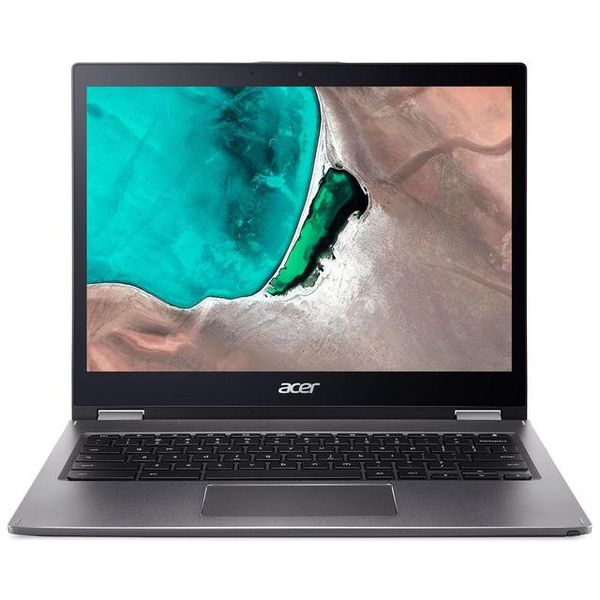
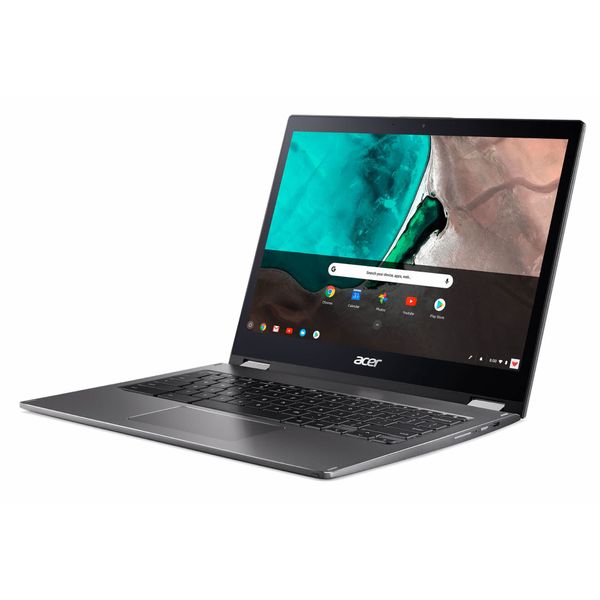
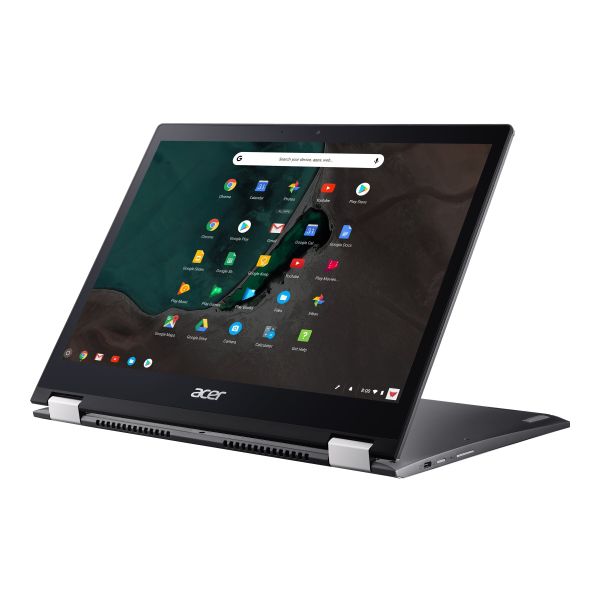
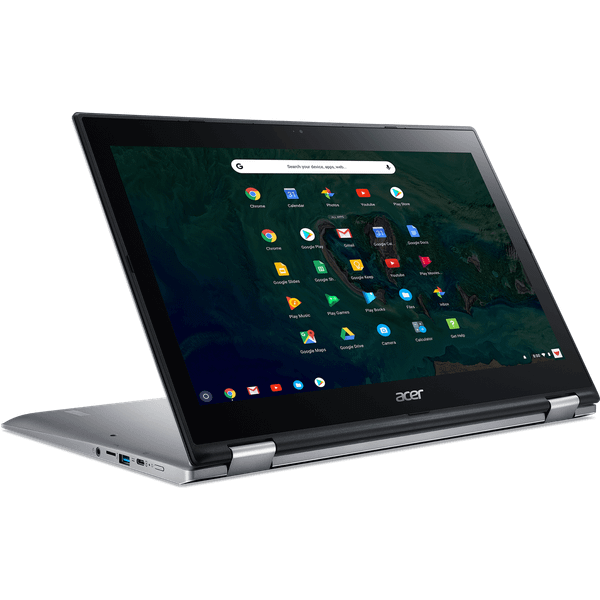
Acer Chromebook Spin CP713-1WN-32EU Core i3-8130U 32GB 13.5in

Reviews
Show product page
7 years ago
Almost perfect for me
I use it mainly for content consumption and access companys' web. It is better than my tab s3 and iPad 2018 for these purposes. The only thing I did not anticipated was how heavy it feels, so I do not carry it around. To be fair it is lighter than other notebooks I have used before.
7 years ago
Great product. Easy to use.
This laptop/tablet is built strong. The performace is top notch. My first chromebook. Once I moved away from my windows mindset it was very easy to operate in chrome OS. The hardware configuration gives me all I needed. One concern I have is the power supply module gets very hot during charging.
7 years ago
Acer Chromebook Spin 13 review (i3-8130U, 8 GB RAM, 64 GB eMMC)
We don't often review Chromebooks here, but I've spent time with a handful of them over the years and witnessed how their functionality has evolved.
Pros:
- simple looks and good build quality
- fast backlit keyboard
- but the soft feedback takes time to get used to
- good quality screen with digitizer
- EMR pen included
- excellent performance
- completely quiet with daily use and the fan only kicks in with demanding loads
- fast wireless
- punchy speakers,...
Cons:
- large and heavy for a 13-inch computer
- sharp and unforgiving inner edges
- unergonomic tablet mode
- fairly limited IO
- Linux support still in its infancy
- rather expensive for what it is

7 years ago
Acer Chromebook Spin 13 review
The Spin 13 is impressive, and one of the most versatile Chromebooks on the market. It looks the part thanks to its all-aluminium construction, the screen is fantastic, while the Core i5 processor and generous helping of memory inside make it more powerful than most other Chromebooks. It really does come down to how you’re going to use your new machine. If you’re already in bed with Google’s services – and happy to base your laptop life around them – then the Acer Chromebook Spin 13 is a fantastic choice.
Pros:
- Superb 4:3 touchscreen
- Loads of computing power
- Slick convertible exterior
- Decent keyboard
Cons:
- Windows users won’t like it
- Middling battery life
- Mediocre port selection
7 years ago
Acer Chromebook Spin 13 review review
Pros:
- Superb 4:3 touchscreen
- Loads of computing power
- Slick convertible exterior
- Decent keyboard
Cons:
- Windows users won’t like it
- Middling battery life
- Mediocre port selection

7 years ago
Acer Chromebook Spin 13
Be sure, though, that you really need the extra storage, the additional multitasking prowess afforded by more cores and more RAM, and the higher-resolution panel at the size, because you are paying a major premium for this machine's charms.
Pros:
- Strong performance on bench tests
- Aluminum chassis
- Roomy display
- Comfortable keyboard
- Stylus is included and cleverly housed
Cons:
- Pricey
- Average-at-best battery life
- Heavy

8 years ago
Acer's premium Chromebook 13, Spin 13 arrive in September starting at $650
But they're just for commercial customers for now. Meet the world's most powerful Chromebook.
7 years ago
Acer Chromebook Spin 13 review: The most powerful Chromebook you can buy, but maybe shouldn't
Acer's Chromebook Spin 13 is arriving a bit later than it was initially expected , but based on what we've seen, it will be worth the wait. The 2-in-1, Wacom stylus-equipped Chromebook delivers category-topping performance, but tempers that speed with some unfortunate design shortcomings.
Pros:
- Performance A quad-core 15W CPU is overkill for Chrome OS
- and it's fantastic
- Display Among the best you can get
- Stylus The Wacom EMR digitizer/stylus is pressure-sensitive and ready for sketching
- Battery life Lasts a solid 7-8 hours under real-world use
Cons:
- Design No magnet to hold the two halves together in tablet configuration
- poorly placed stylus slot for tablet use
- a bit chunky compared to other Chromebooks
- Keyboard Weird
- spotty backlighting
- Fan Poor hysteresis
- ramps up and down in speed quickly and loudly
- Price The Chromebook Spin 13...

7 years ago
The Encyclopedia Britannica defines the law of diminishing returns as an economic law, stating "if one input in the production of a commodity is increased while all other inputs are held fixed, a point will eventually be reached at which additions of the input yield progressively smaller, or...
Pros:
- Fantastic build quality Comfortable keyboard Great performance Good battery life
Cons:
- Heavy as a tablet Fan randomly ramps up and down Very expensive

7 years ago
Acer Chromebook Spin 13 Review - Top Performance In A Classy Premium Build
Acer delivers a top performer with a solid build, more than earning its high price tag and setting a benchmark for design. Unboxing Acer's latest business-class Chrome OS convertible laptop, the Acer Chromebook Spin 13
Pros:
- Performance is phenomenal
- The all-metal build focuses on fine details and quality
- Keys are solid and clicky
- without being loud
- Backlit keyboard
- Bright responsive screen and Gorilla Glass touchpad
- Garaged EMR stylus is included
- Android Apps
- Chrome Web Store apps
- Linux apps available out of...
Cons:
- Fan noise is noticeable when working on more intensive tasks
- Speakers don't reflect premium specs
- Slight keyboard overhang in tablet mode
4.2
from 13 reviews
5
33.0%
4
50.0%
3
16.0%
2
0.0%
1
0.0%

