
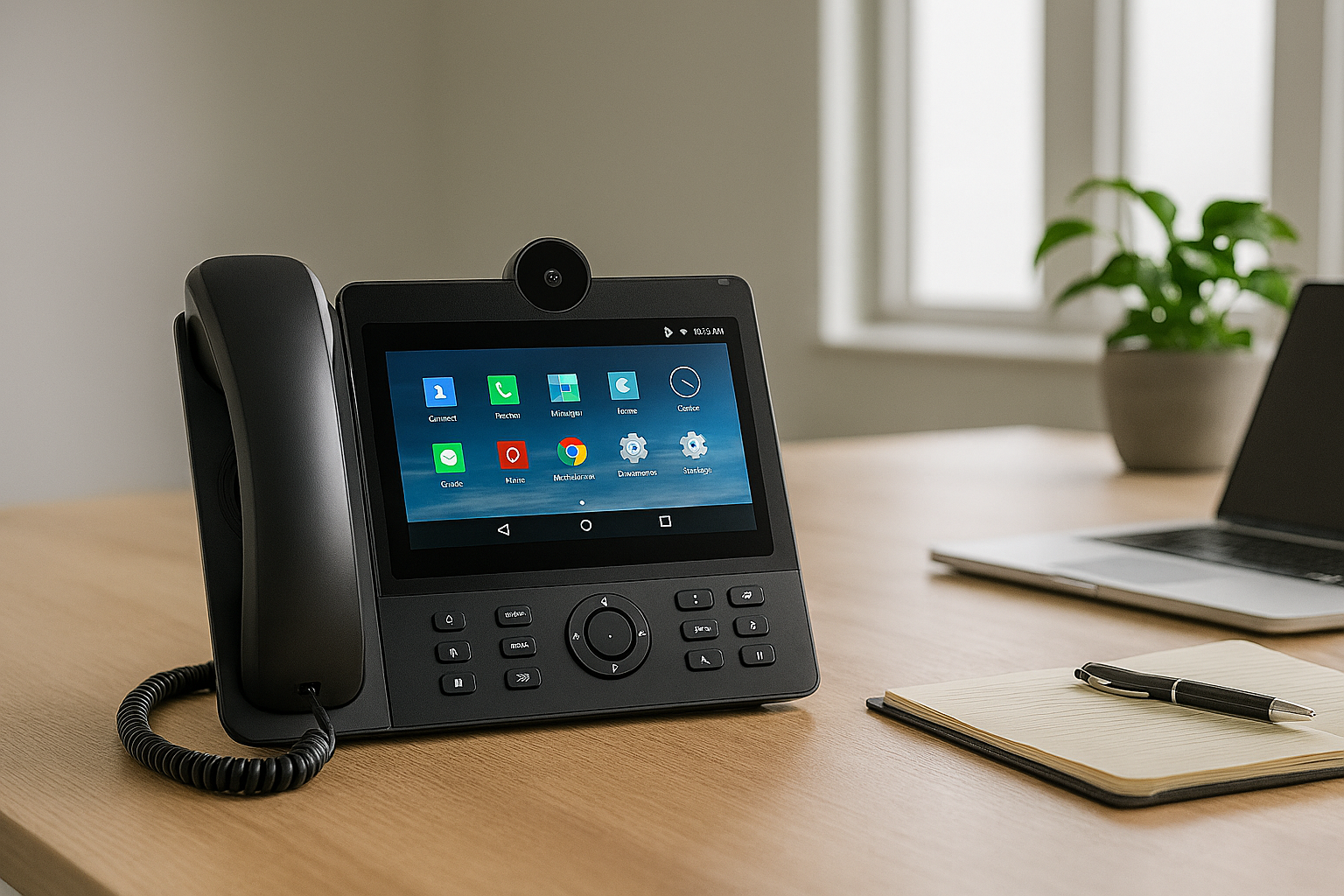


VoIP stands for Voice Over Internet Protocol. It’s a way to make phone calls using the internet instead of old copper phone lines. Whether you’re calling your mate down the road or a client overseas, it costs the same. That’s why heaps of businesses use it — it saves money and works well.
🧠 What Can It Do?
VoIP isn’t just for voice calls. It can handle:
- Video calls and meetings
- Messaging and file sharing
- Call routing and voicemail
- All-in-one tools for team chats and remote work
It runs on tech like SIP (Session Initiation Protocol), which helps different devices and apps talk to each other. So you can chat, call, or meet from pretty much anywhere.
🧍♂️ Home vs Business Use
- At home, you can plug a regular phone into a VoIP box or use an app on your mobile or laptop.
- At work, VoIP systems run through your office network. Staff can call each other using extensions, and everything’s managed from one dashboard.
🛠️ How VoIP Phones Work
A VoIP phone looks like a normal desk phone but connects through the internet. It’s got:
- A screen, keypad, and handset
- Ethernet ports and headset jacks
- Software that handles the calls
It turns your voice into digital data using a protocol (like SIP or Cisco’s Skinny) and a codec (like G.711 or G.722). These affect how clear the call sounds and how much data it uses. For smooth calls, make sure your phone and system use the same setup.
💻 Types of VoIP Phones
Different jobs need different phones. Here’s a quick rundown:
| Type | Best For |
|---|---|
| Desktop phones | Office use — full features, Ethernet connection |
| USB phones | Plug into your computer — good for softphone apps |
| Wi-Fi phones | Mobile workers — use at hotspots |
| Conference phones | Group calls and meetings |
| Video phones | Face-to-face calls |
| PC software | Calls straight from your laptop |
Using the wrong phone can mean poor sound or dropped calls, so match the phone to the job.
🧩 How to Pick the Right VoIP Phone
Here are a few tips:
- Check the phone works with your provider’s setup
- Match the phone to the role — receptionists might need more lines than admin staff
- Think about extras like speakerphone or headset support
- If you’re using Power over Ethernet (PoE), make sure the phone supports it
- Set a budget — prices range from under $100 to over $500
🧠 Choosing a VoIP System
Switching to VoIP can save your business heaps, but read the fine print. Some providers say “all-inclusive” but leave out key features. Look for systems that use open standards — they’re easier to customise and usually cheaper to maintain.
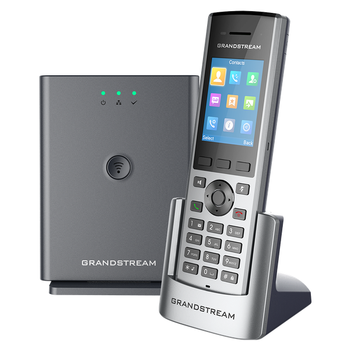
Grandstream DP722
📦 Key Features
- DECT cordless handset — works with Grandstream base stations like DP750, DP752, or DP755
- Supports up to 10–20 SIP accounts — depending on the base station
- Range — up to 350m outdoors, 50m indoors
🌟 What Stands Out
- Reliable and affordable for small to medium businesses
- Good range and battery life
- Easy to pair with Grandstream base stations
- HD audio and headset support
- Compact and durable design
⚠️ What to Keep in Mind
- Needs a compatible Grandstream base station to work
- Not ideal for home use unless you’re running a VoIP setup
- No touchscreen or fancy interface — it’s built for function
- Limited smart features — no Wi-Fi or app control
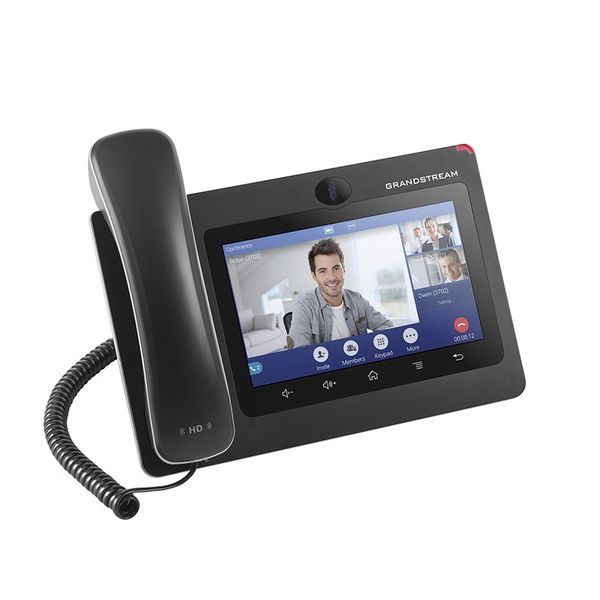
Grandstream GXV3370
📦 Key Features
- 7" touchscreen (1024×600) — capacitive TFT LCD, easy to use
- Android OS — runs apps like Zoom, Teams, and Google Meet
- 16 SIP lines — supports multiple accounts and extensions
- HD audio and video — built-in megapixel camera for video calls
🌟 What Stands Out
- Combines a desk phone, tablet, and video conferencing unit
- Great for remote teams, reception desks, and executive offices
- Runs Android apps — flexible and familiar interface
- Strong build and reliable performance
- Can integrate with Grandstream door access systems
What to Keep in Mind
- Not ideal for casual or home use — built for business environments
- Setup may require IT support or VoIP provider assistance