



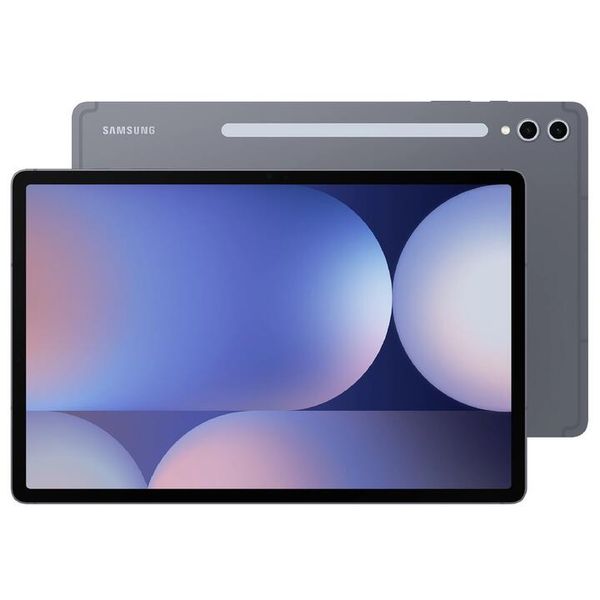
Tablets today aren’t just oversized phones—they’re proper workhorses. You can chuck one in your backpack, and it’ll handle emails, video calls, Netflix binges, and even digital art like a champ. Devices like the iPad Pro M4 or Samsung Galaxy Tab S10+ now pack desktop-level chips, so you’re not sacrificing grunt for size.
Touchscreen Magic
There’s something intuitive about tapping, swiping, and scribbling directly on the screen. Whether you’re sketching with an Apple Pencil or jotting notes with an S Pen, it just feels natural. For creatives, students, and even tradies managing jobs on the go, that touchscreen is a game-changer.
Perfect for Study & Work
From online uni lectures to remote work setups, tablets are the Swiss Army knife of tech. You can slap on a keyboard, pair a mouse, and boom—instant laptop. Plus, with stylus support, students can draw diagrams, annotate PDFs, and take notes like a pro.
Entertainment Powerhouse
Let’s be honest—sometimes you just want to kick back. Tablets are brilliant for streaming, gaming, reading, and browsing. Bigger screens and better speakers make them way more immersive than your average phone.
Smart Home Sidekick
More and more Kiwis are using tablets as the central hub for smart homes. Whether it’s controlling lights, checking security cams, or managing your calendar, tablets are becoming the digital clipboard of modern living.
Still Growing Strong
Despite laptops dominating the PC market, tablet sales are booming. In 2024 alone, global shipments jumped 22.1%, with Apple and Samsung leading the charge. That’s no fluke—it’s proof that people still love the flexibility and convenience tablets offer.
What to Look For
Operating System
Pros:
- Smooth performance and long software support
- Huge app selection, especially for creative and productivity tools
- Works well with other Apple devices (iPhone, Mac, AirPods)
Cons:
- Expensive compared to others
- Limited file management and customisation
- No expandable storage
Pros:
- Wide range of devices and price points
- More customisation and flexible file handling
- Many models support microSD cards
Cons:
- Software updates vary by brand
- Some budget models can lag over time
- App quality can be inconsistent
Pros:
- Very affordable
- Great for reading, streaming, and basic use
- Parental controls built-in
Cons:
- Limited app store (no Google Play)
- Not ideal for work or school
- Slower performance on cheaper models
Pros:
- Full desktop experience — great for work
- Runs Microsoft Office and desktop apps
- Good multitasking and file management
Cons:
- Fewer tablet-optimised apps
- Can be bulky and pricey
- Battery life often shorter than iPads or Android tablets
Performance
- For everyday stuff, 3–4GB RAM is sweet.
- For gaming, design, or work, go for 8GB+ and a solid chip like Apple M3 or MediaTek Dimensity.
Screen Size
- 8–10 inches: Handy for travel and casual use.
- 11–13 inches: Better for work, drawing, or watching movies.
Storage
- 64GB is fine for light use.
- 128GB+ if you’re storing heaps of apps, photos, or videos.
- Some Android tablets let you add a microSD card — bonus.
Wi-Fi or Cellular
- Wi-Fi only: Cheaper, good for home.
- Wi-Fi + 5G: Handy if you’re out and about a lot.
Best iOS Tablets in 2025
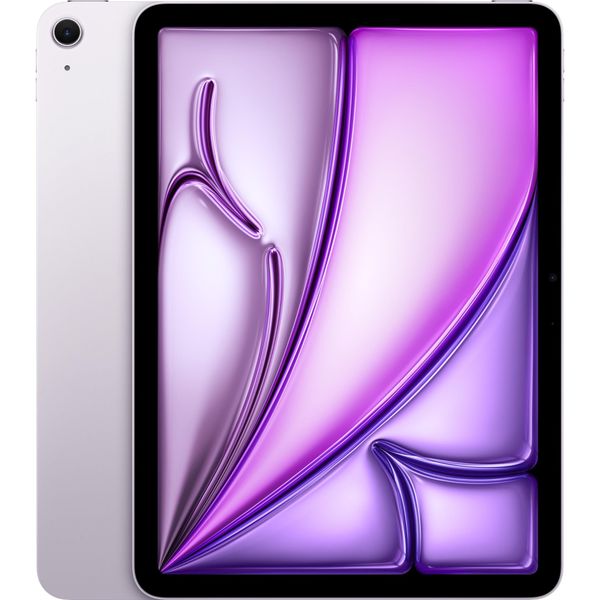
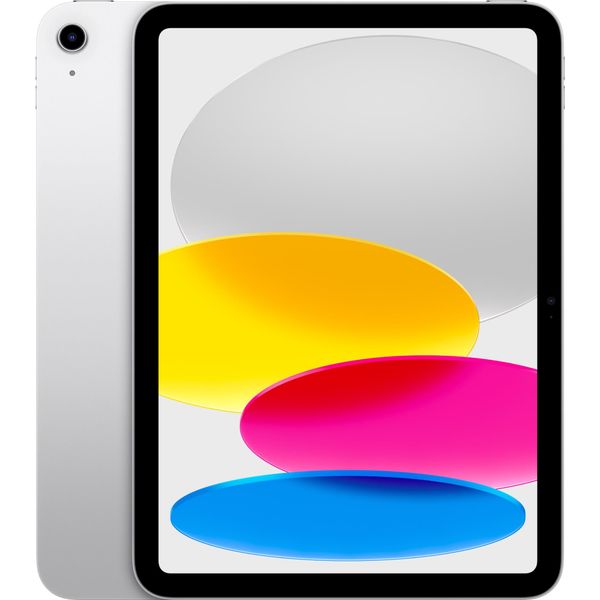
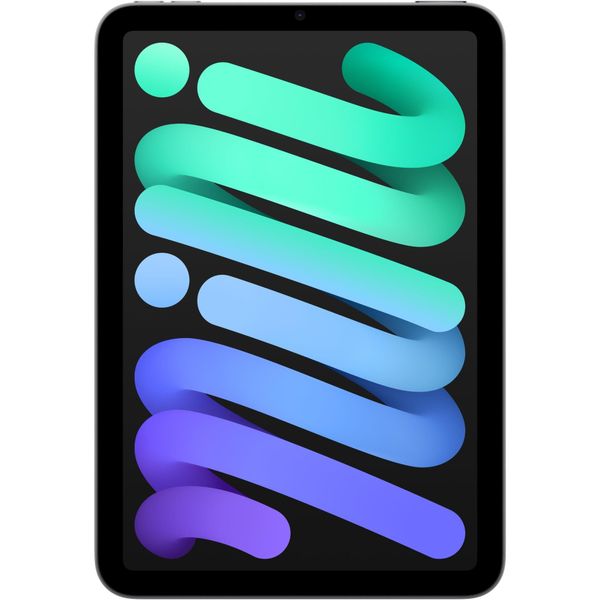
iPad Mini (7th Gen, A17 Pro)
📱 Best Compact iPad
- 8.3-inch display
- Ultra-portable and powerful
- Great for reading, travel, and note-taking
Buy iPad Mini (7th Gen, A17 Pro)
Best Android Tablets in 2025
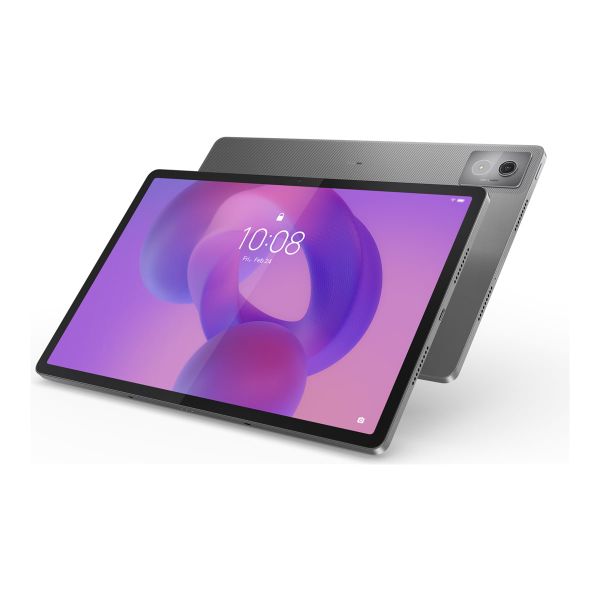
Best Windows Tablets in 2025
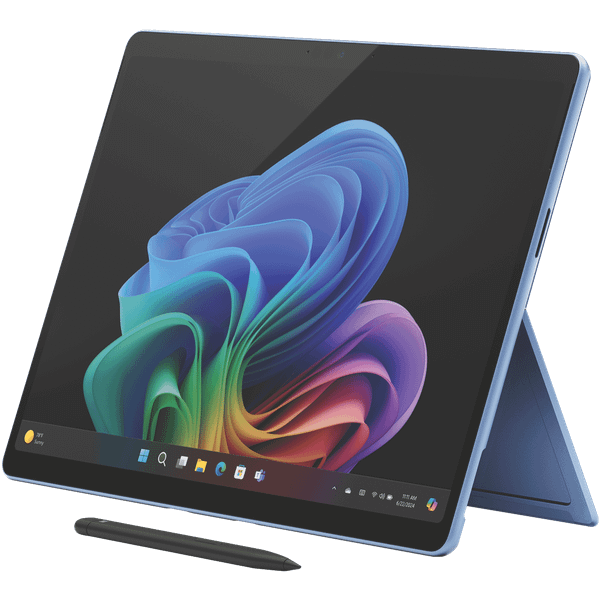
Microsoft Surface Pro 11th
🏆 Best Overall Windows Tablet
- Snapdragon X Plus chip
- OLED touchscreen
- Long battery life
- Ideal for productivity and multitasking
Buy Microsoft Surface Pro 11th
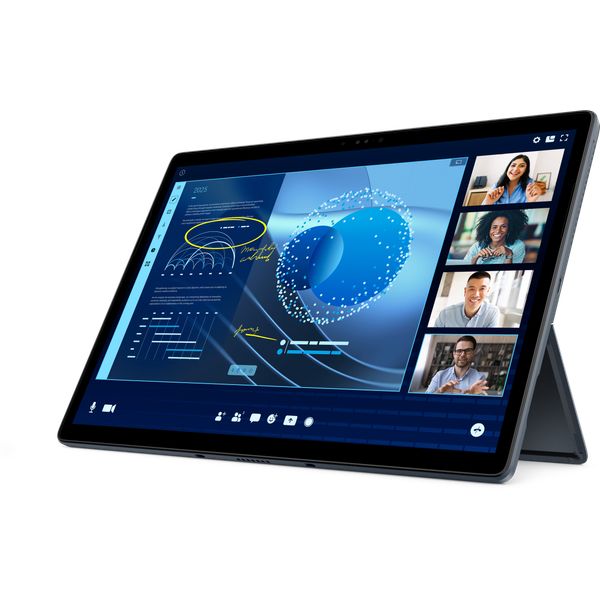
Dell Latitude 7350 Detachable
💼 Best for Business
- Enterprise-grade security
- Excellent keyboard and build quality
- Perfect for professionals on the go
Buy Dell Latitude 7350 Detachable