
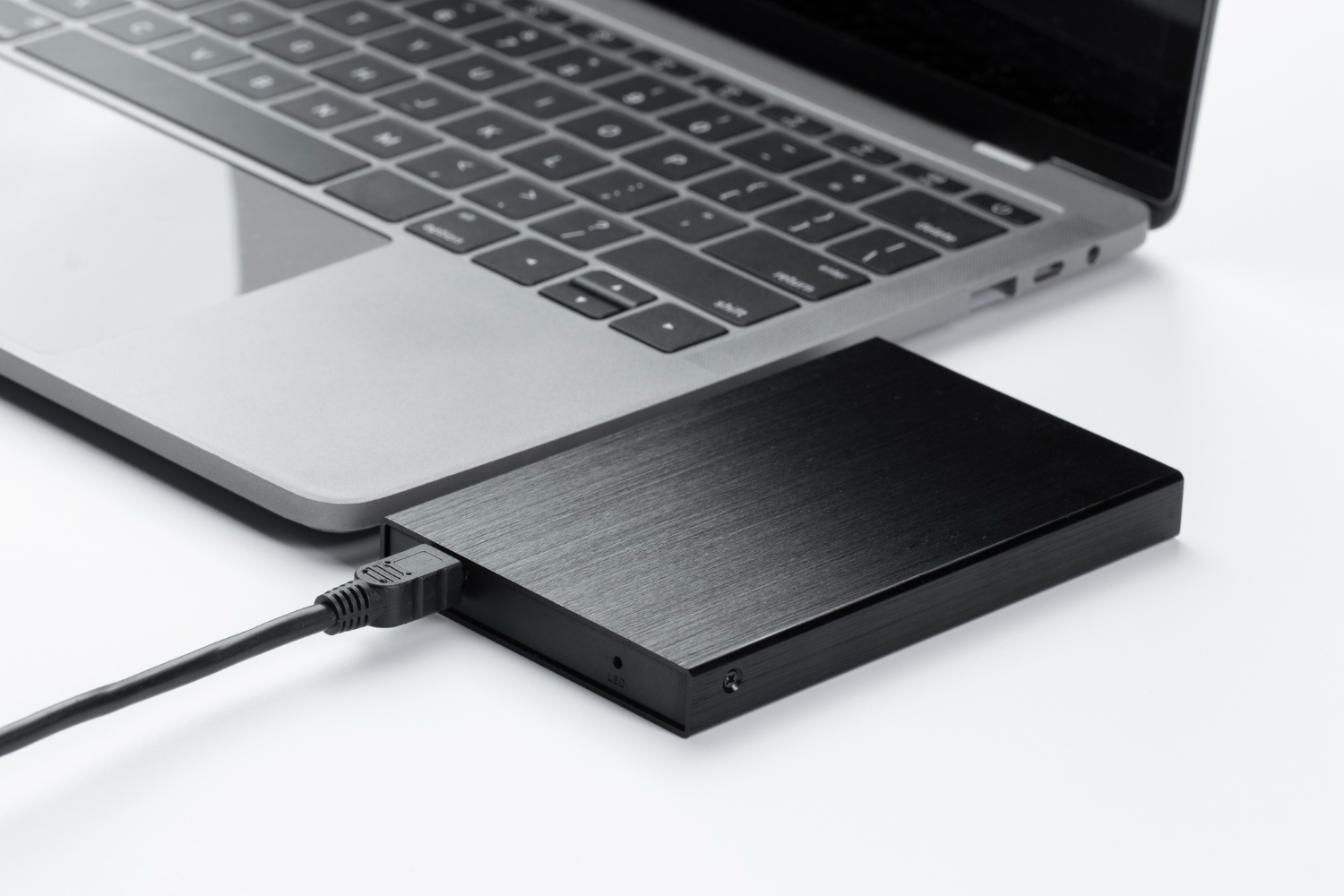


If your laptop’s crawling or your PC takes ages to boot, it’s probably time to chuck in an SSD. These things are fast, reliable, and don’t cost an arm and a leg anymore. Whether you’re gaming, editing videos, or just want your computer to stop mucking around — SSDs are the way to go.
🧠 What’s an SSD Anyway?
An SSD (solid-state drive) is like a hard drive, but way quicker. No spinning parts, no waiting around. It stores your files, games, photos — all the good stuff — and loads them up fast.
📦 Types of SSDs You’ll See in NZ
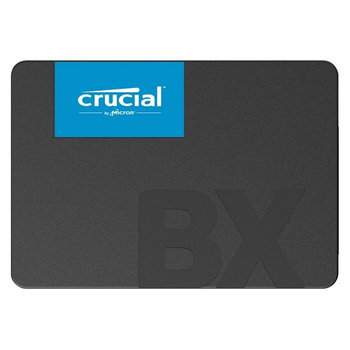
🔹 SATA SSD
- Good for older laptops and desktops.
- Speeds up boot time and file loading.
- Not as fast as newer types, but still a big upgrade.
- Examples: Crucial MX500, Samsung 870 EVO.
🔹 NVMe SSD (M.2)
- Fits straight into your motherboard.
- Much faster than SATA — great for gaming or video editing.
- Needs a compatible slot, so check your gear first.
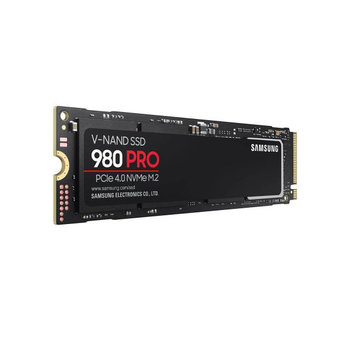
- Examples: WD Black SN850X, Kingston NV2, Samsung 980 Pro.
🔹 External SSD
- Plug-and-play via USB.
- Handy for backups or moving files between devices.
- Examples: Samsung T7, SanDisk Extreme Portable.
🛠️ What to Look For
| Feature | Why It Matters |
| Size Speed Compatibility Brand Warranty | 500GB is bare minimum. 1TB or more is better for games and media. NVMe is faster than SATA. Look for read/write speeds over 3000MB/s if you want top performance. Not all laptops take NVMe. Check before you buy. Stick with trusted names like Samsung, WD, Crucial, Kingston. Most come with 3–5 years. Good peace of mind. |
🔥 Top SSDs in NZ (2025)
🟢 Budget Picks
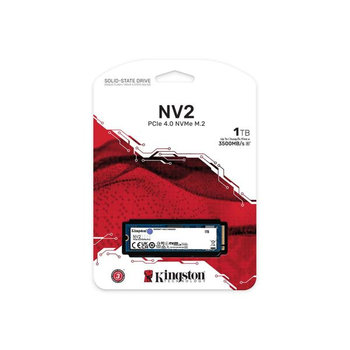
Kingston NV2 NVMe SSD
- Great value for money
- Speeds up to 3500MB/s
- Ideal for everyday use and gaming
🟡 Mid-Range Favourites
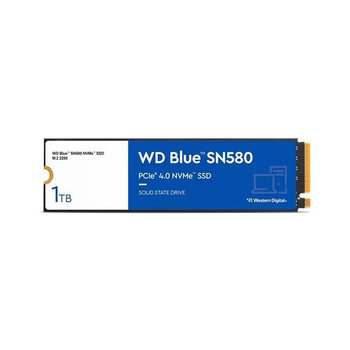
WD Blue SN580 NVMe SSD
- PCIe Gen 4 support
- Speeds up to 4150MB/s
- Good balance of speed and price
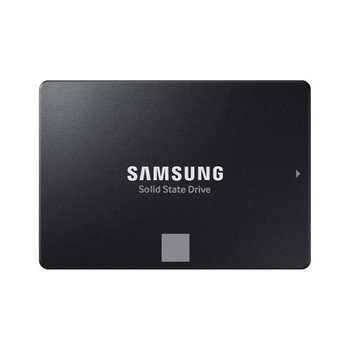
Samsung 870 EVO SATA SSD
- One of the most trusted SATA drives
- Great for upgrades and backups
🔴 High-Performance Picks
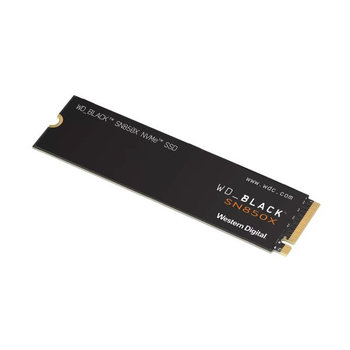
WD Black SN850X NVMe SSD
- PCIe Gen 4, blazing fast
- Perfect for gaming rigs and video editing
Related stories