
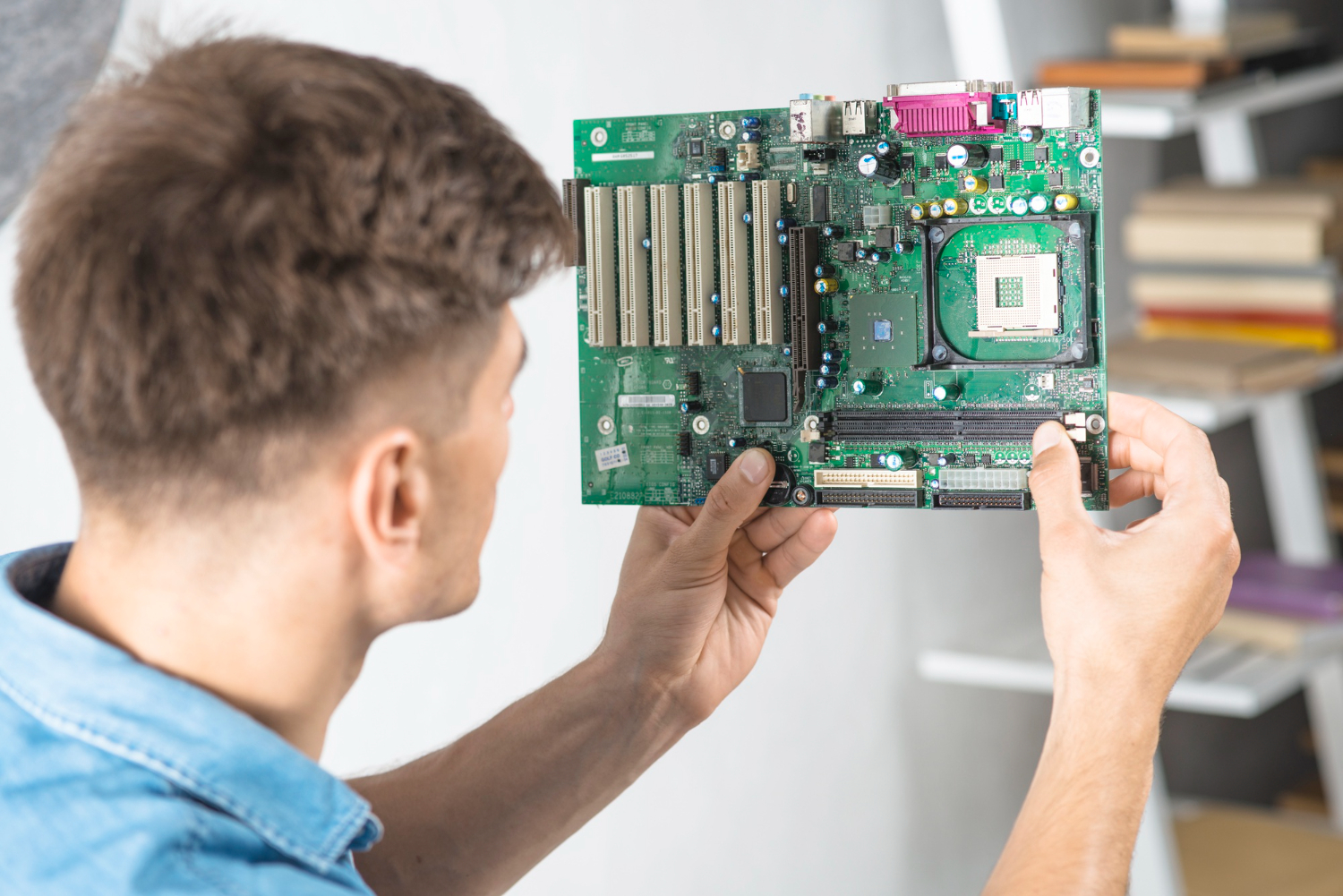


Think of the CPU as the brain of your computer. The motherboard is more like the nervous system — it links all the parts together and lets them talk to each other. It holds the CPU, memory, graphics card, storage drives, and all the ports you use for plugging in gear like keyboards, monitors, and USB devices.
If your motherboard fails, your whole system’s in trouble. That’s why it pays to understand what it does and how to pick one that suits your setup.
🛠️ Not All Boards Are the Same
The biggest difference between motherboards is which processor they support. Some are built for Intel chips, others for AMD. You also need to check:
- RAM compatibility (DDR4, DDR5, how much it supports)
- Graphics card slots (PCIe 4.0 or 5.0)
- Storage options (M.2, SATA)
- Peripheral support (Wi-Fi, Bluetooth, USB-C, etc.)
- Form factor (ATX, microATX, Mini-ITX — affects case size)
If you’re building a PC from scratch, many Kiwi techies recommend choosing the motherboard last, once you’ve locked in your CPU and other key parts.
🎮 Choosing for Gaming or Heavy Use
If you’re into gaming, video editing, or other demanding tasks, your motherboard needs to support:
- High RAM capacity (at least 32GB, ideally DDR5)
- Fast graphics cards (PCIe x16 slot, good VRMs)
- Separate GPU support (onboard graphics won’t cut it for serious gaming)
- Good cooling options (extra fan headers, heatsinks)
Some budget boards come with built-in graphics and sound, but they’re not ideal for high-performance setups. If you’re using a dedicated GPU, make sure your board won’t bottleneck it.
⚙️ CPU Compatibility Is Key
You can’t just pick any motherboard with cool features — it has to match your CPU socket type. For example:
- AMD Ryzen 7000/9000 series use AM5 socket
- Intel Core 12th–14th Gen use LGA1700
- Intel Core Ultra 200S (2025) use LGA1851
Always check the socket and chipset before buying. If they don’t match, the CPU won’t fit — and you’ll waste time and money.
💰 Price vs Features
Don’t let price drive your decision until you’ve figured out what you actually need. Once you’ve listed your must-haves, you can look at boards in your price range that tick the right boxes.
In NZ, prices range from:
- $150–$300 NZD for solid entry-level boards
- $300–$600 NZD for mid-range gaming and creator boards
- $600+ NZD for high-end boards with PCIe 5.0, DDR5, and advanced cooling
🔝 Trusted Brands in NZ
Some of the best motherboard brands available locally include: