

Microsoft Surface Go 10in 4GB 64GB
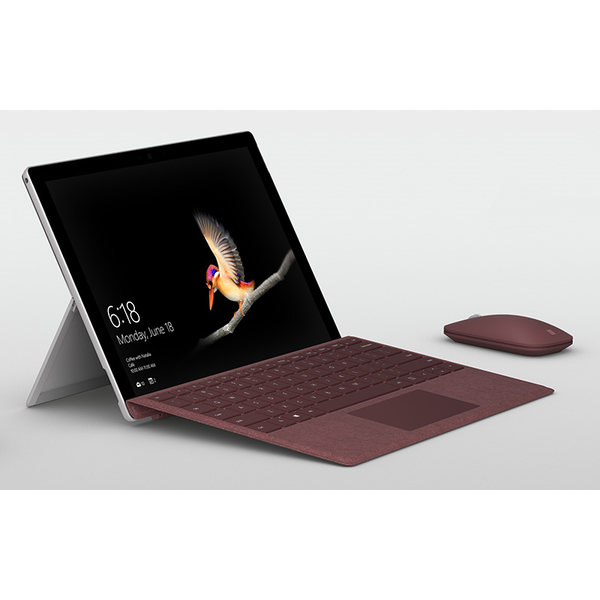
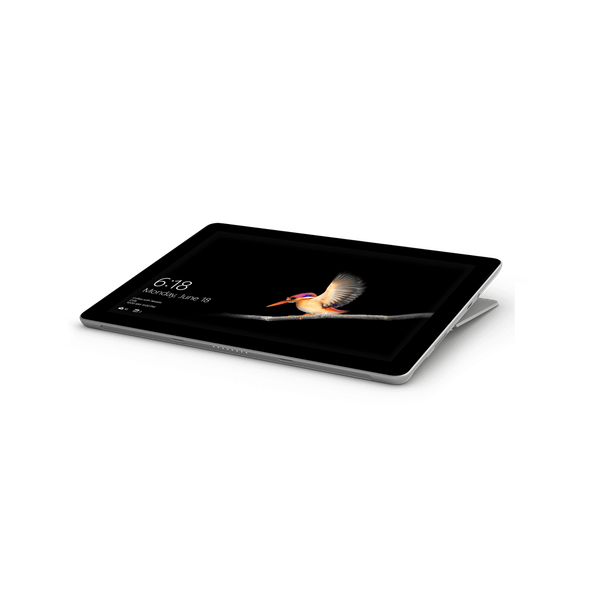
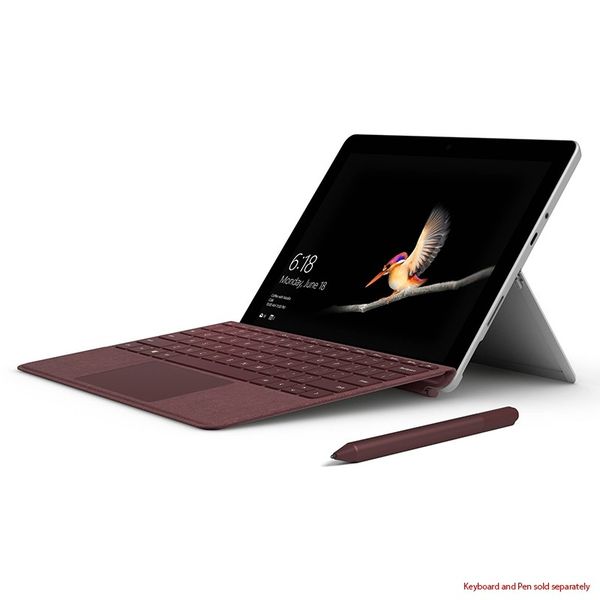
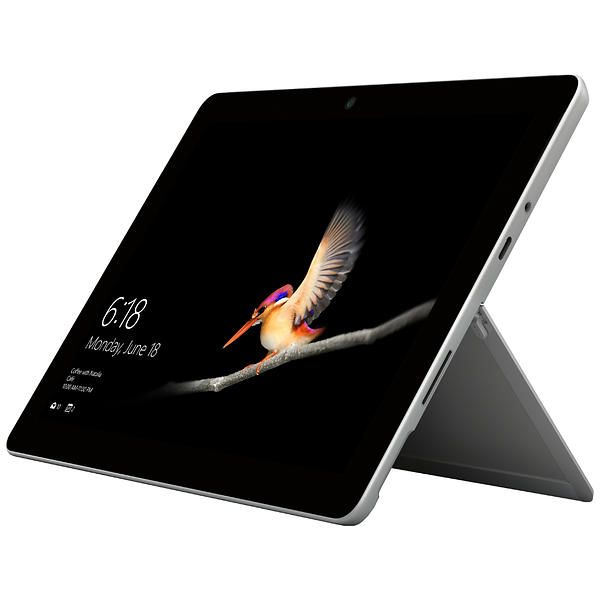
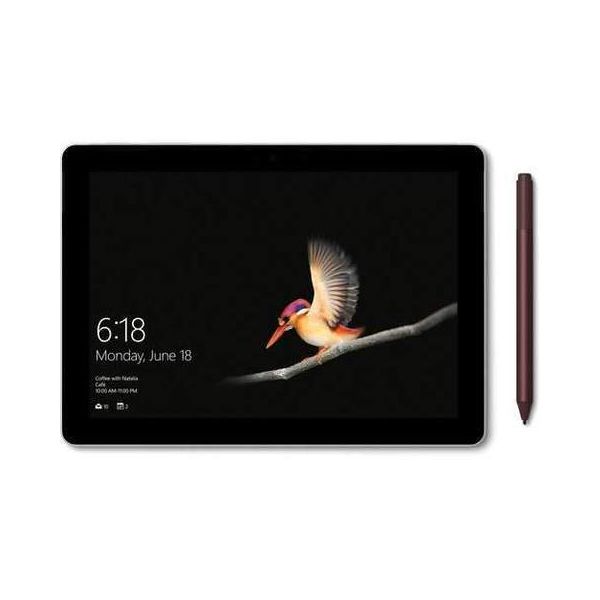
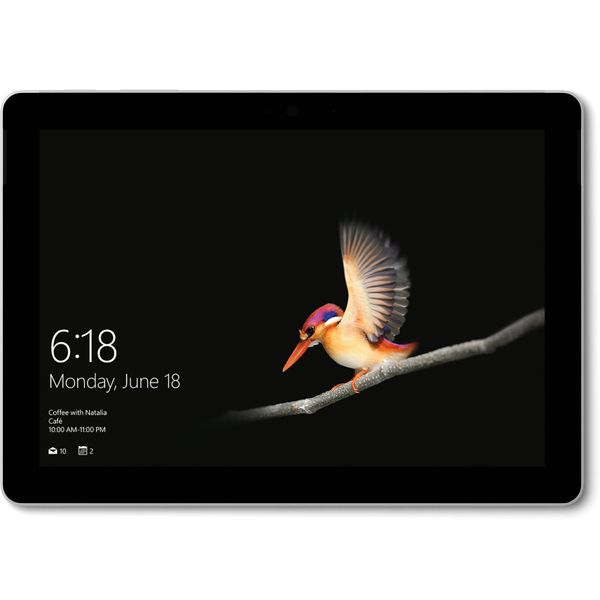

Microsoft boasts that its new Surface Go gives you "laptop performance, tablet portability, and a stunning touchscreen with the power of Windows 10." Sounds like a winning combination!
Take it anywhere
This is the smallest and lightest Surface ever made, weighing in at around 500 grams. Its diminutive size means it can fit into any bag and be taken anywhere, yet it is packed with the processing power to do a job that punches well above its weight!
Turn a tablet into a laptop
For a quality laptop experience, simply pair Surface Go's ultra-compact Signature Type Cover, which performs like a full-size keyboard, with the lightweight and precise Surface Mobile Mouse. The result is a lightweight laptop with heavyweight performance capabilities.
A bright and sharp display
You're able to touch, view, and write on the PixelSense display, boasting a 3:2 aspect ratio and a resolution of 1800 x 1200. The result is a crisp and colourful display which is much more vivid and easy to view than many devices of a similar size.
HD quality camera
The all-important camera feature is very impressive, allowing you to take great photos and make super-clear video calls with a front-facing and rear auto-focus HD camera.
Power a plenty
The new Surface Go features a powerful Intel processor which easily handles the day to day demands of running software and apps, while the battery will give you up to 9 hours per charge.
Reviews
Show product page
Microsoft Surface Go Review
The Surface Go successfully shrinks Microsoft's stellar design, but it's not for everyone.- Remarkably sturdy for its price
- Beautiful design and display
- Type Cover is impressive
- Affordably priced
- Clunky performance
- Tablet experience is lacking
- Type Cover is a pricey add-on

Microsoft Surface Go
While I wouldn't make a Surface Go my primary machine for graphical/video creativity work or demanding tasks-Microsoft acknowledges this is not really its place-it's still a fine choice for a lean, mean travel companion.- Low-cost entry point to the Surface line
- Build quality is high
- Small, lightweight design
- Good potential for education use
- Middling speed
- Keyboard is cramped and costs extra
- Narrow for on-lap use
- No full-size USB ports

Microsoft's Surface Go is the cheapest way to buy into the Surface ecosystem, but sluggish performance keeps it from competing with Apple's iPads.
- Excellent build quality
- Sharp
- bright display
- Windows Hello support
- Built-in microSD card slot
- Sluggish performance
- Janky touchscreen for some apps like Chrome
- Keyboard and stylus sold separately
- Huge
- thick bezels around display

about Microsoft's new budget Surface tablet and how it will use Intel Pentium chips to save on cost. Well, the cat's now out of the bag and the Microsoft Surface Pro has indeed been shrunken down. Meet the Microsoft Surface Go.

The Surface Go is an odd thing. Not because of the device itself, so much as how Microsoft ultimately arrived at it. The tablet was reverse-engineered, the low-end addition to the premium Surface line.

The Microsoft Surface Go Is Practically Perfect
Look, $550 is a lot of money... unless you're talking computers. Any computer you buy for that little is firmly a "budget" PC, as far as the people making them are concerned. They're not impressive, or especially fast, or pretty. They're purely functional-the Ford Fiesta of computers.- It's tiny
- gorgeous
- and more productive than an iPad or other cheap PC
- The CPU is still pretty underwhelming

Microsoft Surface Go review: Bringing the fun back to Windows
Conceptually, taking the favorite Surface Pro 2-in-1 PC and shrinking it down to a 10-inch model seems desirable, but with lowering the price and performance of the components there are questions. Is it usable in the lap How good is the performance Can you type well on it Does it even make sense- Comparatively fast performance
- Outstanding build quality and hardware
- All day battery life
- Excellent display and inking experience
- Windows 10 is still not a great tablet OS
- 10-inch PC experience has obvious tradeoffs
- No Thunderbolt 3

Microsoft Surface Go review: This affordable little Windows 10 S tablet is a PC when you need it
Microsoft's 10-inch, $399 Surface Go tablet is a departure from the company's Surface tradition, which put forth expensive, ambitious designs to break trail for the rest of the PC industry.
Microsoft Surface Go : Portable, Purposeful, Not Powerful
Microsoft's history in the budget tablet space is a bit checkered. Remember Surface RT That was a flop. And other smaller Surfaces just never felt right. But the Surface Go ($349 to start, $549 as tested, before accessories) feels just right.- Attractive with strong build quality
- Bright
- vivid display
- Affordable starting price
- Short battery life
- Doesn't come with keyboard

Microsoft Surface Go (Pentium, 64GB eMMC) Tablet Review
Affordable Surface! Microsoft's Surface Go is a much more affordable tablet than any other previous Surface device. However, it comes at a price: significantly reduced performance. Find out how Microsoft's entry-level tablet fares against its competition.- premium quality materials
- perfectly made case
- very robust chassis
- no thermal throttling
- bright high-contrast display
- very low DeltaE 2000 deviations
- high color space coverage
- no clouding
- microSD card reader
- decent battery life
- silent
- low in internal storage (64 GB)
- just one USB-C port
- PWM
- expensive accessories

