

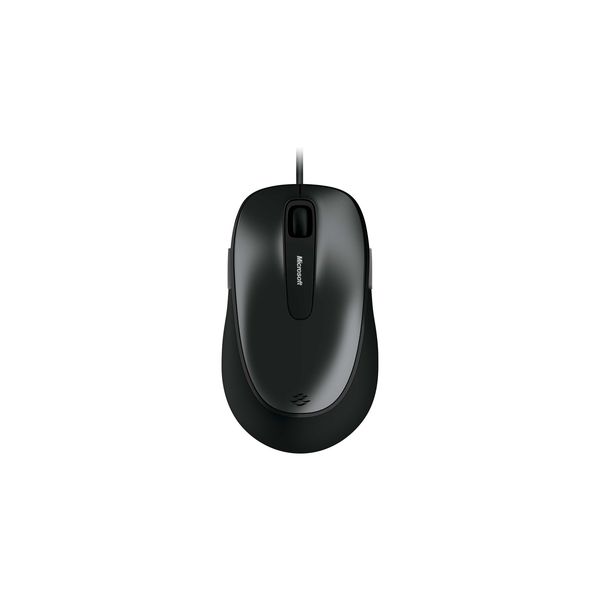
Microsoft Comfort 4500

Reviews
Show product page
12 years ago
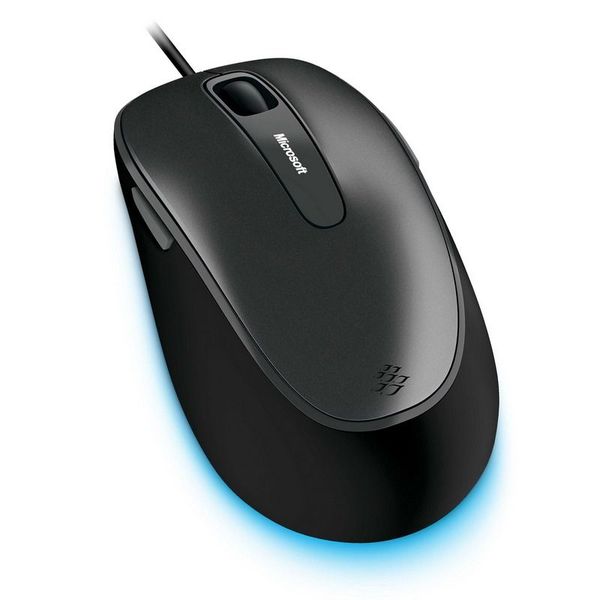
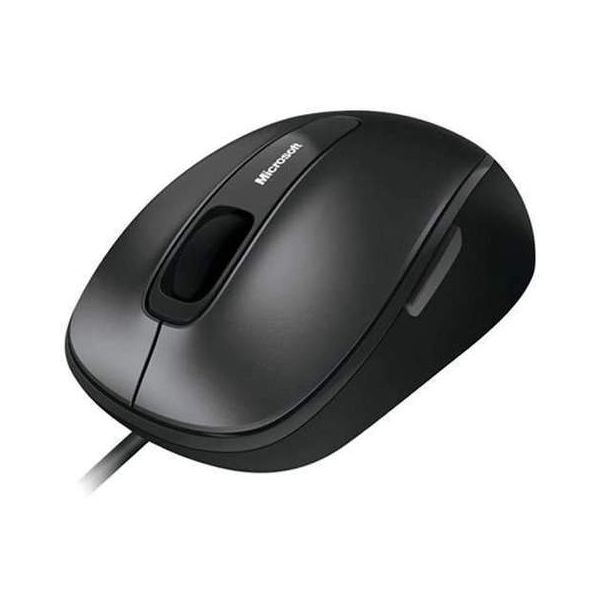
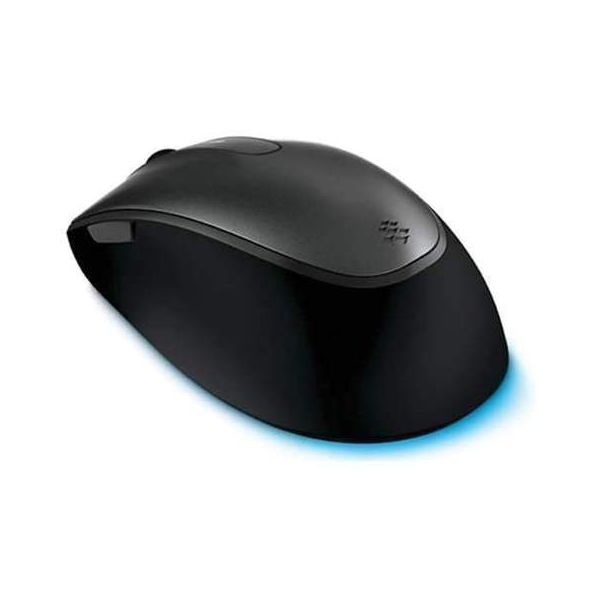
"It's sleek. It's shiny. It's the Microsoft Comfort Mouse 4500."
I've been using this mouse for quite a while now, and I've got to say, it's so much better than my newer wireless mouse. I mean, have you seen the amount of batteries I would have to throw away each month because of that danged thing?
Pros:
- Programmable buttons, BlueTrack
- (:D), and a sleek, neat design
Cons:
- Wire

11 years ago
Adequate!
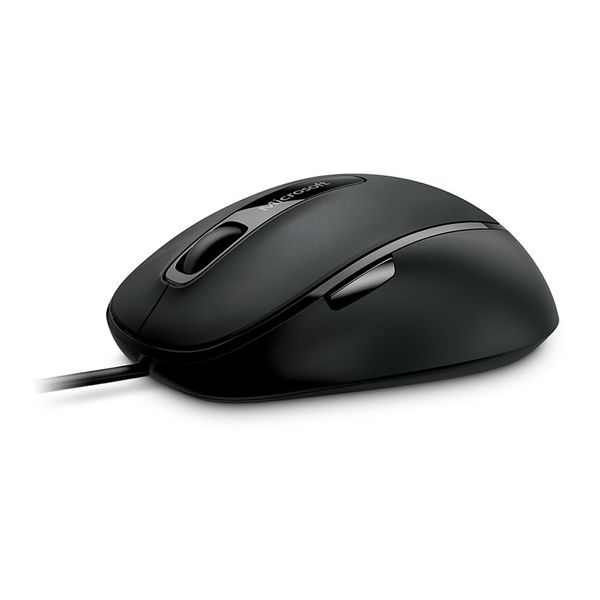
I think the "for business" part of the item name means it's going to last longer. Anyway, so far it's pretty good. There's a little button on the side my finger keeps hitting but it doesn't activate anything.
13 years ago
Microsoft Wedge Mobile Keyboard
Microsoft hardware goes one of two ways: it's either mind-blowingly good, or something that isn't fit to keep a door open on a windy day. Keyboards are no exception, and when you find a good Microsoft keyboard, it will be with you for a long time.
Pros:
- Great design
- ideal for media centre PCs
- cover makes a great tablet stand
Cons:
- Fairly hard to type on
- almost unbelievably expensive

9 years ago
This is a decent mouse with forward/back buttons, however the middle scroll wheel could use some improvement, other Microsoft mice have been better.
Pros:
- No drivers needed - just plug and play
- Standard sized mouse
- Forward/back buttons on mouse are useful for web browsing
Cons:
- Scroll wheel doesn't have a great feel
- it's a bit choppy
- The middle click on the wheel isn't good
- it is hard to press down on it and it scrolls a bit when you click too
- Previous Microsoft mice were much better

14 years ago
Microsoft Comfort Mouse 4500 Mac/Win - USB
This is the first time i can honestly say microsoft made a hash of it.The wheel scroll is terrible it's much too fast and even with intellipoint software it's still bad.Try using winamp with the scrolling you'll blow your speakers.I'll give this a big miss
13 years ago
Microsoft Wedge Mobile Keyboard review
The Microsoft Wedge Mobile Keyboard is a compact and minimalist portable wireless keyboard. Although it works with any Bluetooth-equipped computer, including the iPad, it is designed specifically for use with Windows 8 tablets.
13 years ago
Microsoft Wedge Mobile Keyboard review: a keyboard designed for Windows 8 tablets
Microsoft Wedge Mobile Keyboard isn't a keyboard that you'd want to use with a desktop PC, but if you're going to be doing a lot of...
13 years ago
Drive a wedge
Leaning into the October launch of tablet -ready Windows 8, Microsoft's Wedge Mobile Keyboard and Mouse saves you from sacrificing screen real estate for data input. The two compact tools are both Bluetooth-enabled and designed to match smoothly with the company's operating system.
12 years ago
Microsoft Wedge Mobile Keyboard review: a keyboard designed for Windows 8 tablets
Along with the Microsoft Wedge Touch Mouse , the Microsoft Wedge Mobile Keyboard has been released in preparation for Windows 8 . It doesn't have a design as divisive as the Wedge Touch Mouse, but it complements it with the same black and silver colour scheme.
4.2
from 49 reviews
5
38.0%
4
38.0%
3
18.0%
2
2.0%
1
2.0%

