

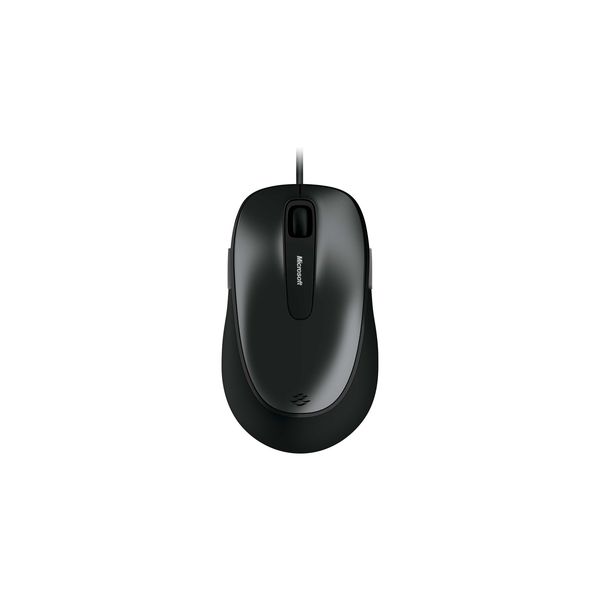
Microsoft Comfort 4500

Reviews
Show product page
12 years ago
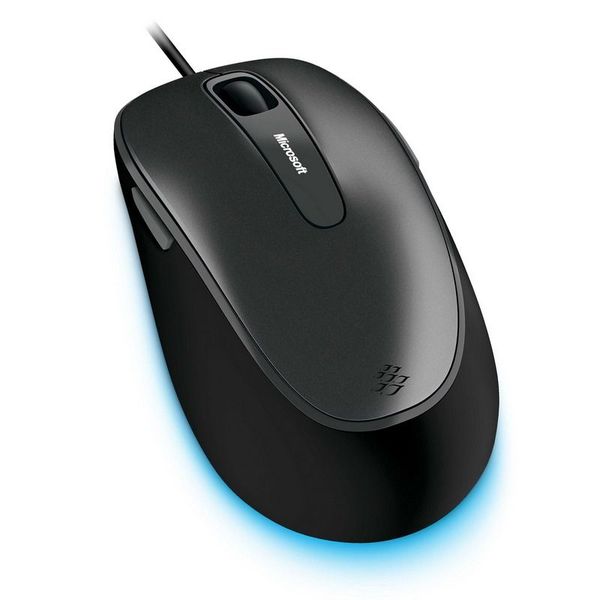
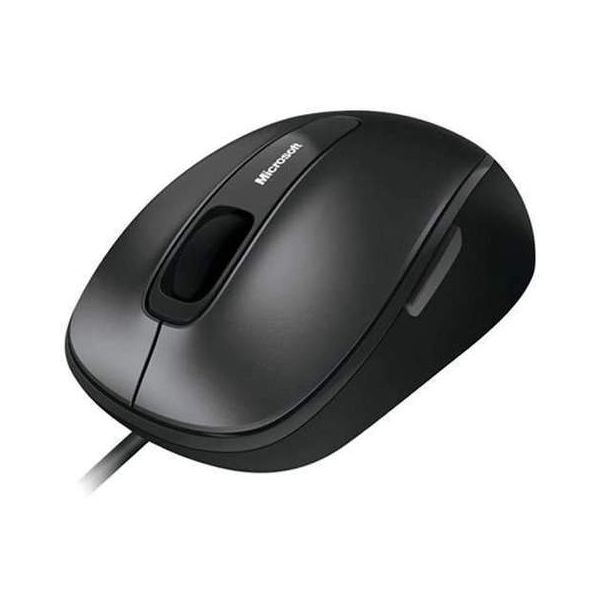
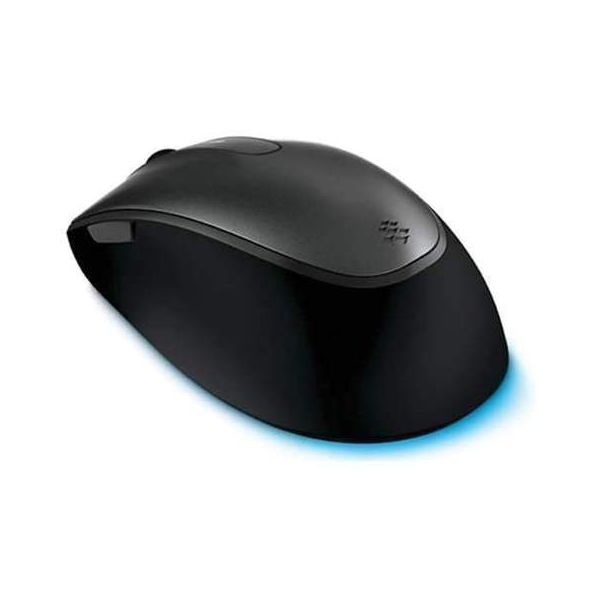
"It's sleek. It's shiny. It's the Microsoft Comfort Mouse 4500."
I've been using this mouse for quite a while now, and I've got to say, it's so much better than my newer wireless mouse. I mean, have you seen the amount of batteries I would have to throw away each month because of that danged thing?
Pros:
- Programmable buttons, BlueTrack
- (:D), and a sleek, neat design
Cons:
- Wire

11 years ago
Adequate!
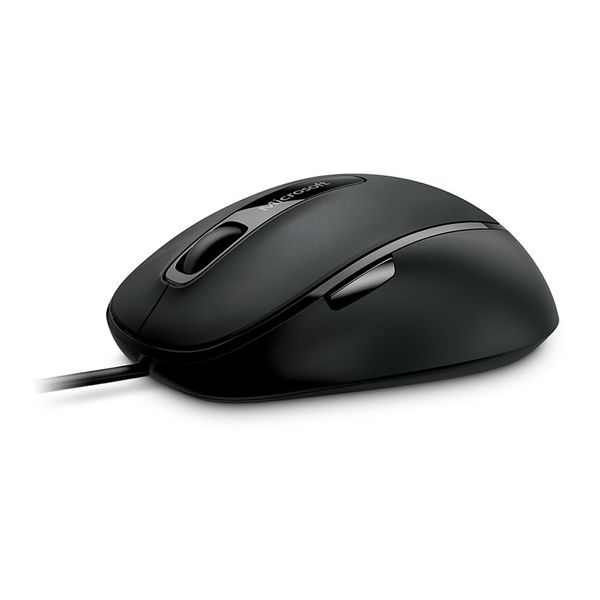
I think the "for business" part of the item name means it's going to last longer. Anyway, so far it's pretty good. There's a little button on the side my finger keeps hitting but it doesn't activate anything.
13 years ago
Microsoft Wedge Touch Mouse and Mobile Keyboard review
When Microsoft first announced the Wedge Touch mouse for Windows 8, plenty of people wondered whether the blunt, flipper-shaped device was actually practical. Its accompanying keyboard, meanwhile,...
Pros:
- Innovative form factor that actually works
- Tiny and light
- Surprisingly comfortable
- Convenient Charm keys
- Protective cover / stand works well as both
- Portable but not cramped
Cons:
- No Windows 8 gesture support
- Relatively pricey
- Scratches easily
- Keyboard cover fits a little less closely over time
- Price is on the high side

13 years ago
Microsoft Wedge Mobile Keyboard
The Microsoft Wedge Mobile Keyboard isn't just a portable keyboard, it's an essential element in making the most of your Windows 8 tablet. The Wedge Mobile Keyboard offers a much better typing experience than the onscreen keyboard, with Bluetooth connectivity and Windows 8 functionality baked right...
Pros:
- Portable
- Bluetooth connectivity
- Windows 8-specific function keys
- Cover doubles as a tablet stand
Cons:
- Cramped for typing

13 years ago
Microsoft Wedge Mobile Keyboard review
The Microsoft Wedge Mobile Keyboard isn't just a portable keyboard, it's an essential element in making the most of your Windows 8 tablet. The Wedge Mobile Keyboard offers a much better typing experience than the on-screen keyboard, with Bluetooth connectivity and Windows 8 functionality baked right...
Pros:
- Highly portable
- Bluetooth connectivity
- Windows 8-specific function keys
- Cover doubles as a tablet stand
Cons:
- Rather cramped key layout
- Not ideal for longer typing sessions

15 years ago
Good for prolonged time spent at the computer
Having struggled with my roller on my mouse being broken for the last month, I chose the Microsoft Comfort Mouse 4500. The reason I chose this over value products is that I spend at last 15 hours a day on a computer for work and leisure.
Pros:
- Reliability

15 years ago
I bought this because I wanted a corded mouse (non-wireless) to use on my laptops port replicator. There were only a few choices in the store. This model has side buttons that can be used when surfing the net. I find that I accidently press them due to where they are located.
Pros:
- Accurate Tracking
- Comfortable Design
- Fast Response
- Glides Smoothly
Cons:
- Side Buttons
- Too large

15 years ago
Microsoft Comfort Mouse 4500
This is not an ordinary optical mouse however, nor is it a refined laser cousin. This is seemingly the best of both worlds, a combination of optical and laser technology according to Microsoft.
14 years ago
Too noisy
Great smooth mouse, tracks brilliantly. Just too loud on the mouse button clicks and pressing the scroll wheel is relatively more loud. If it does not bother you then rate this 5 stars.
13 years ago
Best mouse that I've owned
The Bluetrack technology is excellent for first person shooter games. Quick and accurate. The cord is nice because I don't have to worry about batteries The black part of the mouse feels and grips like rubber It is very comfortable The button clicks are very defined and make an audible click when...
Pros:
- Everything
Cons:
- Center wheel button is hard to press
4.2
from 49 reviews
5
38.0%
4
38.0%
3
18.0%
2
2.0%
1
2.0%

