

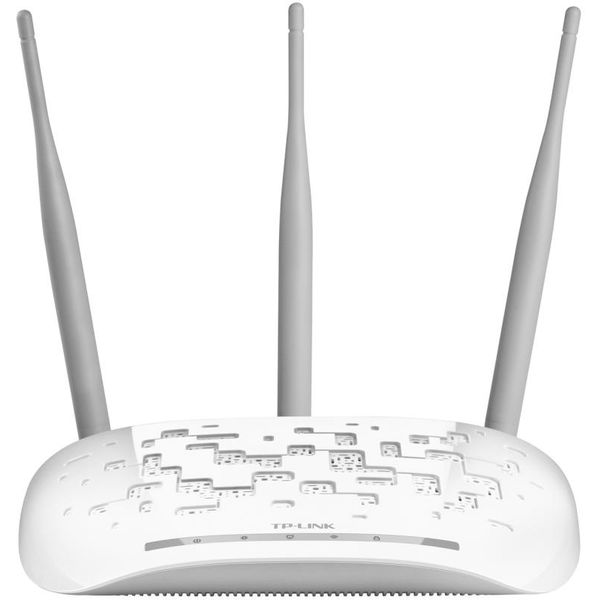
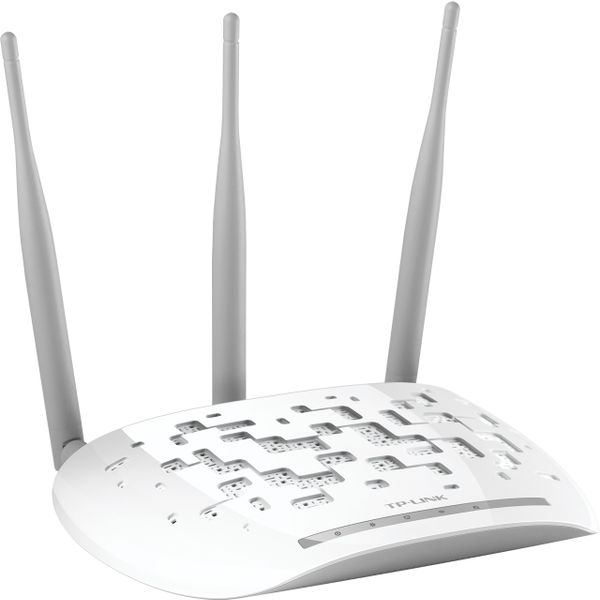
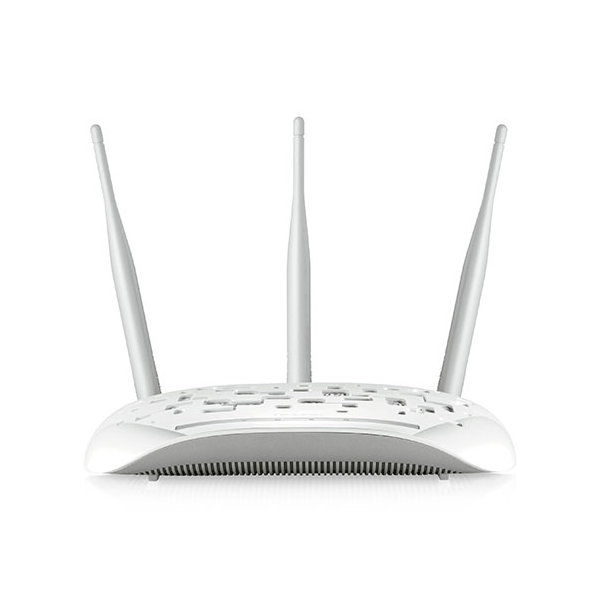
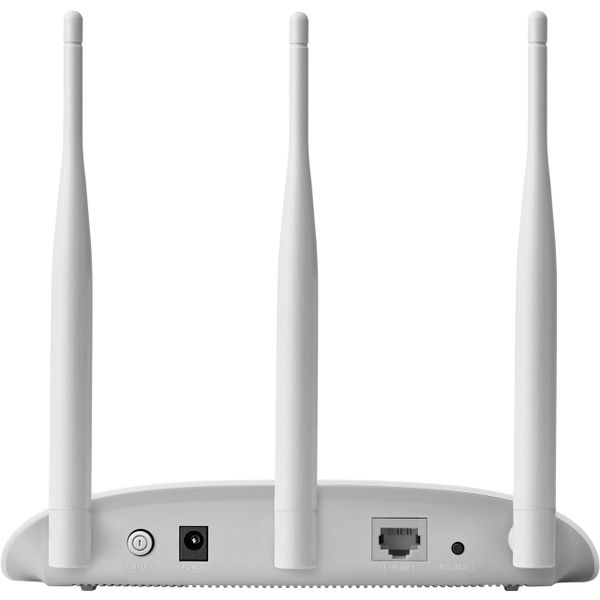
TP-Link TL-WA901ND

Reviews
Show product page
6 years ago
Product was exactly as described, and remarkably just as easy to set up as described. Directions were easy to follow, and the setup process was fast. If you're trying to extend your wifi coverage, this is a great way to do that.

13 years ago
Mediocre router
I have bought several models of TP-Link routers this seems to be an issue with all of them. No firmware updates is available to fox the issue. Technical support does not respond to emails. I will probably have to buy different brand routers to fix my network. So much for the savings….
Pros:
- Price
- Affordable with a lot of built in features
Cons:
- Requires frequent reboots
- Data traffic slows down or is completely stops until router reboots

9 years ago
Easy to set up as a client
It took about 30 minutes to open the box, read the instructions and set up the access point as a client. I am using it for a remote VOIP telephone and it worked flawlessly.
14 years ago
Good WAP. Works exactly as described.
Overall the WAP is a good buy for the money. Setup was slightly problematic, but if you read the directions carefully and follow them to the letter, the setup will work the first time. Don't take short cuts on the setup and the WAP will be a great addition to your in home wireless network!
Pros:
- Excellent range
Cons:
- Setup was slightly problematic

13 years ago
Easy to set up, works well
Highly recommeneded for sophisticated users. Should be very good for average users too, it has good convenient features like QSS (Quick Security Setup)
Pros:
- -Feautre-rich
- Easy to set up
- Good performance
- Economic
Cons:
- -Unfamiliar brand (for me) -Stability can still be improved

9 years ago
TL-WA901ND Drops WiFi Connections Regularly
TL-WA901ND Falls Far Short of TP-Link Product Line. Having purchased multiple TP-Link products over the years, we were expecting the same quality and reliability. That was never met by these TL-WA901ND's.
13 years ago
Works Well.
I couldn't ask for more from a $50 wap. Simple to setup and connect devices to. It has been running flawlessly since I turned it on, and the Ping watch dog ensures that it will automatically reboot when it is having issues saving me great headaches.
15 years ago
I purchased this access point to replace my Linksys WRT-400n. The Linksys has been absolutely terrible in my environment (we have several neighbouring wifi networks). I wanted something with external antennas and routing capability was not important to me as I have a separate router.
Pros:
- Great value for the price
- Removable antennas mean higher gain antennas can be swapped in if necessary
- Includes a POE injector so you only need to run a single cable to the router and can locate it away from a power outlet
Cons:
- Somewhat basic wireless advanced settings, though everything you need is exposed
- POE capability is proprietary and not 802.11af compliant so can only use with included injector

14 years ago
Good bang for your buck AP
Good bang for your buck AP. I work in IT so I can't weigh in on how easy it is to configure since it's all second-nature to me but I've had no problems with this unit so far in the 4 months I've had it. Have not experienced any connectivity issues whatsoever.
14 years ago
TP-LINK TL-WA901ND Wireless N300 Access Point, 2.4Ghz 300Mbps, 802.11
The TP-Link has been working steadily since installation. It appears to be very fast, as advertised, and woorks throughout the house.
4.3
from 18 reviews
5
61.0%
4
22.0%
3
5.0%
2
5.0%
1
5.0%

