

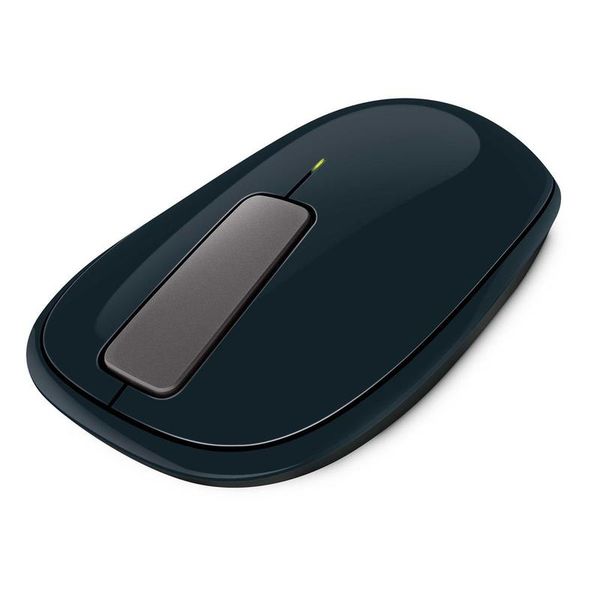
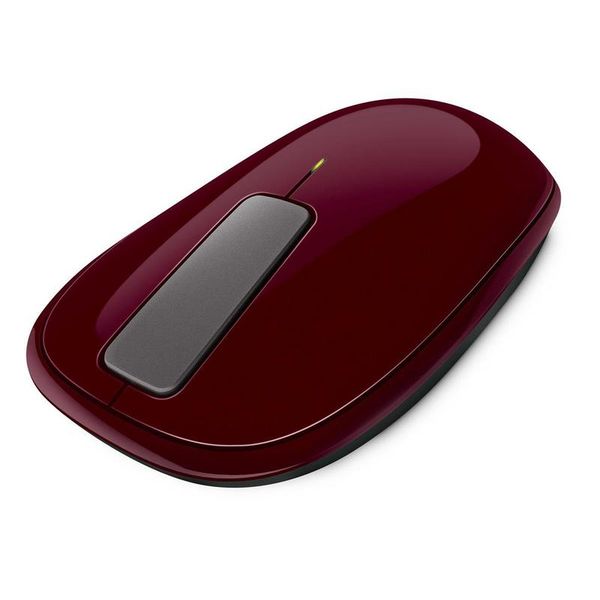
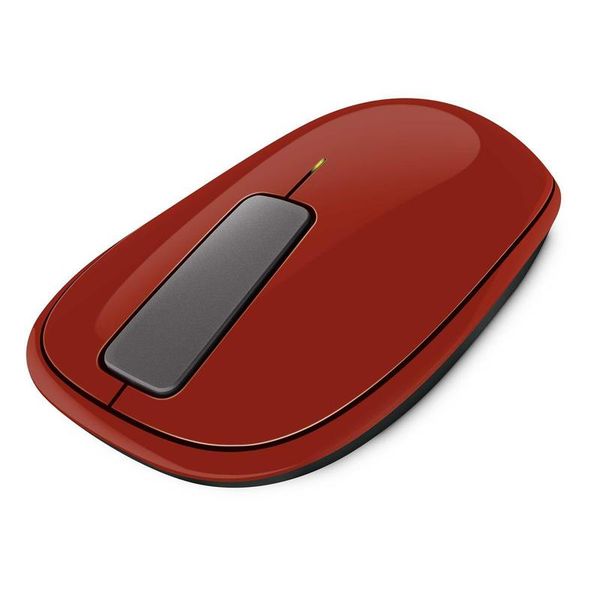
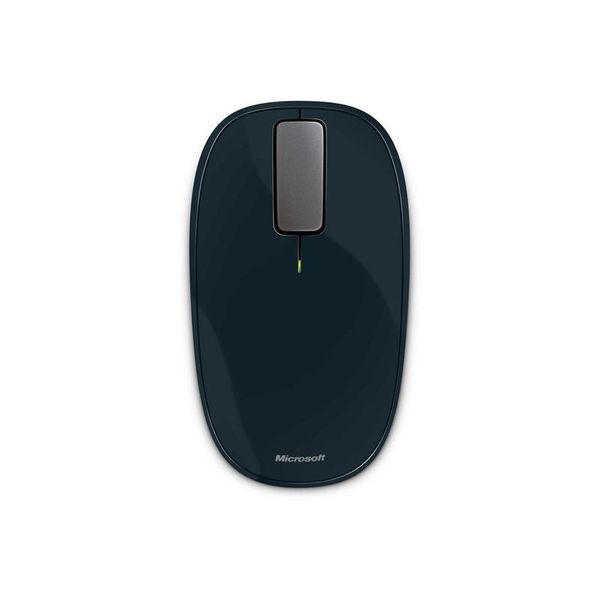
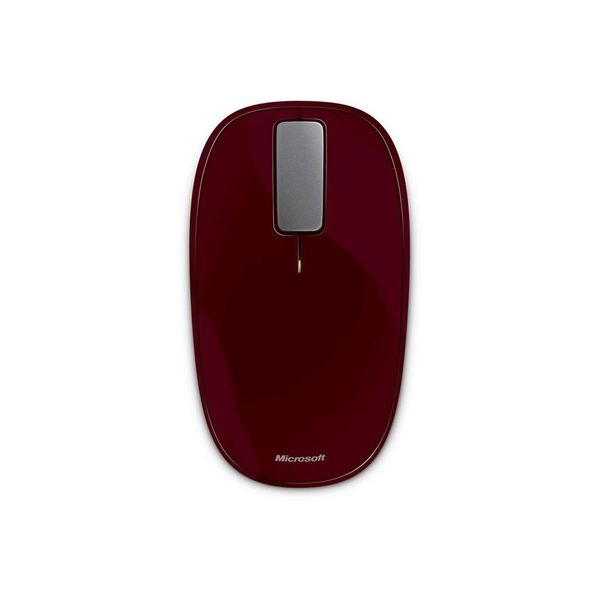
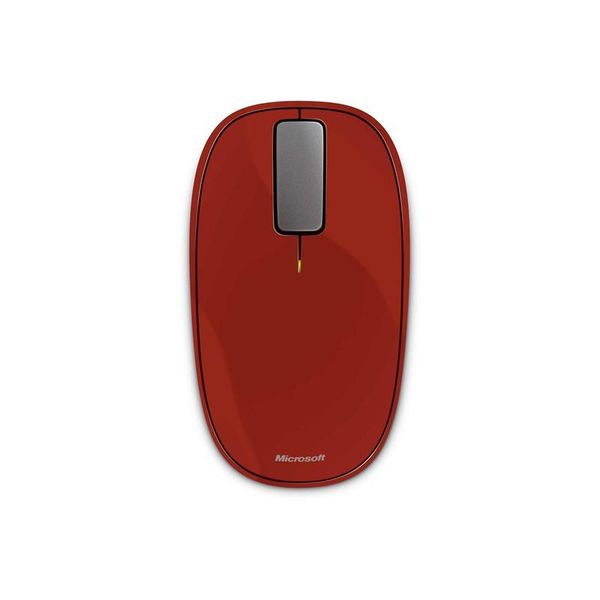
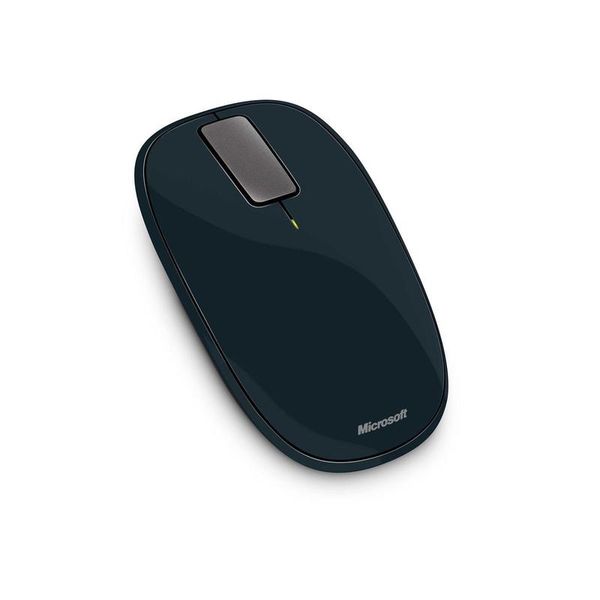
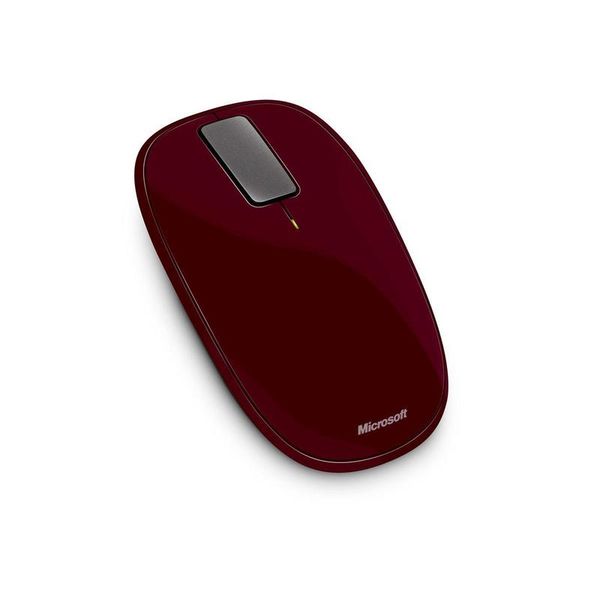
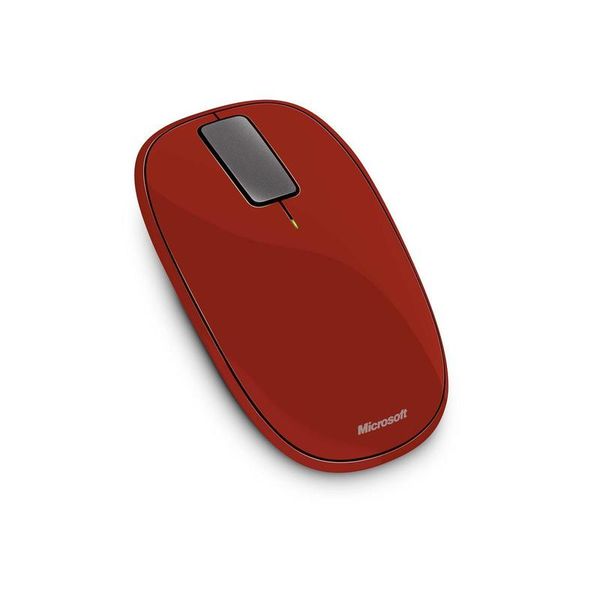
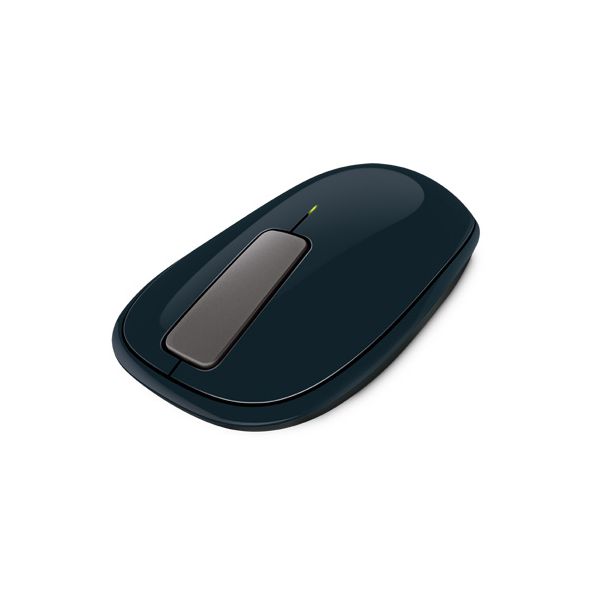
Microsoft Explorer Touch

Reviews
Show product page
14 years ago
Microsoft Touch Mouse review
Great for keyboard-free window management, but spoiled but erratic and sluggish vertical scrolling
14 years ago
Microsoft Touch Mouse
When all is said and done, MS Touch Mouse is perhaps the most innovative mouse I have ever used. Microsoft has been able to effectively combine two dissimilar products into one. Honestly, up until I started actually using it, the idea of making a mouse that is also touch sensitive seems outlandish,...
Pros:
- Multi-touch sensitive touchpad built into the top of the mouse
- Short and simple learning curve
- Truly ambidextrous design
- Productivity boost for power users
Cons:
- Less than optimal grip areas
- Touch sensitive area can be a tad too sensitive
- Windows 7 only
- Only 1000 DPI sensitivity
- No customization of the touch commands
- Sluggish vertical scroll

13 years ago
The teeny weeny Bluetooth Microsoft Wedge Touch Mouse is the latest creation out of the software giant's hardware division, and it's been built from the ground up for Windows 8 and all those new PCs, laptops and tablets expected to launch in late October.
Pros:
- If you really need a mouse on the go, you won't find many smaller than the striking Microsoft Wedge Touch Mouse
- With a surface area barely bigger than a credit card, it's certainly easy to throw in your bag
- It's surprisingly comfortable to use too considering its wee size.
Cons:
- Windows 8 is just around the corner, and with it come all sorts of new gestures, including the ability to swipe between apps
- But you won't be able to pull them off with the Microsoft Wedge Touch Mouse, That's a bit silly, especially when Apple's Magic Mouse and Trackpad support all sorts of useful...

13 years ago
Not great for web browsing
I was looking for a Bluetooth mouse with programmable buttons primarily for web browsing to replace a Microsoft USB mouse that had become inconsistent in accurately playing macros.
Pros:
- would be solid for a standard mouse
- bluetooth is seamless
Cons:
- only one usable programmable button
- touch strip very inconsistent

13 years ago
Really tried to like it
This is the second microsoft bluetooth mouse that I will have to return because this one also didn't meet expectations. I am honestly trying to like it, especially because I don't want to return another mouse, but I simply can't live with the touch strip. Comfort is quite good.
13 years ago
Quirky mouse
Bought this on recommendation of store clerk. I liked the sleek design & was told it could scroll horizontally. I haven't had much success with scrolling either direction. I haven't done well without the traditional scroll wheel.
Pros:
- Comfortable Design
- Easy onoff button
- Learned To Use Touchpad
Cons:
- Odd scroll feature

13 years ago
Battery life is not brilliant, I've only had it a month and it's already flashing the red battery low warning light at me even though I've been switching it off when I'm not using it.

13 years ago
OK
Scrolling function is ok -- a little temperamental, in that slide translates into scrolling in a jerky, sort of unpredictable way. Also, there is no way to click a scrolling wheel with this mouse, as there is no wheel, and no provision to parallel this functionality was made.
Pros:
- Works On Any Surface
Cons:
- Uncomfortable Design

14 years ago
Microsoft TouchMouse
Microsoft's latest mouse has been specifically designed for Windows 7. Fusing one-, two- and three-fingered multitouch with an ambidextrous mouse design, the TouchMouse is Microsoft's latest attempt to bring gesture control to a Windows desktop near you.
14 years ago
Fantastic
Feels a little jarring at first to use the touch wheel, but after a half hour is feels natural to me.
Pros:
- Has all the benefits of touch without losing the feelinging of clicking
- The scroll "wheel" is especially awesome and everything is fully customizable through the intellipoint software
- Accurate on all the surfaces around me
Cons:
- A little shorter than my last mouse
- but since I'm 6'5 with big hands I suspect this would only be a problem for me
3.5
from 53 reviews
5
13.0%
4
37.0%
3
33.0%
2
6.0%
1
8.0%

