

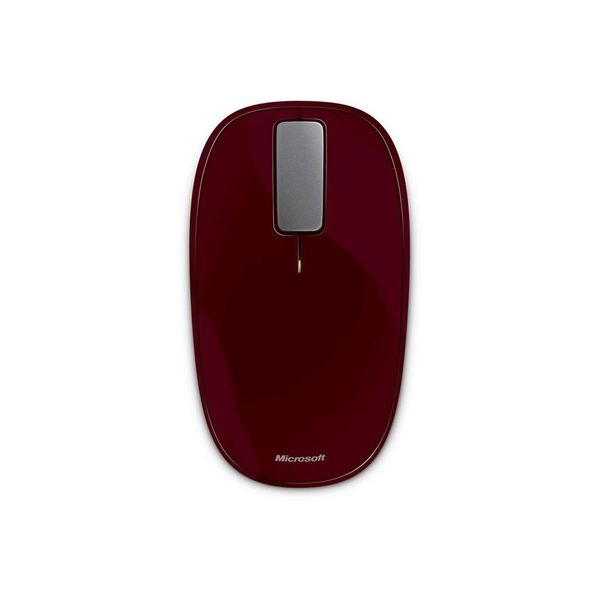
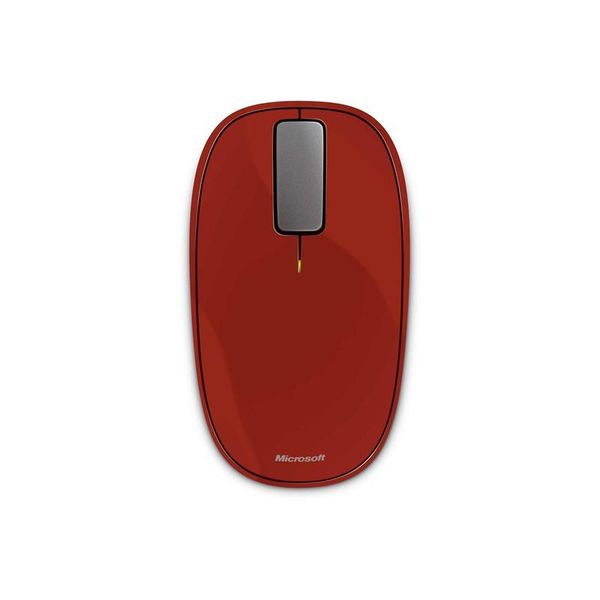
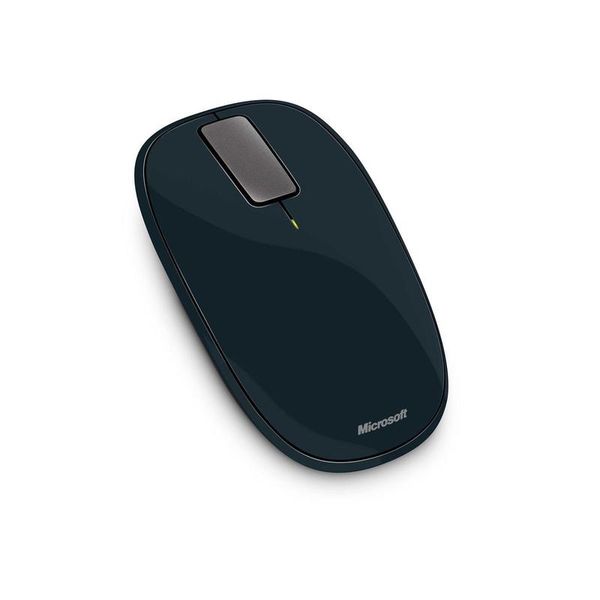
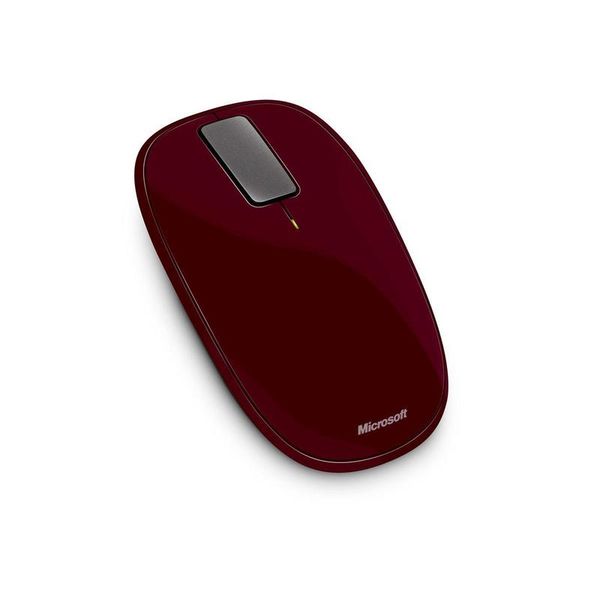
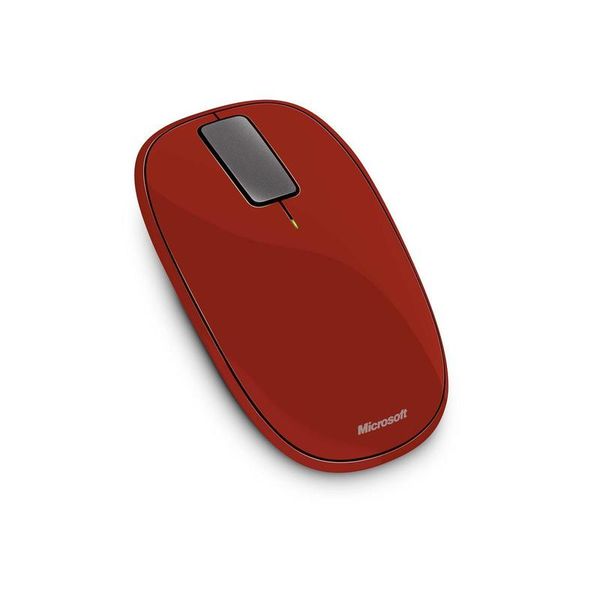
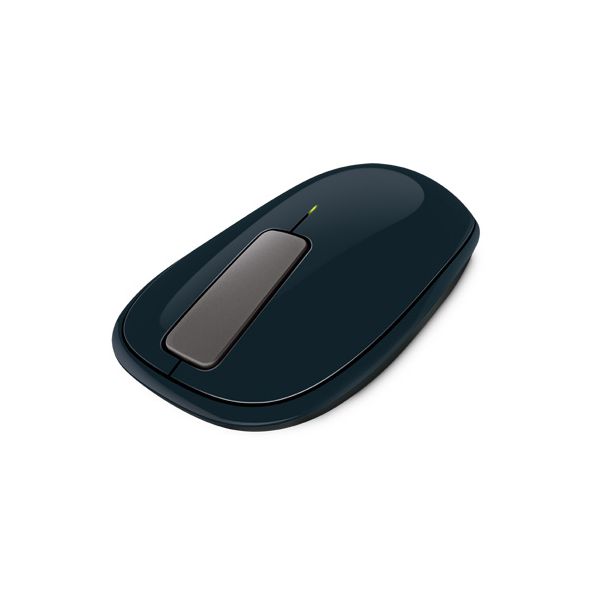
Microsoft Explorer Touch

Reviews
Show product page
12 years ago
Microsoft Sculpt Ergonomic Mouse
On the whole, both the mouse and keyboard work as advertised in Windows 7 and 8. All we have to do is turn on our computer, plug in the dongle into our computer's USB port, power on the mouse, and voilà!
Pros:
- Encourages proper posture
- Modular number pad design
- One USB dongle connects the entire bundle
Cons:
- Expensive
- Some media keys don't work consistently
- USB Adapter sticks out too far

12 years ago
Unique Design That Works, Surprisingly!
Since my laptop passed on a few months ago, I've been accomplishing the majority of writing work on
Pros:
- Portable
- accurate
- surprisingly nice feel while using it
Cons:
- Battery life
- not for gaming
- not for all-day or desktop use either

11 years ago
very nice mouse
I wanted to wait a couple weeks before I reviewed this mouse. I wasn't sure if I could get used to the scroll button, other reviewers said it was to different to get used to. I didn't find it hard at all. took a couple days, but then it was no big deal..
14 years ago
Microsoft Explorer Touch Mouse Review
Earlier this year we looked at three touch sensitive portable mice from the likes of Mad Catz, SpeedLink and Microsoft. Each mouse was distinct in its own right and all three were able to track fine on my Roccat Sota pad, but I ultimately chose Microsoft's Arc Touch as my favorite because it was the...
Pros:
- Touch strip works well
- Bluetrack
- ambidextrous design
- relatively comfortable
Cons:
- No thumb buttons

14 years ago
Microsoft Explorer Touch Mouse
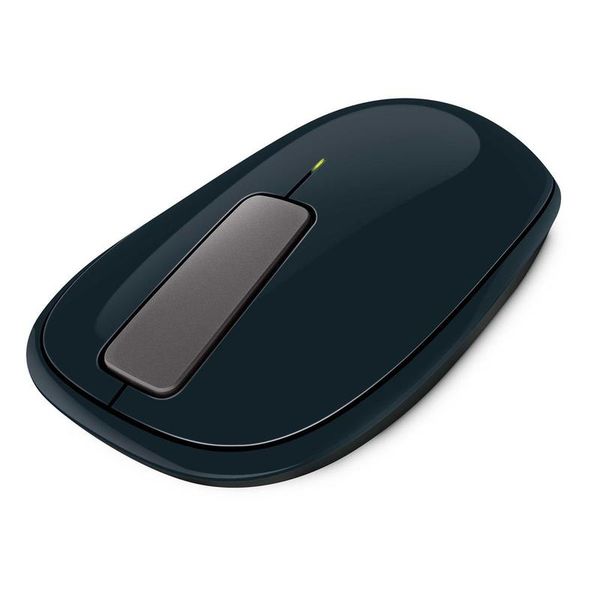
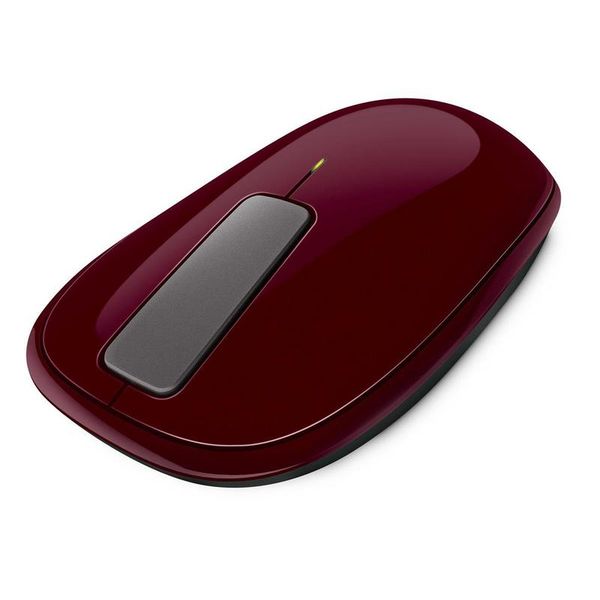
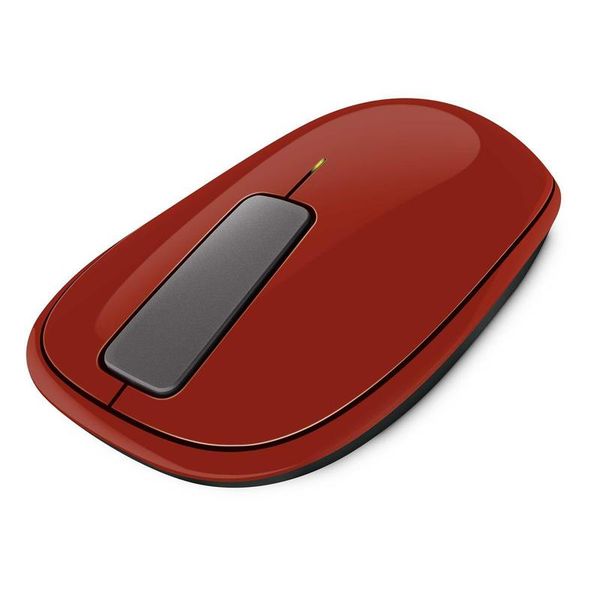
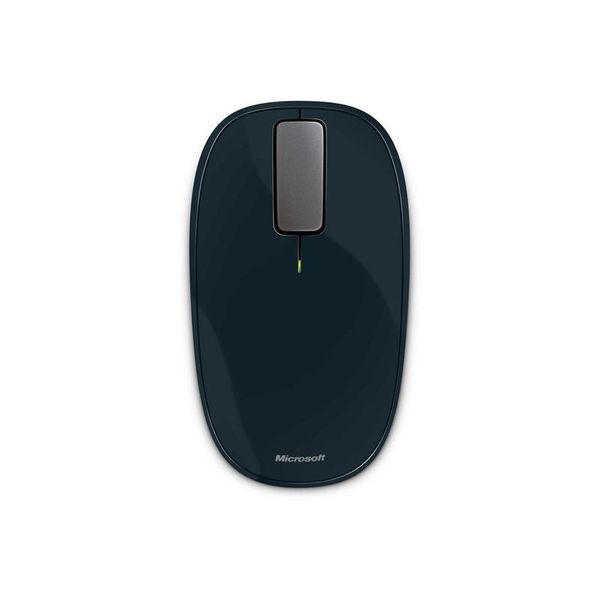
The Explorer Touch Mouse ($49.95 list) is the third and least expensive in Microsoft's Touch series of mice . Touch interaction with it is limited to a flat matte grey piece of plastic in the middle of the mouse that replaces the traditional scroll wheel.
Pros:
- Designed for right- or left-handed use
- Wireless
- Can be used on a wide variety of surfaces
Cons:
- Design is not ergonomic

14 years ago
Microsoft Touch Mouse
The Microsoft Touch Mouse combines a traditional mouse with multitouch gestures to make navigating and using Windows 7 on a desktop computer just like a notebook with a touchpad. While a little expensive, it is very responsive, comfortable to use and intuitive.
Pros:
- Easy to setup
- Attractive
- comfortable design
- Responsive touch surface
Cons:
- A little costly
- Only Windows 7 supported
- No gesture for zooming

13 years ago
Not a bad mouse, nice and useful gestures. However, I do miss the scroll wheel.

13 years ago
Microsoft Wedge Touch Mouse
With the launch of Windows 8 , Microsoft has released some new peripherals that have been designed to complement the new operating system, and its new way of doing things. First up is the Microsoft Wedge Touch Mouse, a rather odd looking Bluetooth-only mouse.
Pros:
- Responsive
- Portable
- Works well with Windows 8
- Easy to connect
Cons:
- Pricey
- Not for desktop PCs

13 years ago
Not what it seems
This mouse seems well built and feature laden for Win7. Like the other reviews I find the scrolling to be intolerable: freakish behavior, too fast or too slow, difficult to control, the cursor at times just jumped around with no control, pages fly by. Very difficult to use overall.
14 years ago
Microsoft Touch Mouse
UPDATE 26/08/2011: we have now re-tested the Microsoft Touch Mouse with its new drivers. Microsoft officially announced that the new Intellipoint 8.2 drivers would correct several of the major issues we noticed in our original test-namely the...
Pros:
- Touch-sensitive (only an advantage if you prefer that to buttons
- Taller
- longer and more comfortable than the Apple Magic Mouse
- Attractive
- which isn't easy for a mouse
- Tiny wireless receiver doesn't stick out of your laptop
- Easy to get the hang of
Cons:
- Supplied batteries aren't rechargeable
- Heavy: 130 g compared to 110 g on the Logitech G500
- Virtual scrollwheel isn't responsive enough - noticeable lag
- Windows 7 (and later!
3.5
from 53 reviews
5
13.0%
4
37.0%
3
33.0%
2
6.0%
1
8.0%

