

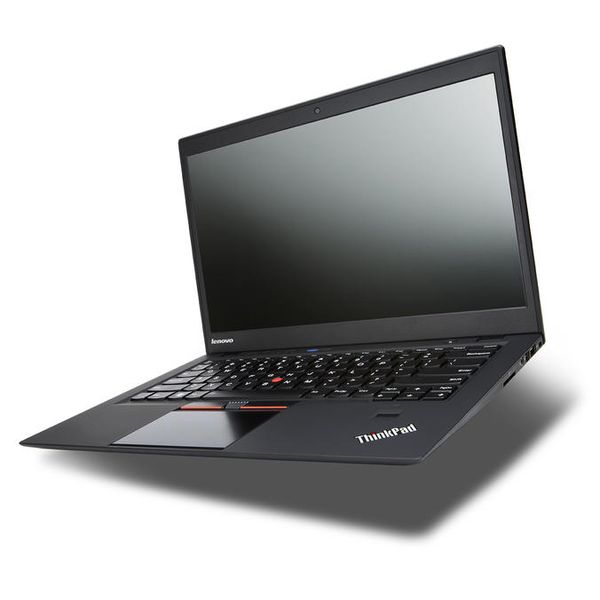
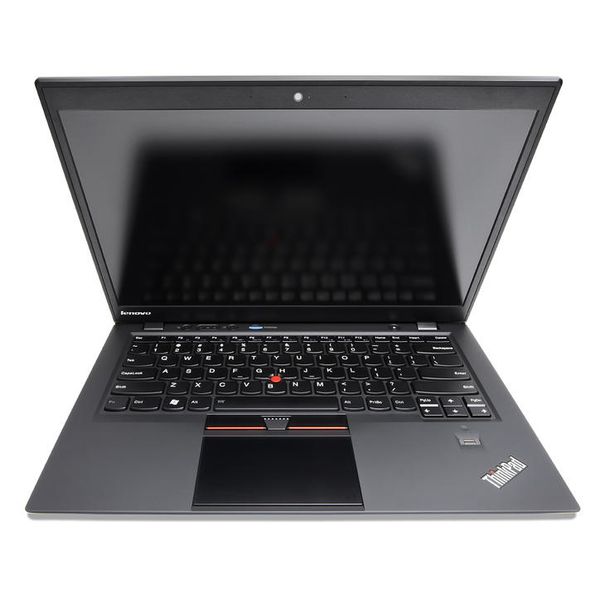
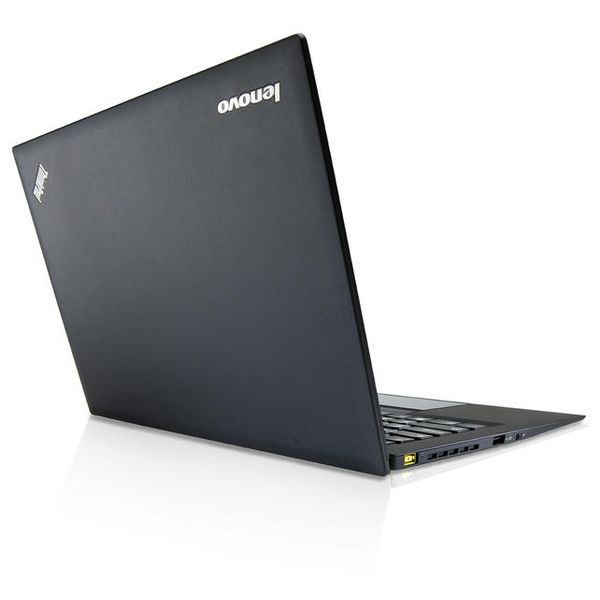
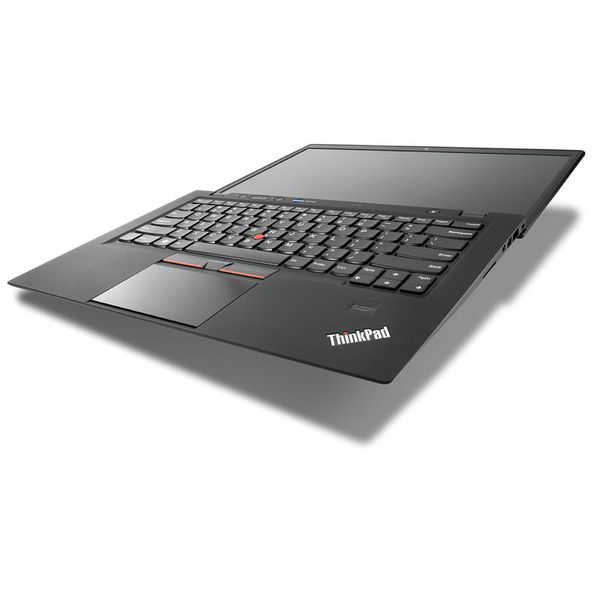
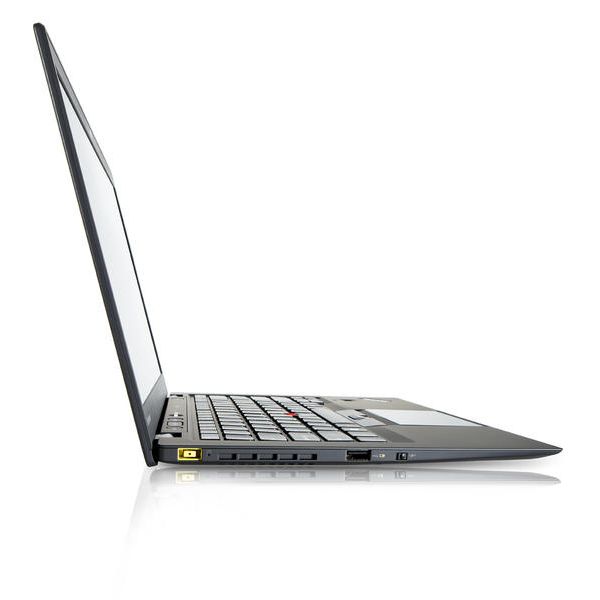
Lenovo ThinkPad X1 Core i5-3337U 128GB 14in

Reviews
Show product page
13 years ago
Lenovo ThinkPad X1: Review
The Lenovo ThinkPad X1 is clearly a product for a consumer business, so a strong focus on quality, neglecting the design slightly. The strengths are a body strong and resistant to falls, an ergonomic keyboard and spill-resistant, the fingerprint reader to protect your data from prying eyes, HDMI,...
Pros:
- RAM, USB 3.0 port, memory card reader, fingerprint reader, spill-resistant keyboard
- Chassis resistant to falls, Bluetooth and optional WiMax
Cons:
- Internal memory
- not eye-catching Design

13 years ago
Lenovo ThinkPad X1 Carbon review
Lenovo's first ThinkPad Ultrabook wasn't up to scratch, but the firm has addressed criticisms and nailed it second time around. The familiar ThinkPad design and build quality mean it'll stand the rigours of the office, the trackpad and keyboard are superb, and the screen's better than ever thanks to...
13 years ago
Lenovo ThinkPad X1 Carbon Ultrabook
With its consumer focused IdeaPad U310, Lenovo showed that it ‘got' the Ultrabook segment and impressed us with a solid, powerful and distinctive Ultrabook with great battery life and an even greater value at around $600.
13 years ago
Lenovo ThinkPad X1 Carbon
The Lenovo ThinkPad X1 Carbon is everything the original X1 should have been. Though its TN screen doesn't quite match up to the premium style, build and features of this stunning Ultrabook, in every other regard it's easily the best business ultraportable around.
Pros:
- Stylish
- light and sleek
- Superb backlit
- spill-proof keyboard
- Durable soft-touch finish
- Powerful specs
- Good high-res screen
Cons:
- No Ethernet port
- Screen panel still TN

13 years ago
Lenovo ThinkPad X1 Carbon Touch review: one of our favorite Ultrabooks gets a touchscreen
The X1 Carbon Touch is among the best Windows 8 Ultrabooks around, with a comfortable keyboard, fast performance and a lightweight build. Still, it's pricey, even for a high-end ultraportable.
Pros:
- Solid build
- lightweight for a 14-inch machine
- Excellent keyboard and trackpad
- Fast performance
Cons:
- Expensive
- Narrow viewing angles

13 years ago
Lenovo ThinkPad X1 Carbon Touch review
Lenovo got a lot of things right with the ThinkPad X1 Carbon, and all the advantages carry over to the Carbon Touch: it's light, gorgeous, functional, and powerful enough for every realistic ultrabook task.
Pros:
- Touchscreen works well
- Gorgeous
- sleek design
- Solid performance
- Great keyboard
Cons:
- Gets really hot
- Expensive
- Too much bloatware

13 years ago
Lenovo ThinkPad X1 Carbon Review
Another notable difference from last year's X1 is the Carbon's carbon-fiber construction (see what they did there?). The material is used in the notebook's shell and its internal "roll cage," making it both lightweight and rugged enough to withstand eight Mil-Spec tests for toughness.
Pros:
- Understated good looks
- solid build quality
- nice keyboard/touchpad
Cons:
- Pricey
- 128GB SSD
- average battery life

13 years ago
Lenovo ThinkPad X1 Carbon Touch Review
Lenovo's ThinkPad X1 Carbon Touch retains almost everything that is good about the original X1 Carbon while adding the touchscreen many value in a Windows 8 machine.
Pros:
- Light weight and slim
- Semi-rugged and durable construction
- Excellent keyboard for an Ultrabook
- Multiple inputs
- including TrackPoint
- Speedy performance
Cons:
- Only two USB ports
- Sub-par touchpad
- Touchscreen means lower battery life
- Viewing angles aren't as wide as we'd like

13 years ago
Lenovo ThinkPad X1 Carbon Touch
Adding Windows 8 and a touch screen keeps the X1 Carbon in the running as one of the only really high-end crossover thin laptops you can find right now. Lenovo itself does some more inventive stuff with the Yoga, Helix, and other models, but this is a sharp-looking business machine for serious PC...
Pros:
- Base of the solid 14-inch ThinkPad X1 Carbon upgraded to with Windows 8 and a touchscreen
- Excellent keyboard
Cons:
- Touchscreen makes the lid thicker
- Touch pad can be finicky at times

13 years ago
Fantastic!
Pros:
- I love this laptop
- Fantastic Linux support
- I UEFI boot Arch Linux using EFISTUB and it's lightning quick
- Almost all of the hardware worked out of the box
- I needed to configure the volume and brightness controls, but that's basically it
- Durable.
Cons:
- The mic mute button doesn't work
- Not sure if that's faulty hardware or Linux just doesn't recognize it
- The blank button next to it is unused though, so I use that instead
- My previous laptops all had a numpad when holding Fn
- I miss that
- It can get quite hot when charging.
3.9
from 63 reviews
5
16.0%
4
52.0%
3
27.0%
2
2.0%
1
2.0%

