

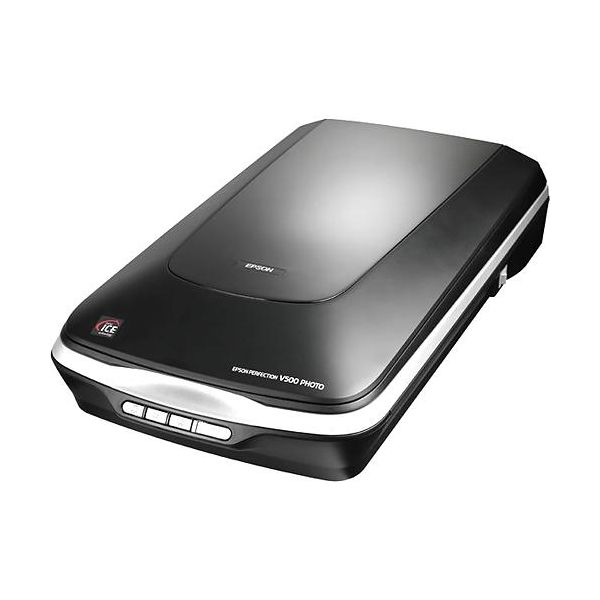
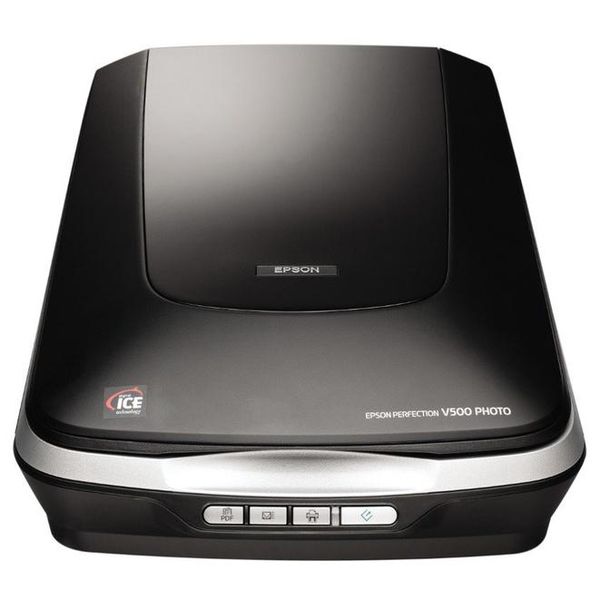
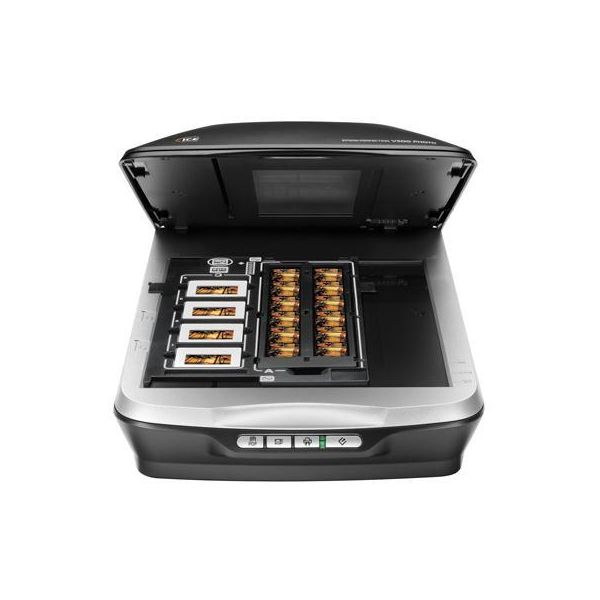
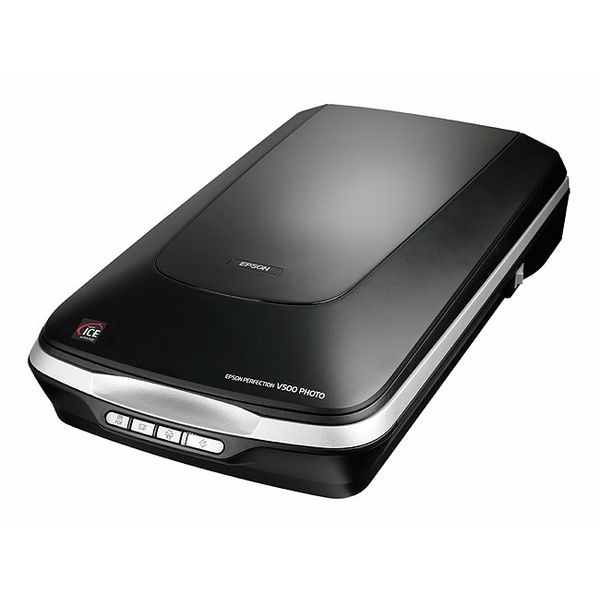
Epson Perfection V500

 $586.27
Reviews
Show product page
12 years ago
Great Scanner
Owned this unit for almost a year and it still runs like a champ. Over 1500 scans have been done with no mechanical breakdown of the system. Again the image quality is just fantastic.
Pros:
- High image quality Good software controls
Cons:
- Power and data cables can easily become disconnected

12 years ago
Probably the best scanner for the money
I have used this scanner for professional and private use on negative film and digitising old prints. The scan quality is impressive. Speed of scanning is good for normal density, but expect to wait a bit if you go to the maximum scan dpi setting (but the output is brilliant).
11 years ago
This does what it says in the description copying photos and slides. The settings for the definition provide high quality copies for filing on your drives.

11 years ago
5 Stars for how easy this is to set up and begin using!
Scanner was really fast to set up. Very easy to start using. Minor annoyance with floaters. I clean and clean and clean the scanner bed but I never seem to be able to get rid of all the floaters.
9 years ago
Epson Scanner V550
Amazing how this machine can scan and produce excellent for the price. Slides,negatives and prints all turn out very close to the original document. I am very pleased with this scanner. Would certainly recommend to others needing one.
8 years ago
Good but with some major problems
Overall, it's a good scanner if you use Professional Mode and adjust the image visuals manually. I do have two major problems with it though. First, a big issue with the software - the most logical option would be to allow people to adjust the marquee / image selection SEPARATELY from the image...
8 years ago
Works well but Mac Sierra & High Sierra will need a patch
The Mac Epson Scanner Driver & EPSON Scan Utility v3.9.4.0 software is downloadable from the Epson website. However you also need to download a Patch from the same page under Utilities EPSON Scan Common Updater v1.0.0. This will download the required patch.
7 years ago
Owned 2 years so far
I have scanned in excess of 3000 slides in the past two years; some of the slides are as old as 60 years. The quality of the slides have ranged from excellent to downright color-shifted. I've been using the manual (professional) mode and adjusting color balance and cleaning up.
4.3
from 48 reviews
5
58.0%
4
31.0%
3
2.0%
2
0.0%
1
7.0%

